
Abstract:
I have to admire Microsoft, such a simple feature has been delayed for N years and is finally ready to be developed: There are currently a large number of strings related to automatic theme switching in the Windows 11 preview version, including scheduled automatic mode, while other strings indicate that Windows 11 will be able to switch between light and dark modes based on the sunrise and sunset times of the user's location.
Microsoft’s procrastination is also so serious:
Currently, mainstream operating systems already provide dark and light modes. The dark mode is mainly used at night. Using the dark mode at night can prevent the screen from being too dazzling. The automatic switching between dark and light colors means that the system can automatically switch to dark mode after sunset according to the time set by the user or the sunrise and sunset times at the user's location, and then switch to light mode the next day.
Windows 10 already supports dark mode, but until now Microsoft has not provided automatic switching between dark and light modes. Therefore, users must either switch manually or rely on other software to automatically switch between dark and light modes. This should be a basic function provided by the system.
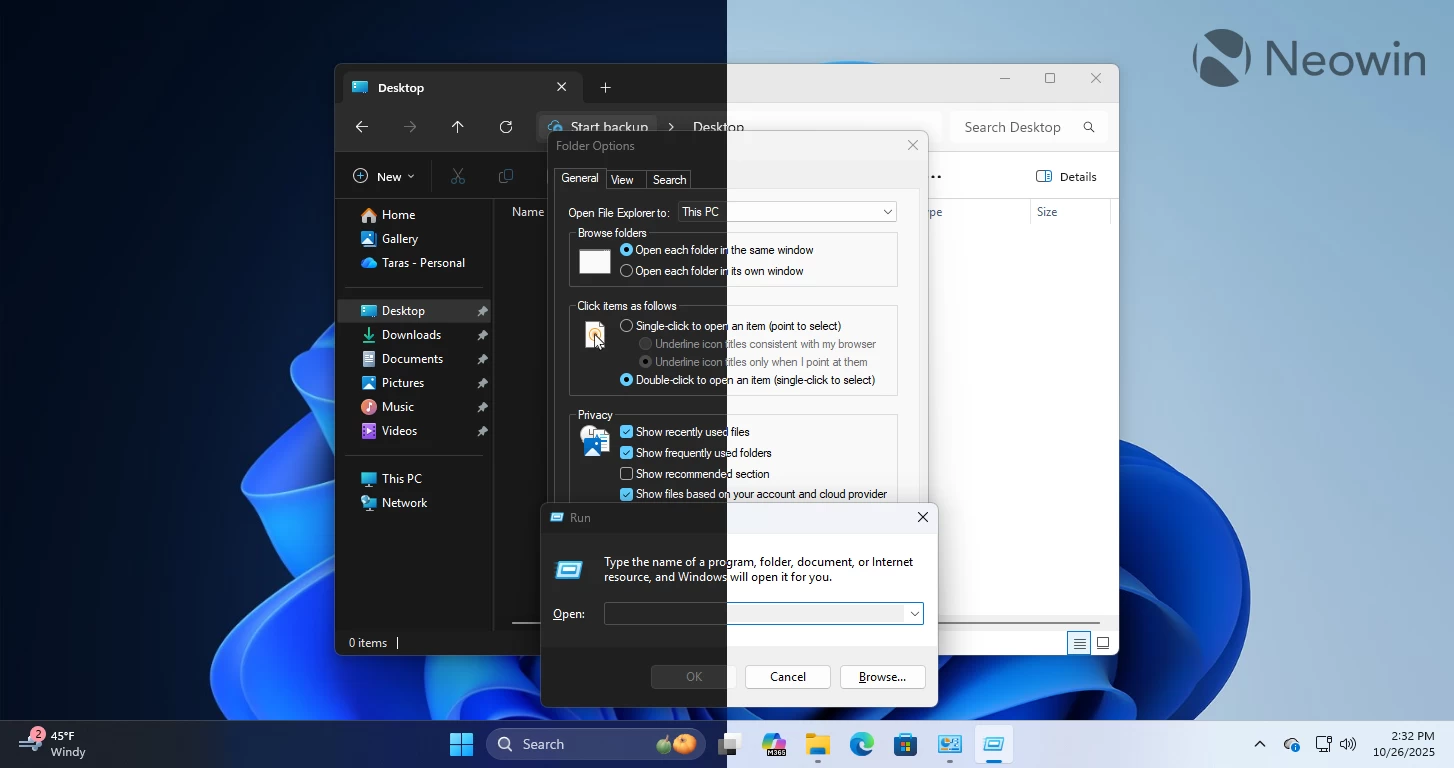
Now Microsoft is finally ready to develop automatic switching:
Microsoft is indeed working on automatic light and dark color switching in the Windows 11 beta, and there are now a number of strings mentioning automatic theme switching. The scheduled automatic mode means that users can schedule the switching at their own time, and automatic sunrise and sunset switching may be enabled by default.
Another option is not to automatically switch when the user is using the computer. That is, the system will only switch according to the programmed mode when it detects that the current computer is idle. This can avoid problems caused by sudden automatic switching of modes during work or meetings.
Currently, in macOS, Apple automatically switches according to the scheduled time. Even if the user is using a Mac, it will automatically switch. Therefore, sometimes the screen suddenly switches modes, which is really confusing, but after long-term use, there seems to be no problem.
Comments