
Abstract:
Developer JPRX recently released the Darwin-VM project as open source, which can use a modified QEMU virtualization solution to launch real iOS and macOS systems, and can simulate multiple generations of Apple A/M series chips in recent years. It should be noted that this virtual machine project is mainly for XNU kernel, security research and reverse engineering related research and learning purposes. It is not a complete simulator for running iOS applications, so non-researchers may not need to deploy it.
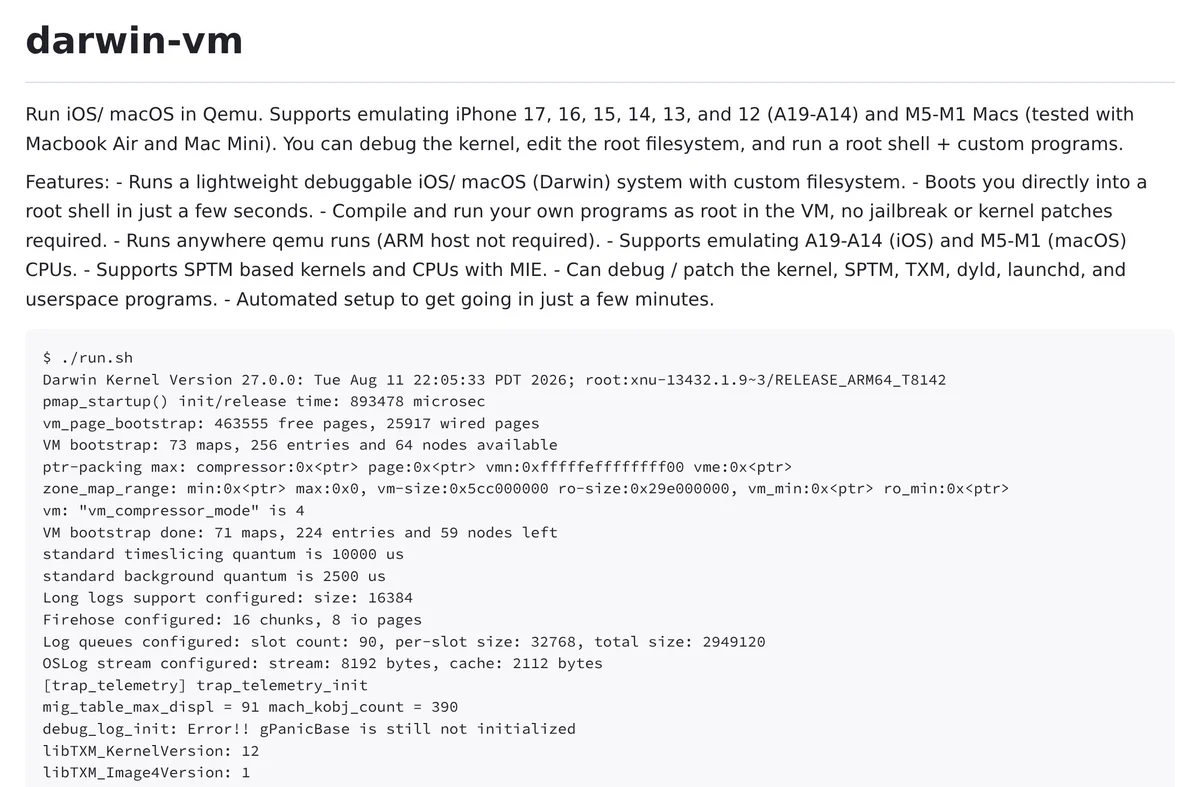
Supports multiple generations of Apple A/M series chips:
This open source project has been tested to support A14~A19 series chips, corresponding to iPhone 12/13/14/15/16/17. As for macOS, it covers M1~M5, and also tested models such as Mac mini and MacBook Air.
After the system starts, it will not enter the iOS or macOS graphical desktop, but directly enter the streamlined Darwin Root Shell environment. Developers can directly edit the root file system, compile and run custom applications, and debug the XNU kernel, SPTM, TXM, dyld, launchd and user mode programs.
Adapt to Apple SPTM and TXM security architecture:
The bottom layer of Darwin-VM uses the qemu-sptm branch maintained by developers. Compared with standard QEMU, this version adds a large number of Apple A/M-specific hardware and security mechanism simulations, including SPTM, TXM, SPRR/GXF, MIE/MTE, Apple-specific system registers, AIC interrupt controller, and APFS Ramdisk and TrustCache loading.
The project even allows loading a custom Kernelcache, a development kernel provided by Apple, or a custom compiled XNU kernel, which is ideal for debugging the kernel and studying Apple's underlying security mechanisms.
Not a user-facing emulator:
It is also necessary to emphasize again here that the Darwin-VM project does not have user desktop, GPU, WiFi, Bluetooth, and GPU application support. Therefore, it cannot directly download and install applications for testing like the Android emulator, so users who are not for research purposes do not need to install this project.
In addition, Darwin-VM does not require the Arm architecture, so it can also run on x86 devices. However, when extracting various tools from the official IPSW, you still need to use Mac assistance, and then you can transfer them to a virtual machine for use.
Project address:
https://github.com/jprx/darwin-vm
Comments