
Abstract:
Windows 7 was once regarded by many users as one of Microsoft's most classic operating systems, but this system also had some quite puzzling bugs in the early stages of its release. One of the problems is particularly weird: as long as the user sets the desktop background to a solid color, such as blue, green or black, and enters the password to complete the login, Windows 7 may stay on the welcome interface for a full 30 seconds before displaying the desktop.
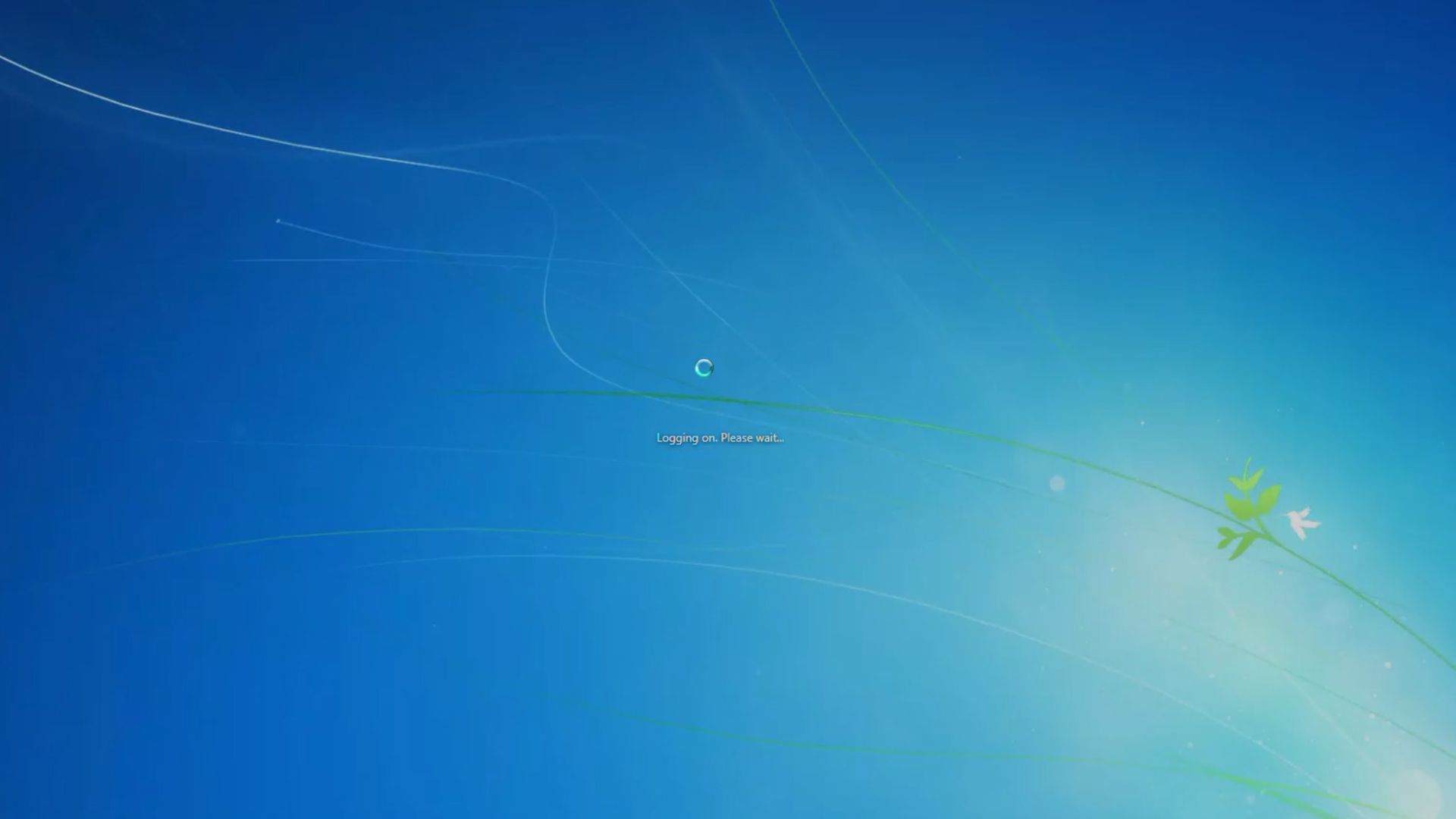
Even stranger, a solid color background itself is nearly the easiest form of desktop background for Windows to handle, since the system neither needs to decode the image nor load a large bitmap file. However, it is precisely this simplest setting that may make the login process significantly slower. Microsoft engineers recently re-explained the technical reasons behind this problem and revealed that it is not actually Windows 7 that actually takes an extra 30 seconds to load the desktop, but that the system has been waiting for a "ready to complete" signal that never comes.
Windows 7 will not switch to the desktop immediately after the user enters the password and passes the verification. The system still needs to start the taskbar, initialize background services, load desktop icons, and process desktop background components in sequence. The login system will wait for these components to report that they are ready. Only when the last component sends a completion signal or the 30-second waiting time reaches the upper limit, the welcome interface will disappear and enter the desktop.
The problem lies in the "Ready to Complete" notification of the desktop background component.
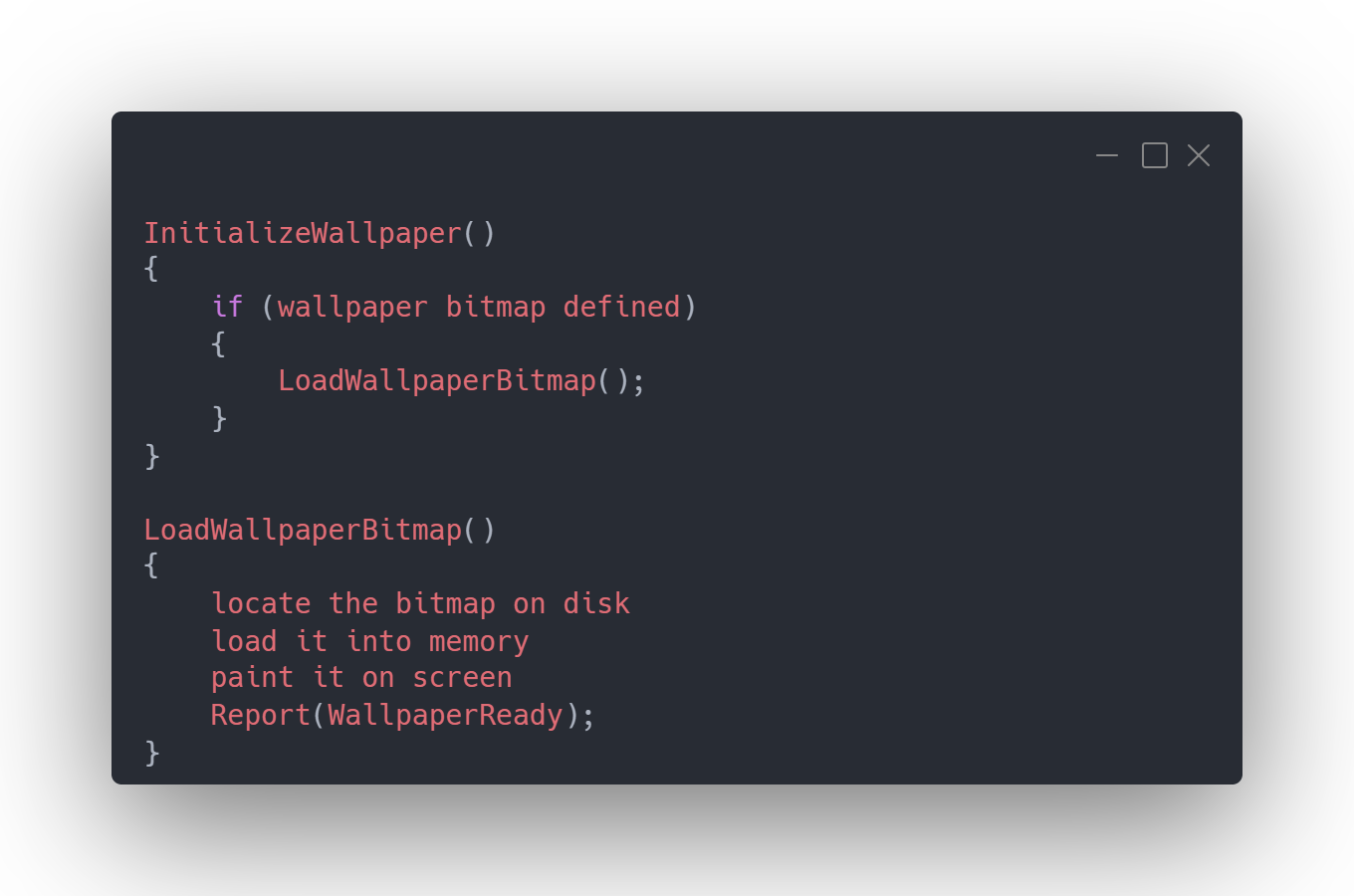
Under normal circumstances, if the user uses a picture as the desktop background, Windows 7 will execute the code related to loading the wallpaper bitmap. When the image is loaded and drawn, the wallpaper component will send a "WallpaperReady" signal to the login system to tell the system that the desktop background is ready and the login process can continue.
But if the user selects a solid color background, the system does not need to load the wallpaper bitmap at all, so the code responsible for loading the image will not run. As a result, the "wallpaper is ready" notification originally placed in this code will not be executed.
Windows 7 then fell into a very typical logic vulnerability: the login system has been waiting for the wallpaper component to report "ready", but the code responsible for sending this report did not run at all because the image was not loaded.
Ultimately, Windows can only wait until the 30-second security timer expires. After the timer expires, the system will consider that there is no point in continuing to wait, so it will give up waiting and display the desktop.
Therefore, this bug does not mean that Windows 7 actually performs an extra 30 seconds of work in the solid color wallpaper state. Even if all other login components on the computer only take 5 seconds to complete, the welcome interface may still stay there for 30 seconds before disappearing. Conversely, if the computer itself takes 25 seconds to complete the login, the wait time seen by the user may also be closer to 25 seconds.
Microsoft engineer Raymond Chen previously explained this mechanism on Microsoft's official technology blog The Old New Thing. He pointed out that the login process itself is not forcibly extended by 30 seconds, but the welcome interface will remain displayed until all components report that they are ready, or the waiting time reaches the upper limit of 30 seconds.
In other words, the real problem is not "Windows spent 30 seconds loading the desktop" but "Windows spent 30 seconds waiting for a signal that never comes."
The whole process can be summarized as follows: after the user enters the password, Windows waits for each Shell component to report that it is ready; if a picture wallpaper is used, the WallpaperReady signal will be triggered after the bitmap is loaded, and the login system will continue after receiving the signal; if a solid color background is used, the bitmap loading code will not be executed, so the WallpaperReady signal is skipped; the login system can only continue to wait, and finally times out in 30 seconds before the system gives up waiting and displays the desktop.
This problem does not only exist in solid-color wallpaper scenes. Microsoft later discovered a similar bug related to Group Policy. If the user enables related group policies such as "Hide all icons on the desktop" and "Normal wallpaper" at the same time, the 30-second delay may also be triggered.
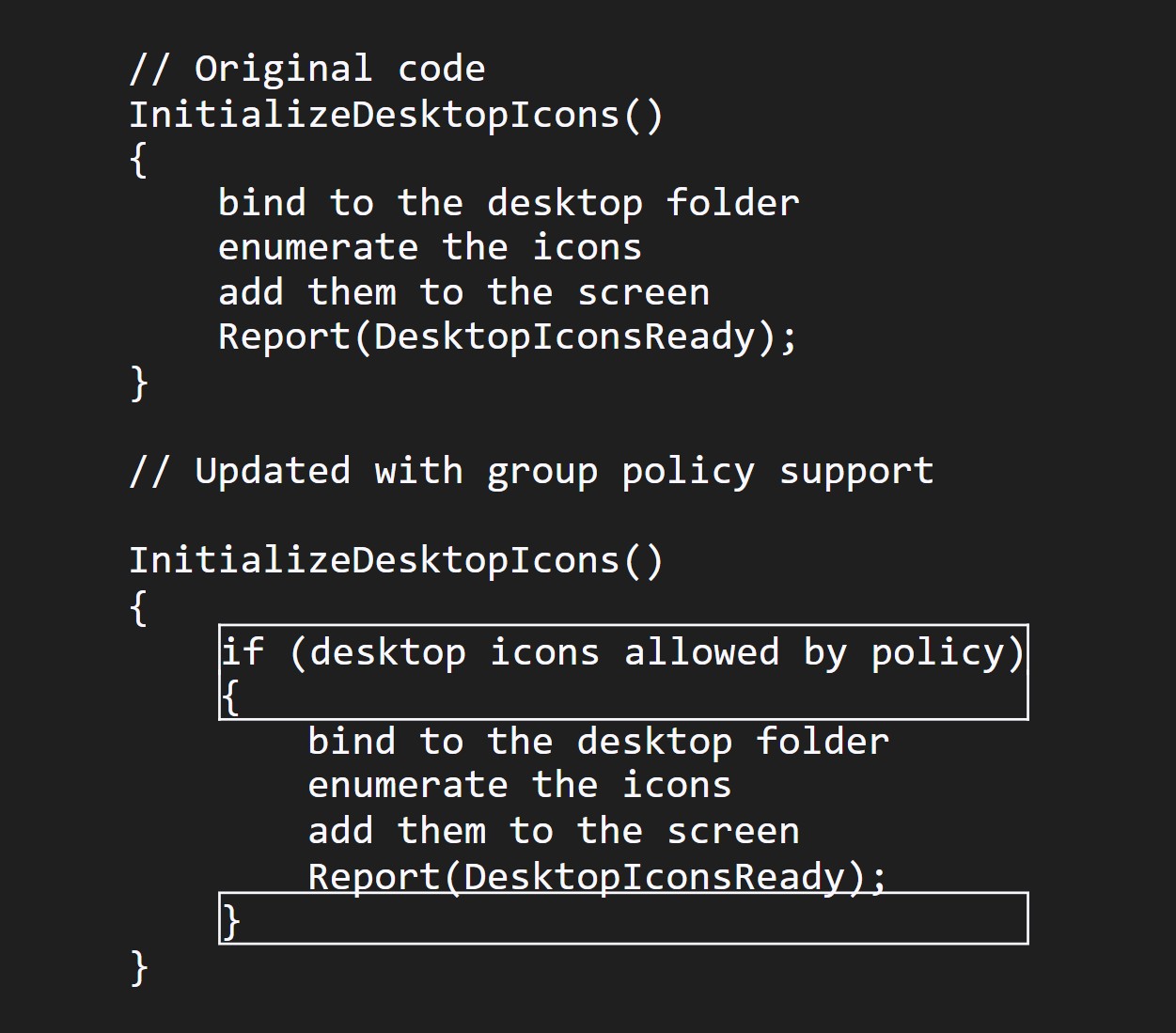
The reason behind this is very similar to the problem with solid color wallpapers. When Windows originally designed the desktop icon initialization program, a completion signal was sent to the system after initialization was completed. Later, Microsoft added group policy support and put the original initialization code into a "execute if policy allows" conditional code block.
The problem is that the code originally responsible for reporting "initialization completed" has also been put into this conditional code block.
As a result, when the group policy requires Windows to hide all desktop icons, the real icon initialization work will not be performed at all, and the completion signal that should be sent after the initialization is completed also disappears. The login system is again stuck in the waiting state until the 30-second timer times out.
Windows 7 users actually found a solution to this problem on their own very early. Microsoft finally fixed the related problems through Hotfix around November 9, 2009, but before the official fix was released, some users had found temporary solutions through actual use.
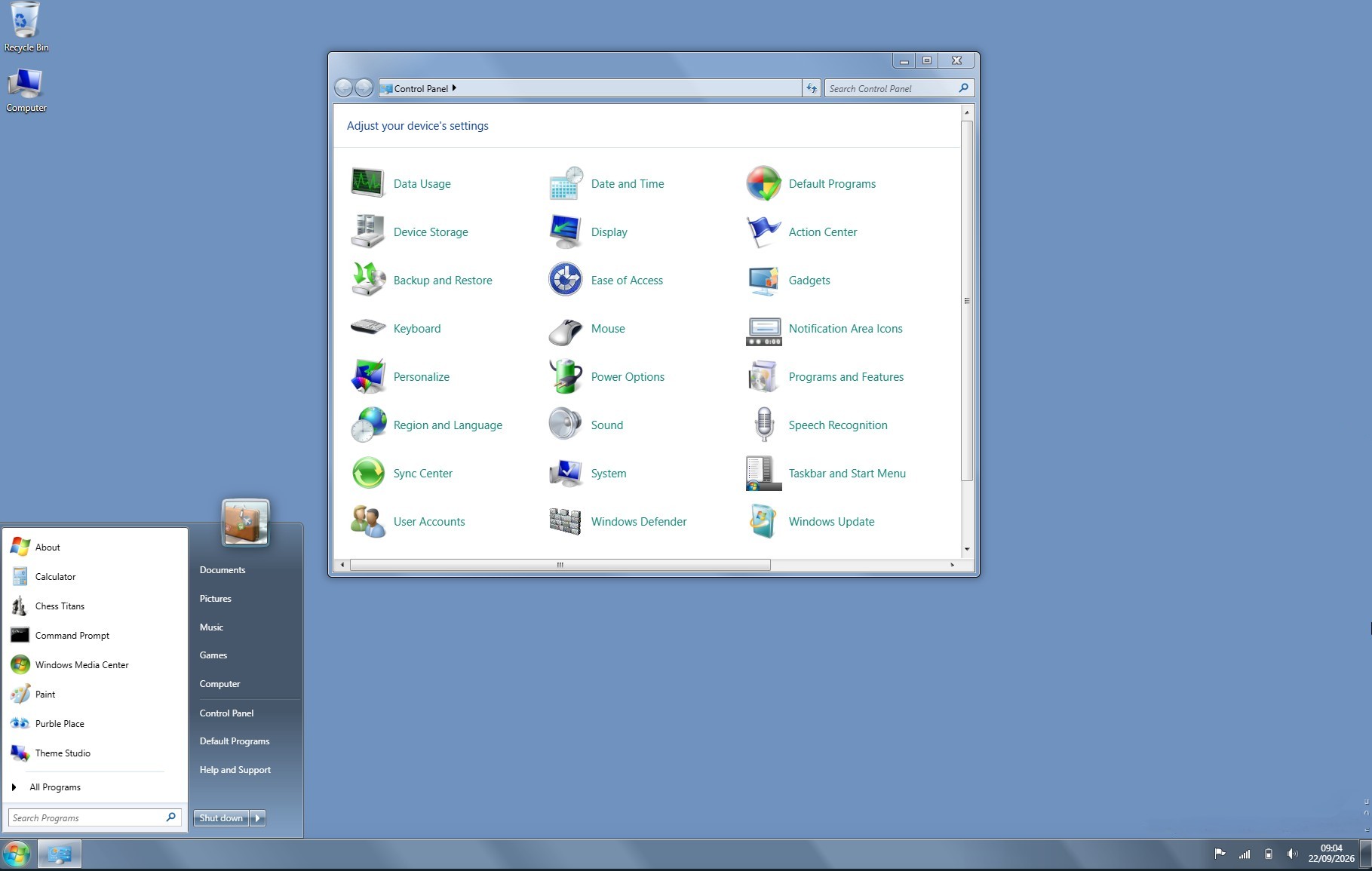
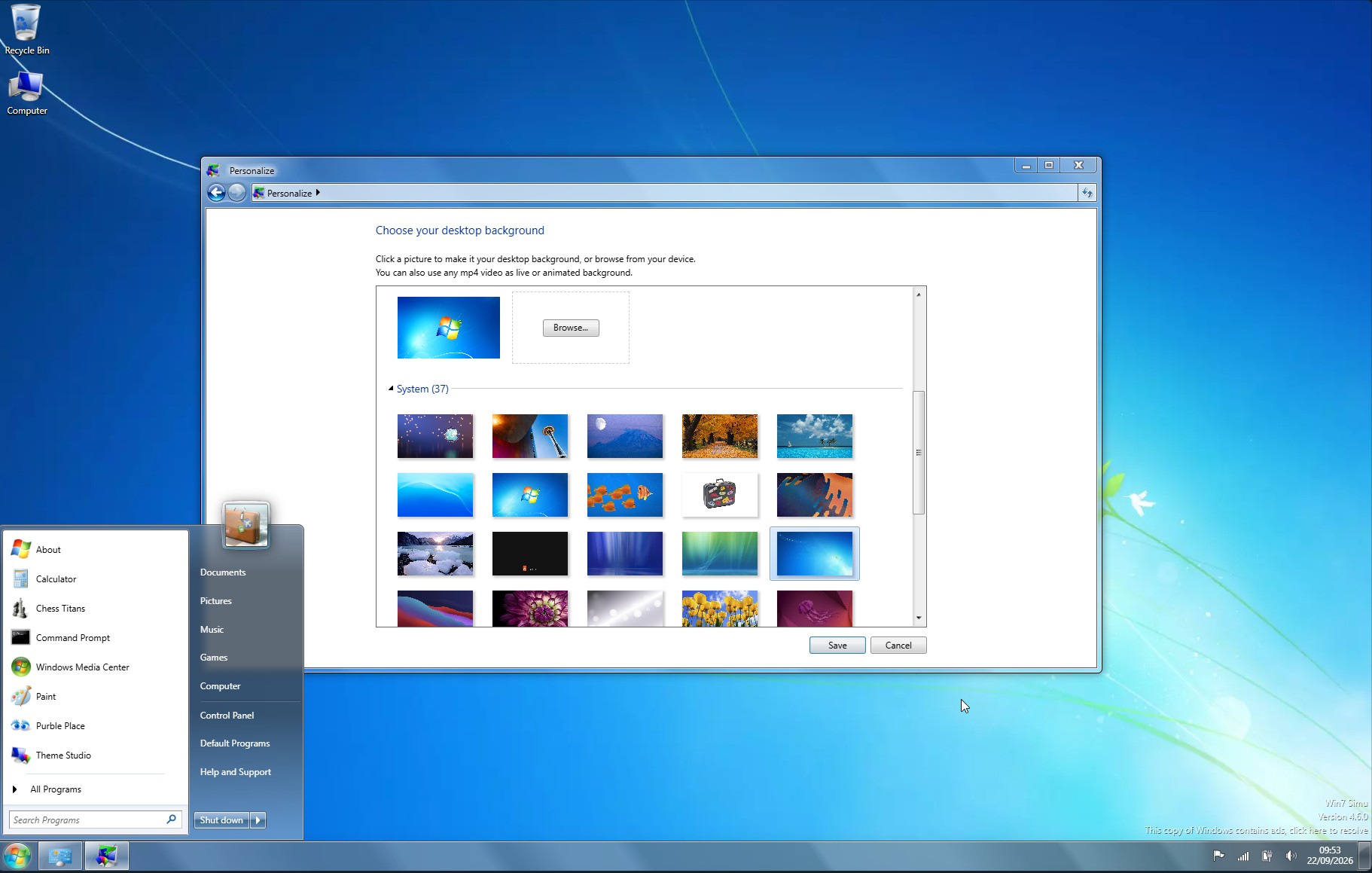
In December 2009, some users discussed this phenomenon in the AnandTech forum and found that as long as the solid color desktop background was changed to an image, the originally abnormally slow welcome interface could return to normal.
For users who really want to use a solid color background, there is another way to save the country: make a very small solid color picture, and then set this picture as the desktop background. Although the visual effect is exactly the same as directly selecting a solid color background, since Windows is actually loading an image now, the related wallpaper loading code will execute normally and the WallpaperReady signal can also be sent out.
Microsoft also provided a method to modify the registry at that time. You can change the desktop switching waiting time by adjusting the DelayedDesktopSwitchTimeout value.
This seemingly absurd Windows 7 bug also embodies a very typical software engineering problem in large operating systems: a seemingly trivial assumption may cause the entire system process to become abnormal under certain very special usage conditions.
Windows originally only needs to wait for a component to tell it "I'm ready", but because this component mistakenly puts the code for sending the completion signal into a path that will only be executed when "loading pictures", after the user selects a solid color background, this signal will never appear.
And Windows did not further judge "since there is no picture, then the wallpaper is ready", but mechanically waited for the established signal, and ultimately could only rely on the 30-second timeout mechanism to end the wait.
Such problems also explain why some operating system bugs appear to be particularly weird in reality: the phenomena seen by users are often completely disproportionate to the real technical reasons. A solid-color background that was supposed to make the system render faster ended up making Windows 7 wait dozens of seconds longer than when using a high-definition picture wallpaper.
Although Windows 7 has long ceased mainstream support, similar historical details are still being rediscovered. Even less than two years ago, some people discovered that Microsoft continued to recommend the "Backup and Restore" tool from the Windows 7 era in Windows 11-related documents. For this operating system that has been out of the mainstream stage for many years, these remaining technical details can still let people see some very interesting engineering choices in the internal design of Windows.
Comments