
Abstract:
Microsoft is testing a new mobile device quick settings portal in the experimental version of Windows 11. After connecting and pairing an Android device, users can directly switch to Do Not Disturb mode and adjust the phone volume through the quick settings panel. You can also have your Android device play a sound so that users can find their phone by sound if they can't find it. This feature is currently under testing and is not yet available to general users.
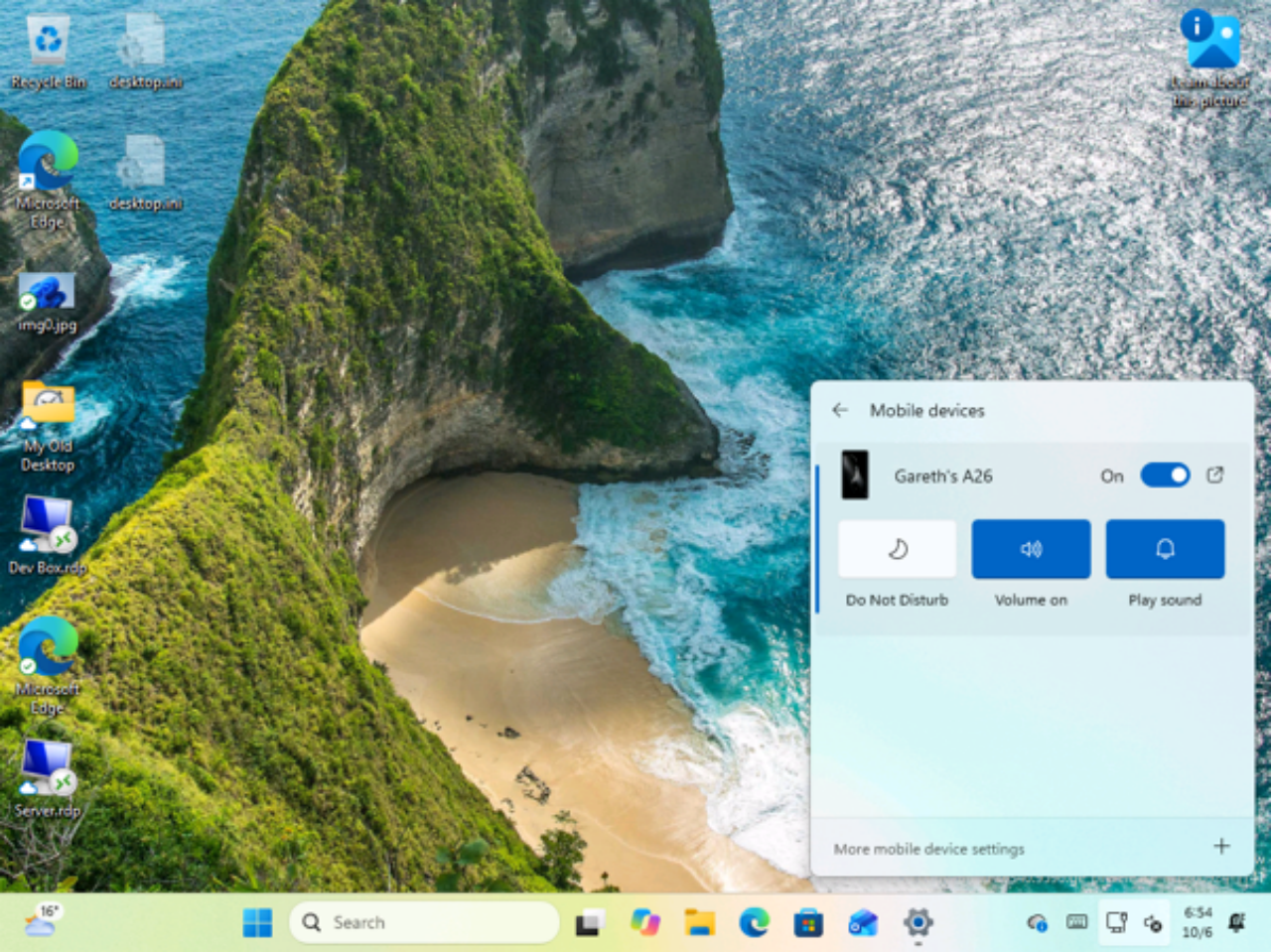
Mobile phone control integrated into quick settings:
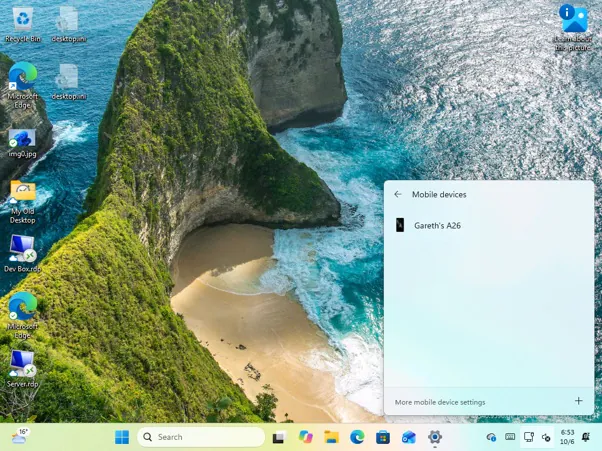
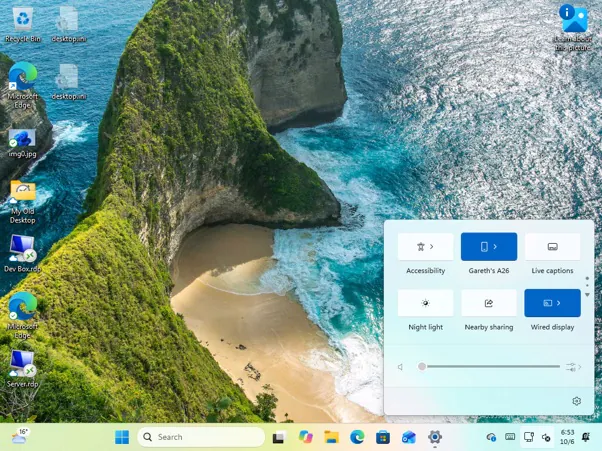
When users use the shortcut key Win+A to open the Windows 11 Quick Settings panel, they can see the mobile device entry. After completing the pairing connection, the name of the paired device will be displayed, and Do Not Disturb mode, volume adjustment and playback sound control options will be provided.
The sound playback function is mainly suitable for finding mobile phones that cannot be found temporarily. Windows 11 can make the phone sound through the established device connection, and users do not need to open the Phone Link application in advance. Overall, this is not a new remote control capability, but Microsoft has forwarded some of the existing functions in Phone Link to a system-level quick entry.
Microsoft continues to push cross-device integration:
Microsoft has provided many functions for Windows 11 to pair and connect Android devices in recent years, such as accessing mobile notifications, text messages, photos, calls, and some application functions on the PC. Microsoft is also testing features such as file transfer, remote computer locking and phone screen mirroring for Android devices.
However, the functions currently provided after pairing and connecting are not available for all Android devices. Some functions are limited to some specific Android devices. Therefore, whether specific related functions can be used requires users to connect to Windows 11 for pairing testing.
Comments