Valve recently launched official Windows driver support for the Steam Machine, which just went on sale on June 30. If users prefer the Microsoft operating system, they no longer have to piece together various drivers to run Windows on the device. This move isn't surprising, as the Steam Machine is essentially a PC, similar to the Steam Deck, and is naturally suited to running multiple operating systems.
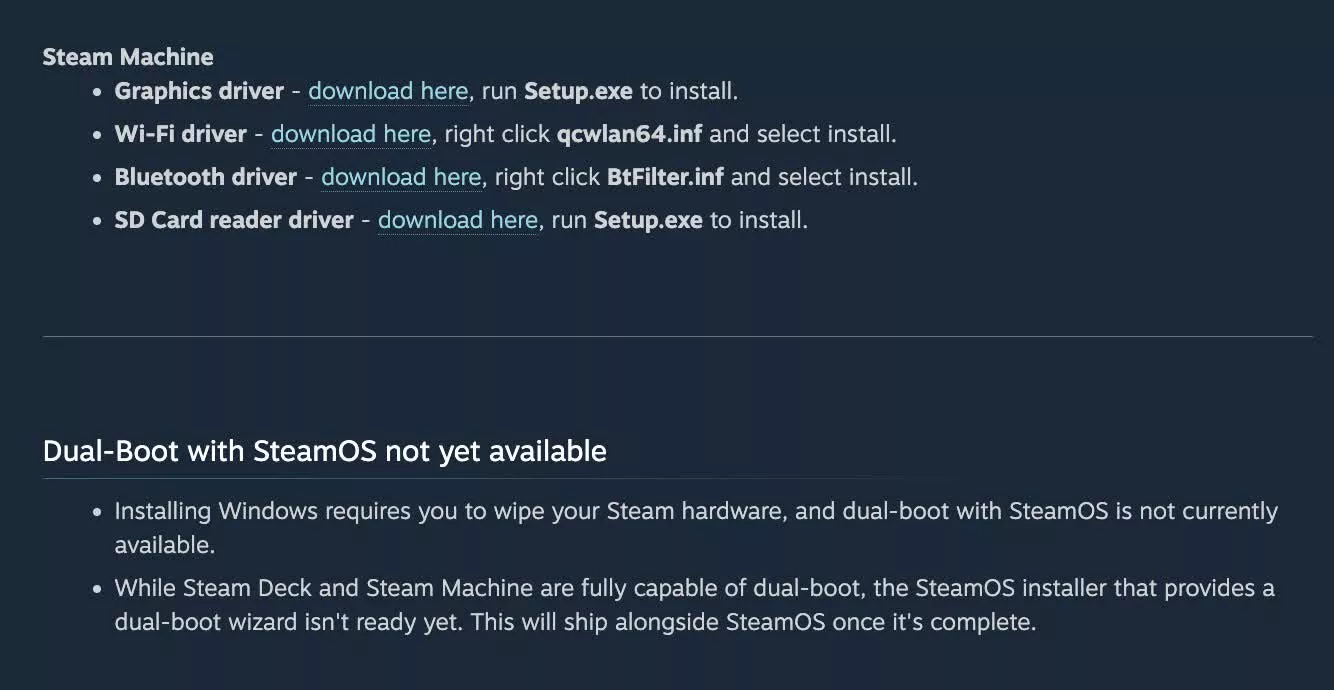
Valve currently provides four types of official drivers for GPU, Bluetooth, wireless connection and SD card reader. After Windows is installed and these drivers are loaded, features such as display output, network connections, and card readers will work like a typical PC. Valve engineers Pierre-Loup Griffais and Yazan Aldehayyat said in an interview with the media before the driver was launched that this solution continues the idea of Steam Deck: Valve only needs to host the driver file on the official website, and users can download and use it.
At the time of the interview, some drivers were still being finalized, including the Bluetooth driver. Griffais pointed out that Valve has been working with AMD to improve graphics support to ensure that users get the latest fixes instead of being stuck with older drivers in the first release. With the now provided driver officially online, it means that the previously unfinished parts have been completed as planned.
However, there are a few key limitations that users need to be aware of when switching to Windows. First, installing Windows clears the device's storage, so there's still no easy dual-boot solution. Griffais said that dual-system boot support is already on Valve's roadmap, but currently users need to manually reduce and repartition storage space if they want to implement dual systems. Valve plans to add a graphical wizard tool to SteamOS in the future to simplify this process, but has not yet announced a specific launch time.
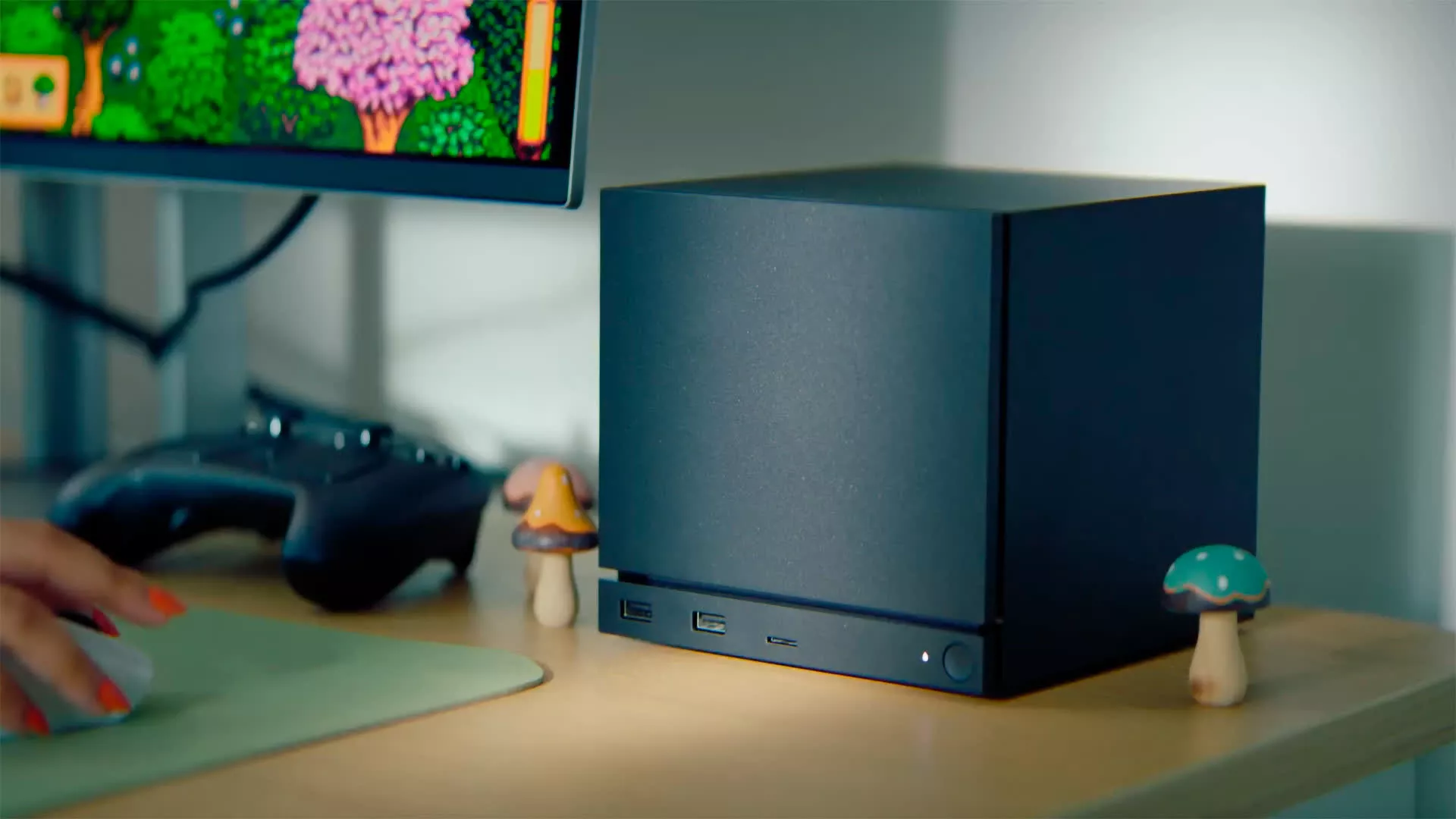
Secondly, freshly installed Windows images do not include the Steam Machine Wi-Fi driver by default, which means that the wireless network cannot be used until the driver is installed separately. This directly affects the Windows installation process, because network support is required at a certain stage during the system installation process. To circumvent this problem, officials recommend that users connect the device via an Ethernet cable to complete the configuration during the initial installation phase.
As for why users may still choose to install Windows when they already have the well-performing SteamOS, the core reason is the anti-cheat system compatibility of multiplayer games. Many multiplayer games currently rely on anti-cheating solutions that have not yet opened support for the Linux platform. Therefore, for heavy online players, Windows is still a safer and more compatible choice.
Before making the decision to switch, users also need to understand the support policy: Valve does not provide official technical support for Windows installations. Although the driver is officially provided by Valve, it is in the form of "download only", and any installation and troubleshooting are the responsibility of the user. For an official recovery solution, the only option is still to use the SteamOS recovery process, which will wipe the system and reset it to the original SteamOS environment.