
Abstract:
Adobe launches "Open Eyes" shortcut for Lightroom mobile version. When the app detects that someone in the photo has their eyes closed, the corresponding icon will be displayed on the screen; the user can call the generative AI with a tap to open the eyes of the person in the photo. The function is suitable for single photos and group photos.
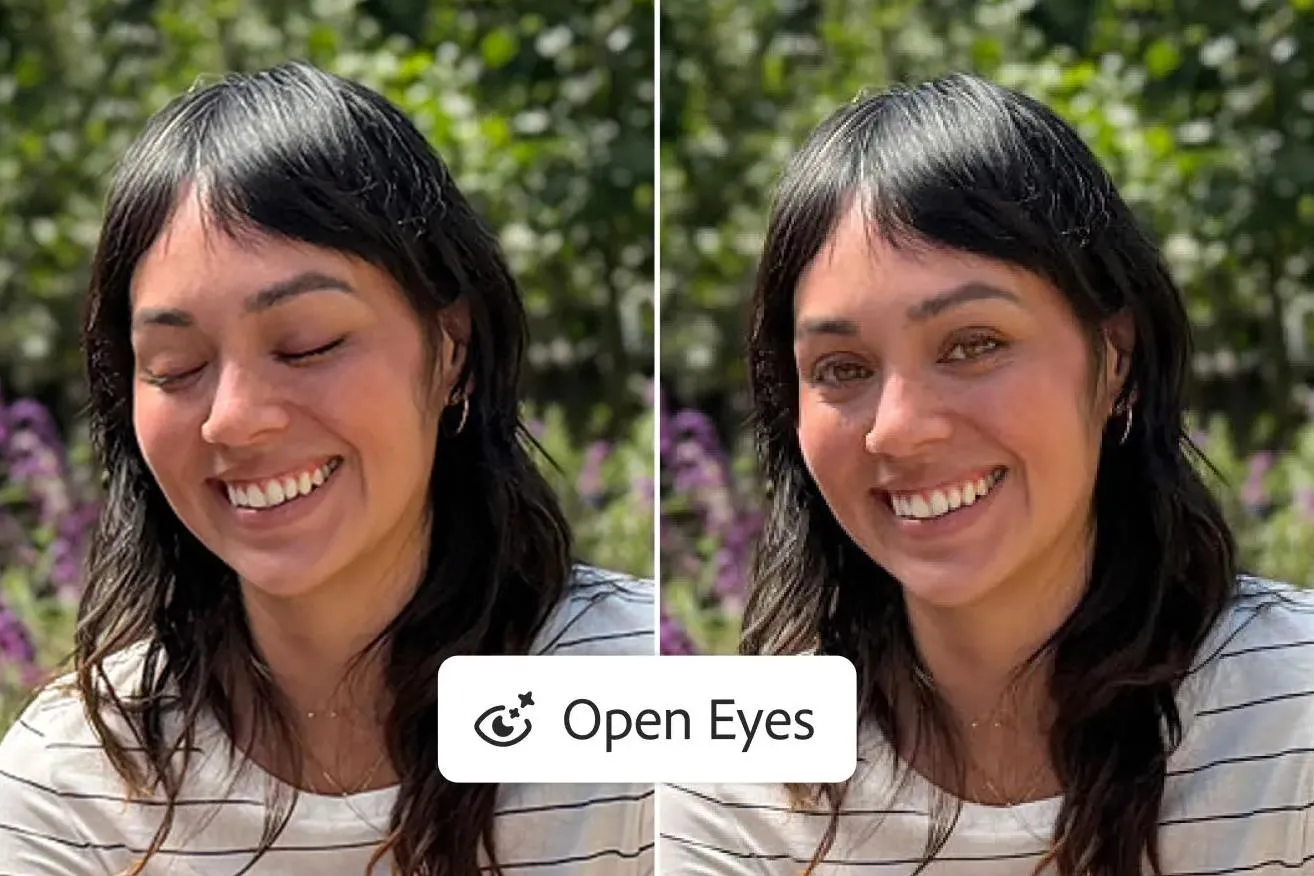
Adobe said that if there are other photos of the same person in the Lightroom library, the system can refer to the eye color, shape and size to make the generated results more relevant to the person. This feature is designed to adjust only the areas that need repair, leaving other parts of the character's face untouched. Adobe claims that Open Eyes is free to use; however, DPReview found that free users of the mobile version of Lightroom will see a subscription prompt after using it twice. Adobe Creative Cloud or AI solutions can provide more generative AI points.
This type of retouching is not a new concept. Adobe Photoshop Elements has had a similar function for many years, but it extracts eyes from another photo of the same person and synthesizes them. If the lighting and expressions of the two photos are very different, the effect may be unnatural. Lightroom's new feature uses generative AI to generate replacement eyes to try and better match the lighting and pose of the photo. During the DPReview test, the application interface showed that it may call Google's Nano Banana model instead of Adobe's own Firefly; Adobe has not yet explained the underlying model in the official announcement, so this is still a media observation.
Adobe said Open Eyes is now available in the Lightroom mobile app for iOS, iPadOS and Android. On the same day, the company also added a "generative expansion" function to the mobile version, which can use AI to extend the edges of photos, adjust the composition or adapt to the frames of different social platforms
Comments