
Abstract:
Microsoft pushed the Windows 11 KB5120998 optional update on August 27, upgrading the system version to Build 26200.9278 (25H2) and Build 26100.9278 (24H2). This is Windows The biggest update of 11 this year brings a resizable start menu, a removable taskbar, and the Windows search function that removes Bing and pre-installed software.
However, after the update was pushed, a large number of users reported that the mouse cursor was abnormal. Microsoft has now confirmed the problem and launched an investigation.
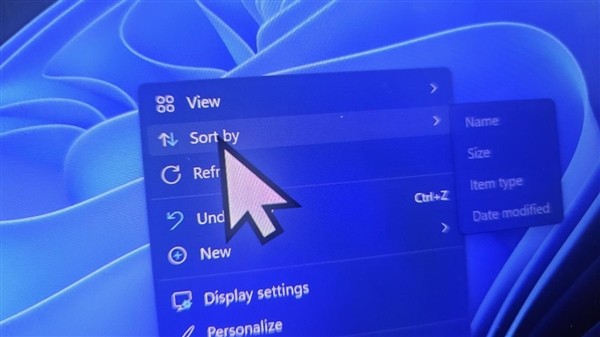
Symptoms for affected users vary, with the cursor completely disappearing, becoming larger or smaller in size, colors being reset to defaults, and some users seeing a white cursor turn into a large black cursor and vice versa.
Users using custom cursor schemes or animations found that settings were restored to standard defaults. What's even more troublesome is that even if they try to restore the cursor in settings, the system will not save the modifications and the cursor will automatically bounce back to an abnormal state.
One affected user tried all the usual fixes, including resetting the registry, running DISM commands, and restoring the mouse cursor to default settings, but a huge cursor always appeared on the desktop.
The problem did not disappear until KB5120998 was uninstalled, and other users who reported cursor abnormalities also confirmed that uninstalling the update was the only effective solution.
Microsoft wrote in the latest note: "We have received reports that mouse cursor personalization settings have been changed or reverted to certain standard settings after installing the Windows update released on August 27 (KB5120998) and subsequent versions."
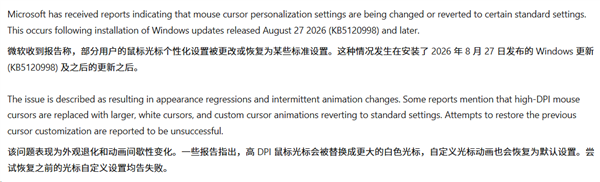
Microsoft said it is investigating to confirm whether the problem is indeed caused by Windows Update, but all signs point to this optional update, because the problem appeared immediately after the update was installed and disappeared immediately after uninstalling it.
In addition to the cursor issue, KB5120998 was also found to reset the desktop wallpaper and cause abnormal font display. Microsoft has not yet responded to these two issues.
Comments