
Abstract:
It has been previously reported that Microsoft will bring an indicator function similar to that provided by PowerToys to the Windows 11 mouse pointer. The mouse pointer is mainly used to help users quickly position the mouse on high-resolution screens and hairtail screens. Now this feature has been launched in the latest beta version.
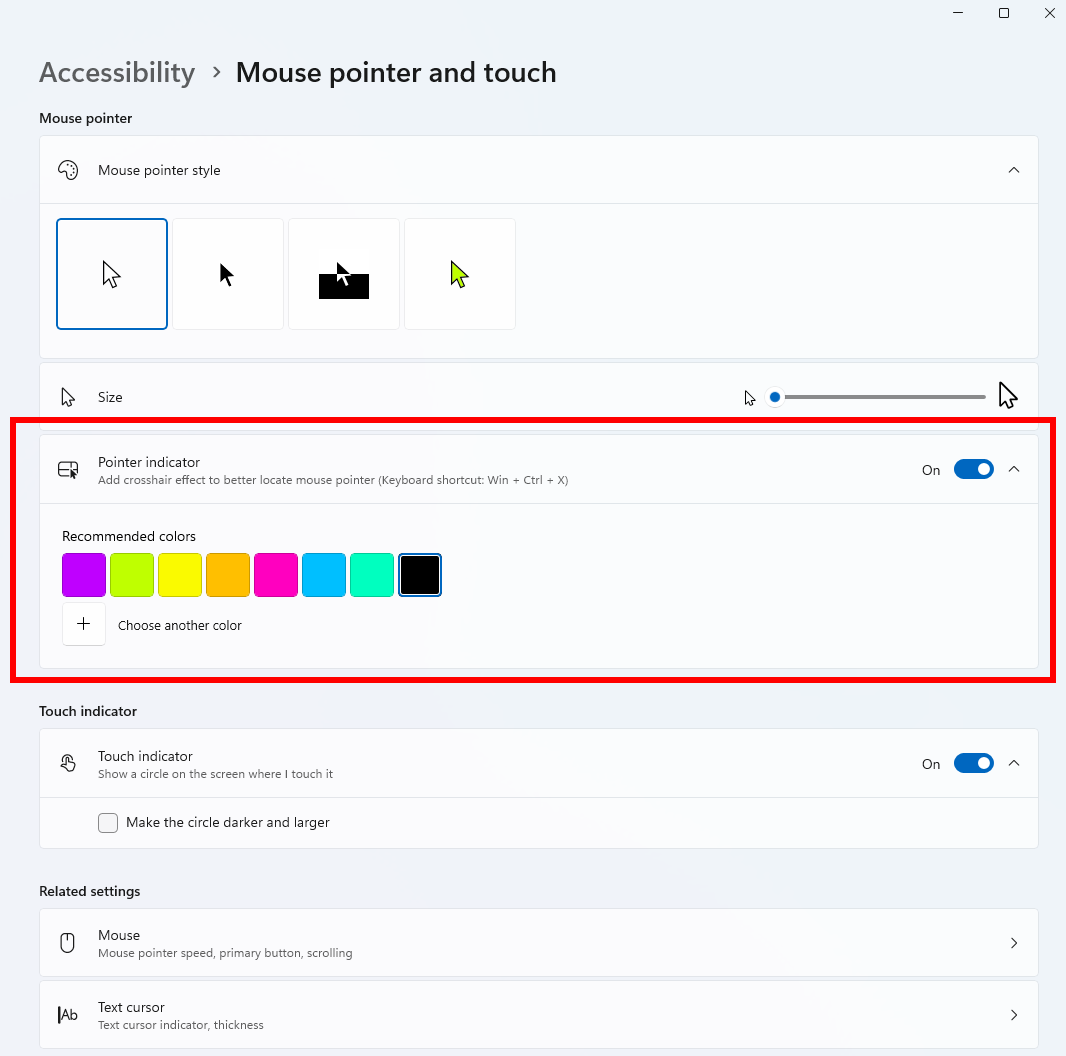
Customize mouse pointer color:
In Windows 11 Beta Build 26220.9568, Microsoft has added a custom mouse color function to the accessibility function. The main purpose of this function is to help users with visual impairments such as color blindness switch to different colors to enhance visual effects. Ordinary users can also customize mouse colors as needed.
In addition to the multiple colors preset by the system, users can also fully customize colors. Microsoft provides RGB color and HEX color value selection to meet the color preference needs of different users. Settings in: Windows 11 Settings, Accessibility, Mouse Pointer & Touch, Custom Colors.
Mouse pointer:
The second function is the mouse pointer. After this function is turned on, it is triggered by the Ctrl key. When the Ctrl key is pressed, a large black aperture that shrinks inward will be displayed around the mouse. It is used to quickly display the location of the mouse on the screen and avoid the problem of finding the mouse on hairtail screens or high-resolution screens.
Currently Microsoft does not provide custom shortcut key triggers, so after it is turned on, the aperture will be displayed when users accidentally touch Ctrl. If you set Ctrl as a shortcut key for other purposes, remember to change it in the corresponding software to avoid constantly triggering and displaying the indicator aperture.
This function is located in: Windows 11 Settings, Accessibility, Mouse Pointer and Touch, Mouse Indicator. After turning on this option, press Ctrl to test. Under normal circumstances, a large black ring will be displayed, but the current style of this ring is relatively ugly, and Microsoft may need to optimize it later.
Comments