
Abstract:
Microsoft recently pushed the September routine security update to Windows 11 24H2/25H2 users. The update number is KB5124008, and the system version is Build 26200/26100.9278. Users of the above versions can install this latest routine update when they click Check for Updates.
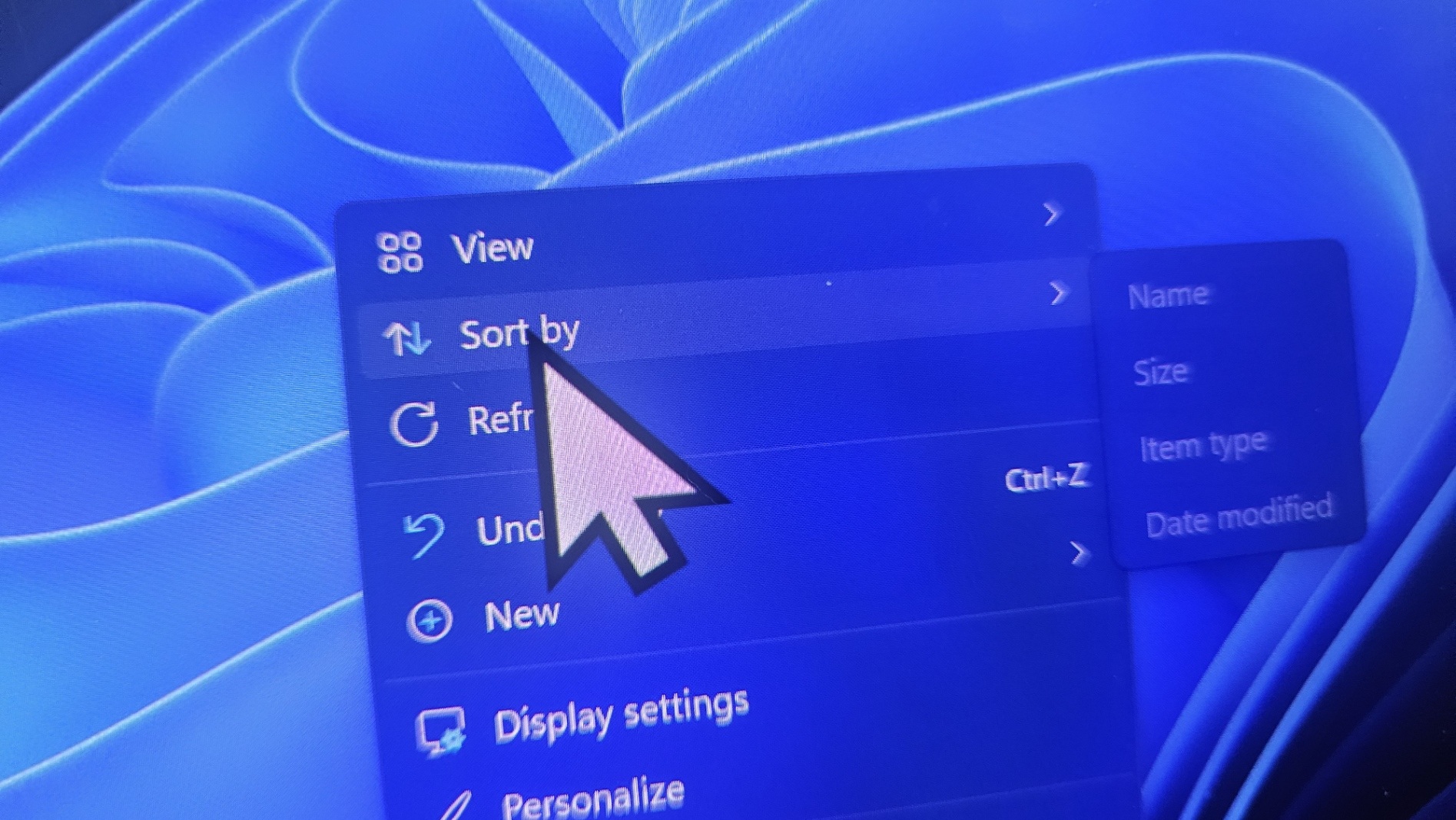
Fix the problem of missing mouse custom styles:
The optional update released by Microsoft at the end of August brought many problems, including the loss of custom mouse styles set by users and the problem of the desktop wallpaper turning black. At that time, Microsoft explained that this was an update and modification of the component code that caused the personalized configuration to be unable to be loaded, and that this problem only affected non-English systems.
Microsoft engineers all use English systems, so they did not notice this problem at all. They only received user feedback after pushing it. Fortunately, the optional update was not pushed in full, so the scope of the impact is still limited. This issue has now been fixed in the KB5124008 update, and users experiencing this issue can now install the update to resolve the styling issue.
The following is the change log:
Personalization: This update has fixed the issue of custom mouse cursor settings not displaying properly. Selected cursor options and colors now work.
Personalization: This update has fixed the issue where the desktop background and other personalization settings may not be loaded correctly, causing the desktop background to appear black.
Security update: This update provides security improvements to fix a number of known security vulnerabilities. For more information about the vulnerabilities, please see the MSRC-2609 log.
Secure Boot: This update contains more high-confidence device target data, and more devices will attempt to automatically update their UEFI Secure Boot certificates.
Software issue: This update has fixed an issue on Windows 11 on Arm devices that causes Teams and Outlook to close unexpectedly.
Remote Desktop: This update has fixed an issue affecting remote desktop audio redirection that caused remote audio to fail to play locally in some configurations.
Diagnostic logging: This update has improved the diagnostic logging of the OMA-DM client, providing more information to help troubleshoot device management server connection issues.
Download address:
Direct update: Users using Windows 11 24H2/25H2 version can directly click Check for Updates to get updates
Download updates:
https://catalog.update.microsoft.com/Search.aspx?q=KB5124008
Comments