
Abstract:
Under the current mechanism, if a user forgets the password to unlock an Android device, they usually can only clear the phone data and then reset the device. Google's official documentation also recommends that you should perform a factory reset when the device cannot be unlocked, and then log in again with the original Google account to verify device ownership after completing the cleanup.
This design is related to the Android factory reset protection mechanism. The main purpose of this mechanism is to prevent the phone from being stolen and cleared of data through recovery mode before reuse. After the device is reset, the system will ask for the Google account that was previously logged in. Failure to log in to the account to verify ownership will also affect continued use.
Google attempts to use account password instead of PIN to unlock:
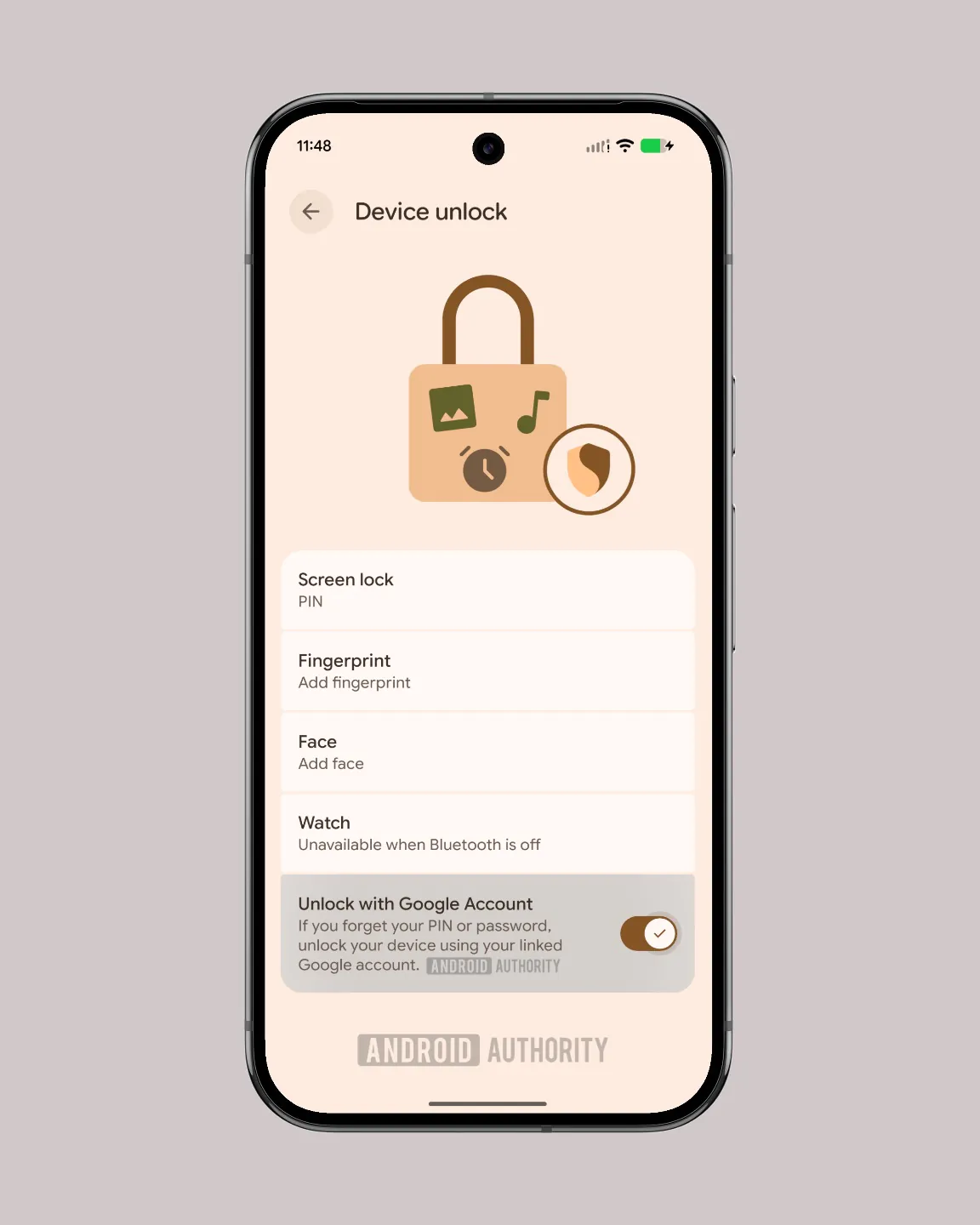
Google has added a new feature about using a Google account to unlock in the latest Android 17 QPR2 Beta 5. This feature is not enabled and only related code changes can be seen. According to the code in the beta version, if the user forgets the PIN code or unlock password of the phone, he may be able to regain access to the device through the associated Google account in the future without having to perform a factory reset first.
The significance of this function is that the user does not need to directly restore the factory settings and cause all data to be lost. After all, if the user does not make a cloud backup in advance, contacts, photos, and various application data will be lost and difficult to recover after restoring the factory settings, which will cause a big problem.
May be optional rather than enabled by default:
It is worth noting that Google seems to be preparing to set this feature as an optional feature rather than turning it on by default, because mobile phone screen locks are usually regarded as the last line of defense for local data. If an attacker obtains both the user's mobile phone and Google account credentials, they can bypass the screen lock and directly access the data on the phone through this path.
Therefore, it is more prudent for security-sensitive users to turn off this function. For ordinary users, they can choose between data security, account protection, and avoiding data loss. Ultimately security also depends on whether Google requires additional verification, such as two-step verification, device trust status or account recovery information.
Comments