
Abstract:
Microsoft is trying to use artificial intelligence to speed up the development and improvement process of Windows 11, and this change has even affected designers who are traditionally responsible for interface design rather than writing program code. Diego Baca, vice president of Windows product design at Microsoft, recently revealed that AI tools have significantly improved the work efficiency of the design team, and some designers are now beginning to use AI to directly participate in code modifications to improve the design consistency, detail quality and overall user experience of Windows. He said this is just the starting point for Microsoft's related work.
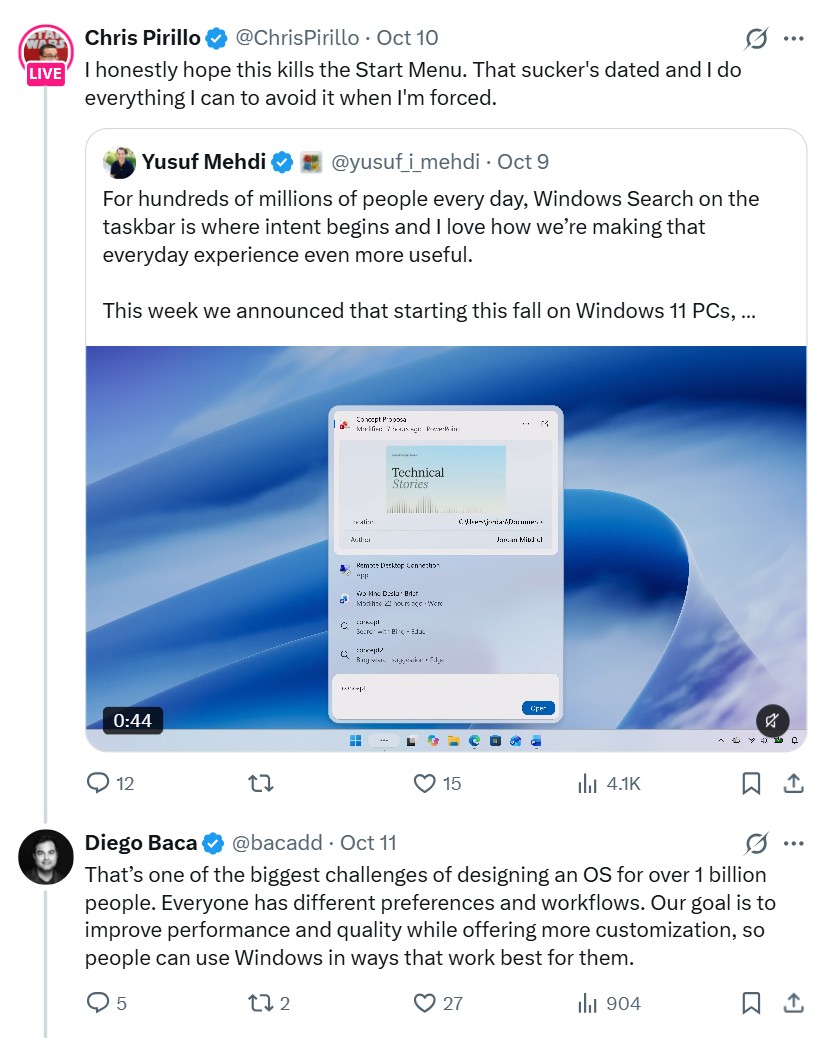
This statement originated from a discussion that Baca participated in on the social media platform X. Previously, Microsoft's head of consumer marketing Yusuf Mahdi released a video showing the new version of Windows search function and said that users will be able to perform thousands of shortcut operations directly through the taskbar in the future. LockerGnome founder Chris Pirillo later commented that he hopes Microsoft can make full use of the company's massive AI computing power and model calling resources to speed up the progress of unifying the Windows interface.
Baca responded that developing an operating system for more than 1 billion users is a complex task because different users have different preferences and workflows. Pirillo further proposed that Microsoft can use AI agents to coordinate multiple development tasks to speed up system improvements. In this regard, Baca made it clear that he fully agrees with the direction of using AI agents to improve work efficiency.
Baca said in his reply: "AI has helped our design team significantly speed up their work. We have even seen designers directly involved in code fixes, thereby improving the refinement, consistency and quality of the product. This is exciting progress, and we are just getting started."
However, Baca did not claim that AI is completely redesigning Windows 11, nor did he disclose which AI tools were used, which code was modified, or what proportion of the work AI took on in the entire development process. His statement more accurately reflects a change in working methods: designers can no longer submit design drafts and wait for engineers to convert them into code, but can directly complete part of the implementation work with the help of AI.
This change is especially important for Windows. Although Windows 11 has introduced design elements such as rounded windows, dark mode, and modern settings pages, there are still a large number of old interfaces that have been used for years or even decades within the operating system. When users switch between different functions, they often encounter obvious inconsistencies in appearance, interaction methods, and technical implementation.
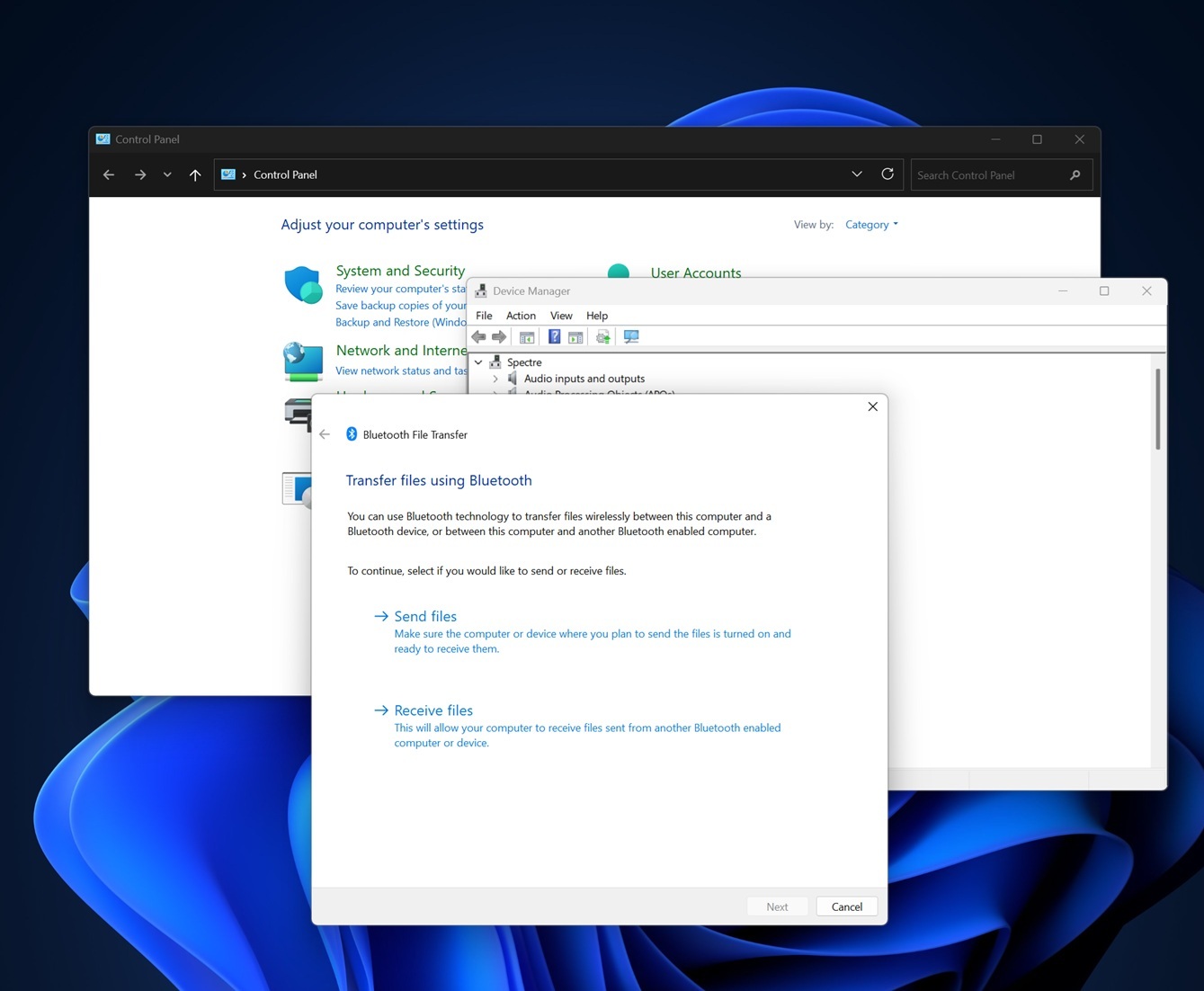
For example, the "Settings" application of Windows 11 has adopted a relatively modern design, but after users enter some advanced options, they will still jump to the traditional control panel or the old-style properties dialog box. These interfaces are often not fully adapted to dark mode, and the layout and control style are also different from the new interface.
In the Windows 11 26H2 test version, users can still see the traditional mouse properties window that has been used for many years when they enter Bluetooth and device-related options from "Settings" and then open other mouse settings. There is a similar problem with the file right-click menu: after users click "Show more options", they will see a traditional menu similar to the Windows 10 era.
This kind of design fragmentation is not simply a matter of aesthetics. Old interfaces may have different operating logic, font sizes, spacing, and responsiveness, forcing users to adapt to multiple sets of interaction rules when completing the same task. For an operating system with a large user base, the accumulation of these details will significantly affect the overall experience.
Windows Latest believes that what Microsoft needs to solve is not just visual problems such as rounded corners, icons and dark mode, but the long-standing inconsistency in design and technical architecture of the entire system. Windows has continued to add new features over the past few decades, while also having to be compatible with old programs, enterprise workflows, and legacy components, resulting in a long-term coexistence of old and new technologies.
Microsoft is now trying to gradually replace these old components. One of the important tasks is to migrate more interfaces to WinUI 3, the native Windows user interface framework. Compared with interfaces built partly on web technology, the adoption of native frameworks is expected to improve interface consistency and allow applications to be more closely integrated into the Windows system.
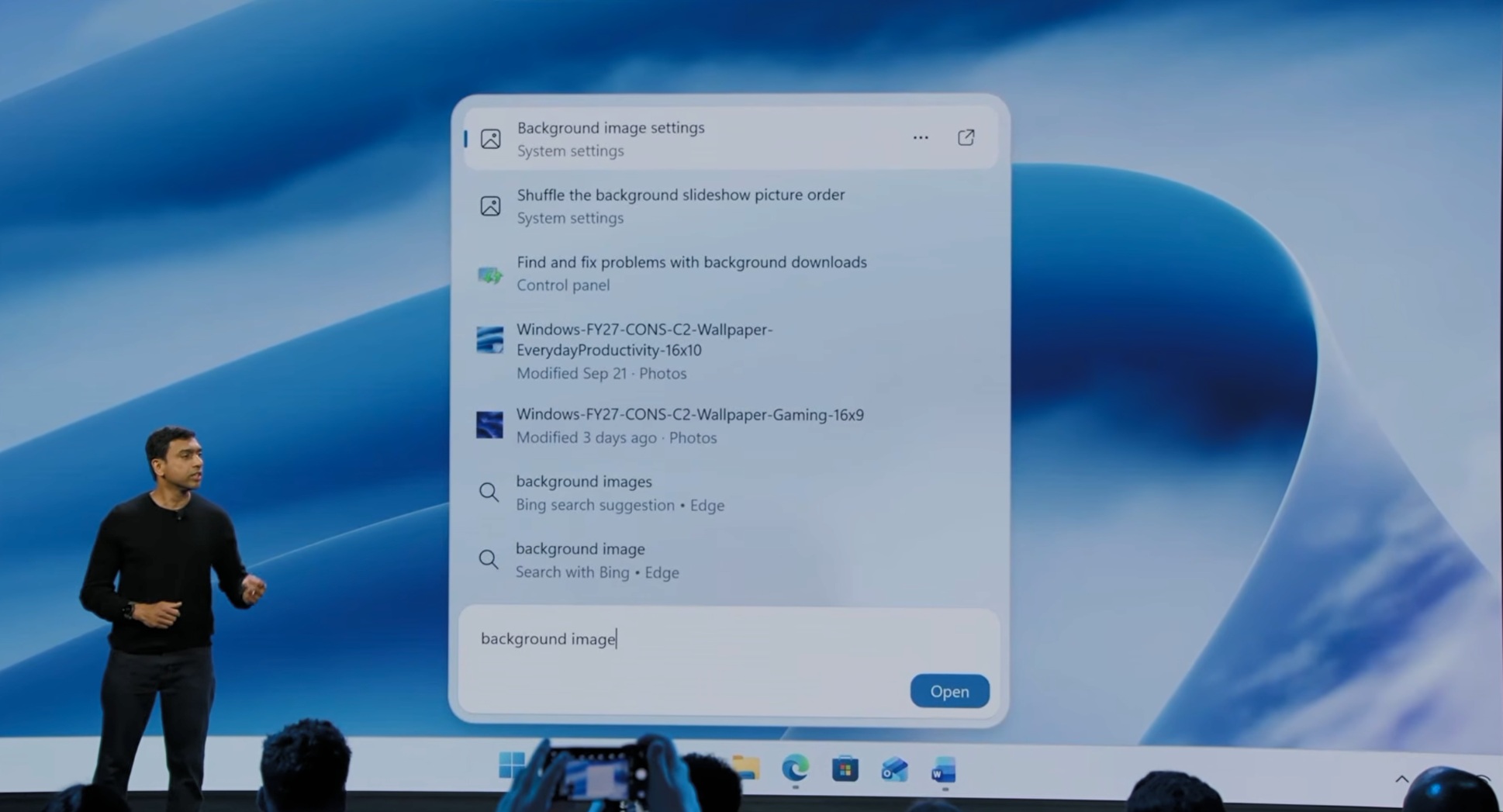
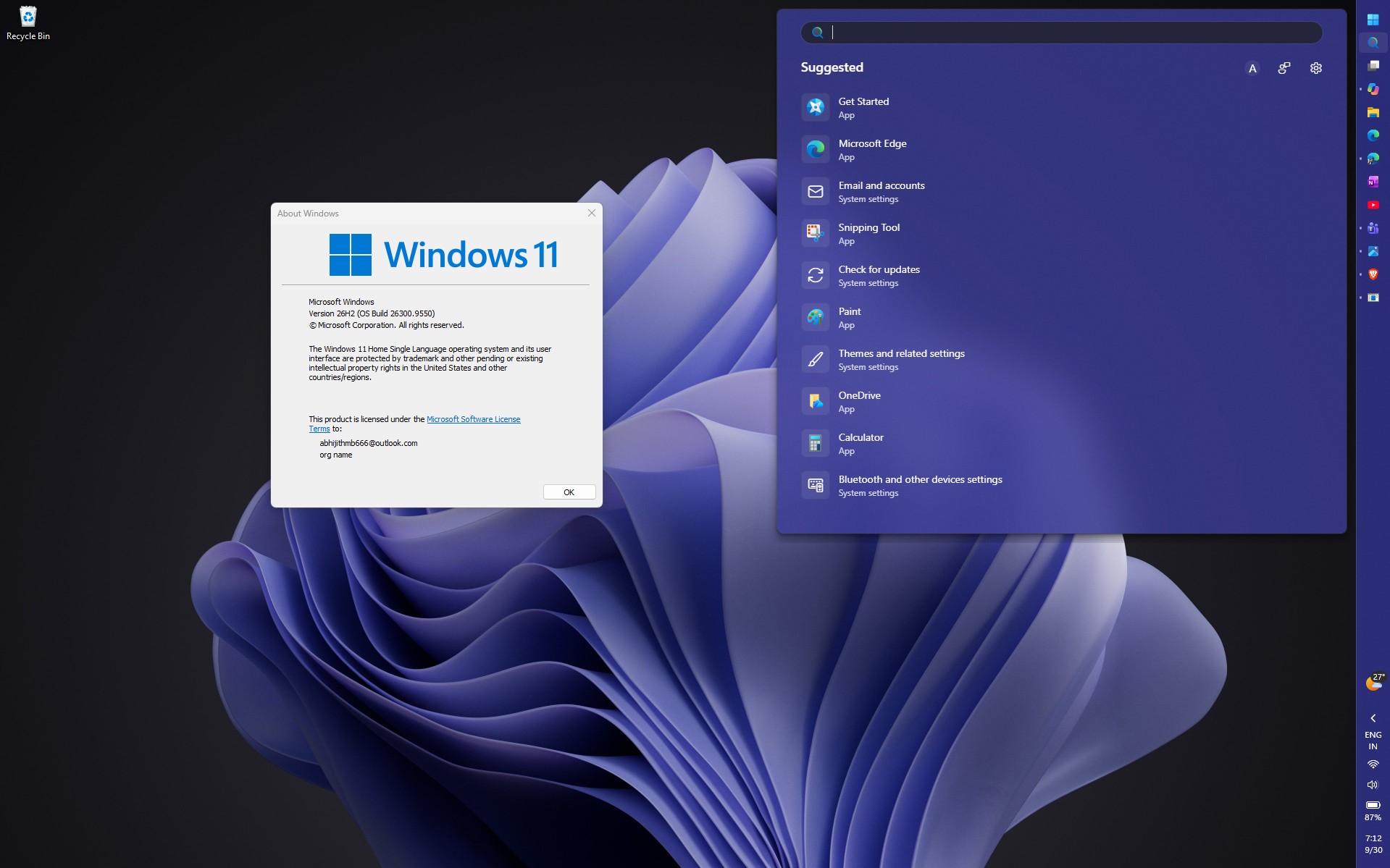
The new version of Windows Search is a representative case in this direction. Starting from October 7, 2026, Microsoft began to test the rebuilt search interface to some users of the Windows Insider experimental channel. The relevant tests involved the build 26340.9616 of Windows 11 26H2.
Previously, part of the implementation of the Windows search interface relied on Microsoft Edge's WebView2 technology, which was equivalent to embedding web content in the system panel. The new version is rebuilt using WinUI 3, trying to make the search experience closer to the native Windows interface.
The new version of search also introduces the ability to directly perform system operations. For example, the user can enter a natural language command such as "switch to dark mode", and the system can directly perform the corresponding settings without requiring the user to first open the settings application and then search for the corresponding options layer by layer.
Microsoft said that the new version of WinUI 3 search function plans to be extended to more Windows computers later in 2026. However, specific coverage and final rollout time may still be adjusted as the test progresses.
In addition to the search function, Microsoft is also gradually updating other system components. The new Run dialog is built in C# and WinUI 3, and compiled using .NET Native AOT technology. In Microsoft's tests, the median time it took for the new dialog box to appear was 94 milliseconds, compared with 103 milliseconds for the old version. While the improvement is modest, it shows that interface modernization can also go hand in hand with performance optimizations.
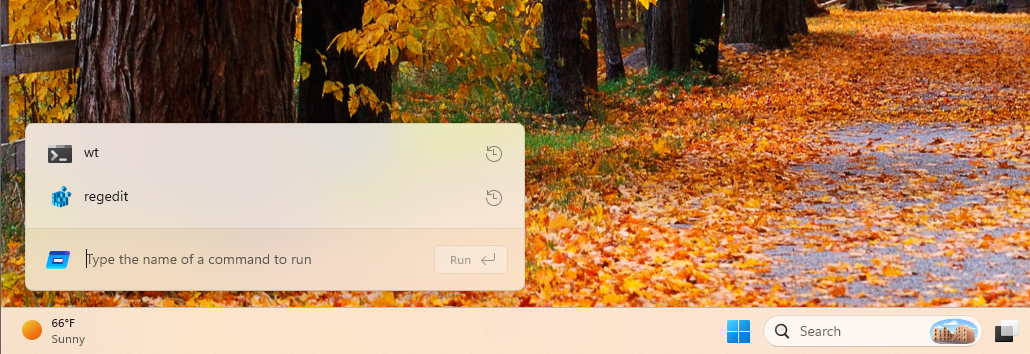
Currently, the new version of the "Run" dialog box still requires users to manually enable it in the "Settings-System-Advanced" option of some Windows Insider test versions.
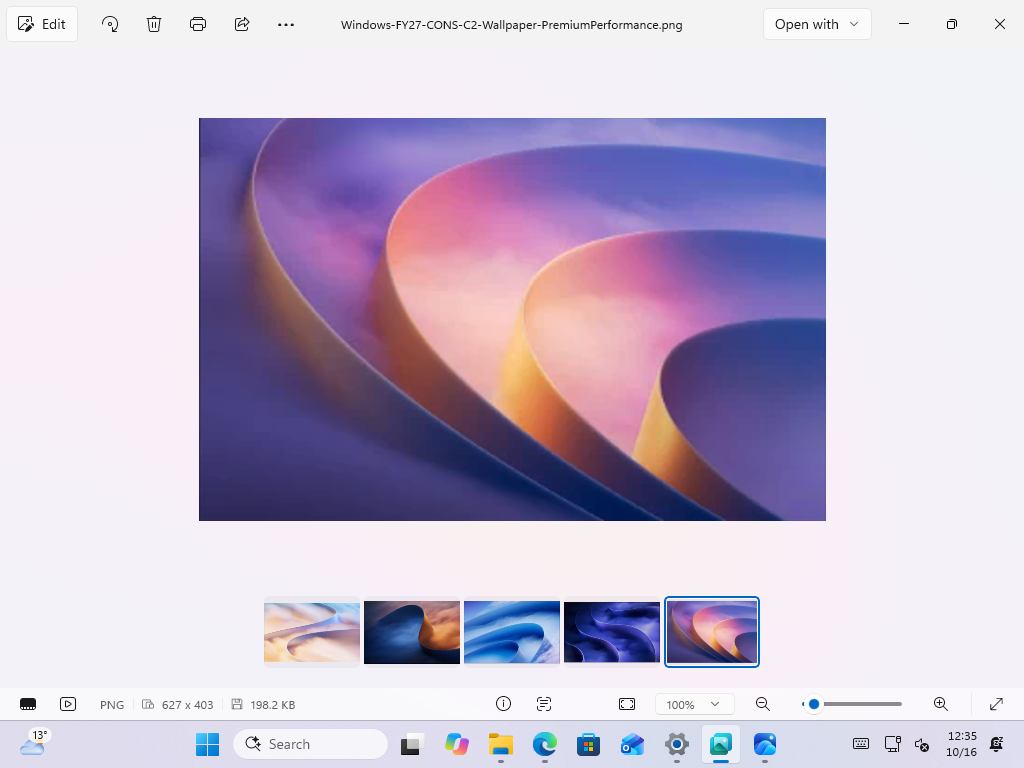
Windows' own Photos app is also undergoing a similar transformation. Microsoft said that the new version of the photo editor was built from scratch using WinUI 3, and its loading speed is about 25% faster than the previous version.
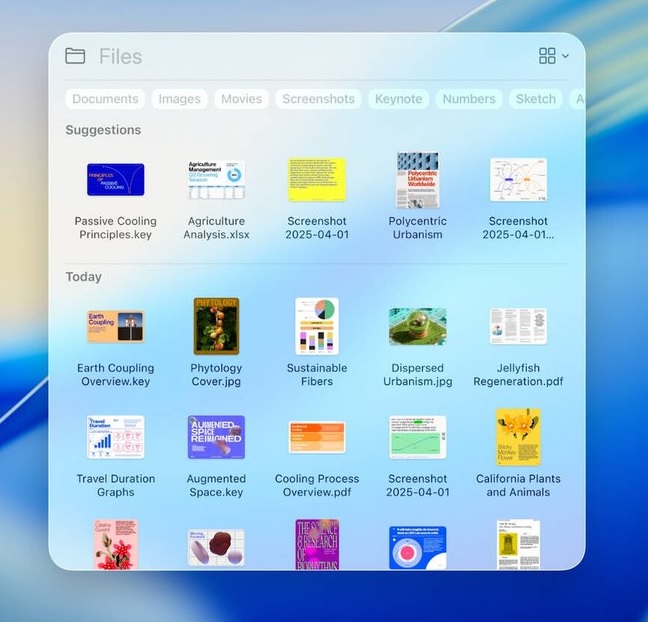
At the same time, Microsoft is also updating the file properties dialog box, print management tools, and autoplay interface. The new print management application no longer relies on the long-established Microsoft Management Console (MMC), and the file copy dialog box has also been modernized. March Rogers, head of Microsoft's design team, said that the team is dealing with the old dialog boxes one by one, and features such as the voice package management interface and "Reset this PC" are also on the list of subsequent improvements.
These tasks may seem trivial, but they may be more complicated than a large-scale visual redesign. Old interfaces are often closely tied to system services, enterprise management tools, third-party extensions, and long-established compatibility mechanisms. Directly deleting old components may cause the software that relies on them to not run properly; if you just add new visual styles to the old interface, you may not be able to truly solve the problems of aging architecture and inconsistent interactions.
The role of AI is gradually emerging in these tasks that are highly repetitive but require understanding of existing code. The traditional process usually requires designers to first create an interface plan, and then engineers analyze the existing code, modify the layout, adjust controls, and compile and test. Both parties may need multiple rounds of communication to accurately implement the design draft into the actual product.
With the help of AI programming assistant, designers have the opportunity to directly generate part of the code, adjust spacing or modify control styles, and then engineers review the implementation and complete testing. This will not only shorten the feedback cycle between design and development, but also potentially allow the development team to more quickly deal with the large number of small problems scattered throughout the system.
Microsoft has previously publicly promoted the participation of AI in software development. Company CEO Satya Nadella once said that at that time, about 20% to 30% of Microsoft's code was generated by AI. Microsoft Distinguished Engineer David Fowler also said in September 2026 that the era of manual coding is coming to an end. These statements show that Microsoft is treating AI as an important part of the software development process, not just a user-oriented chat assistant or office tool.
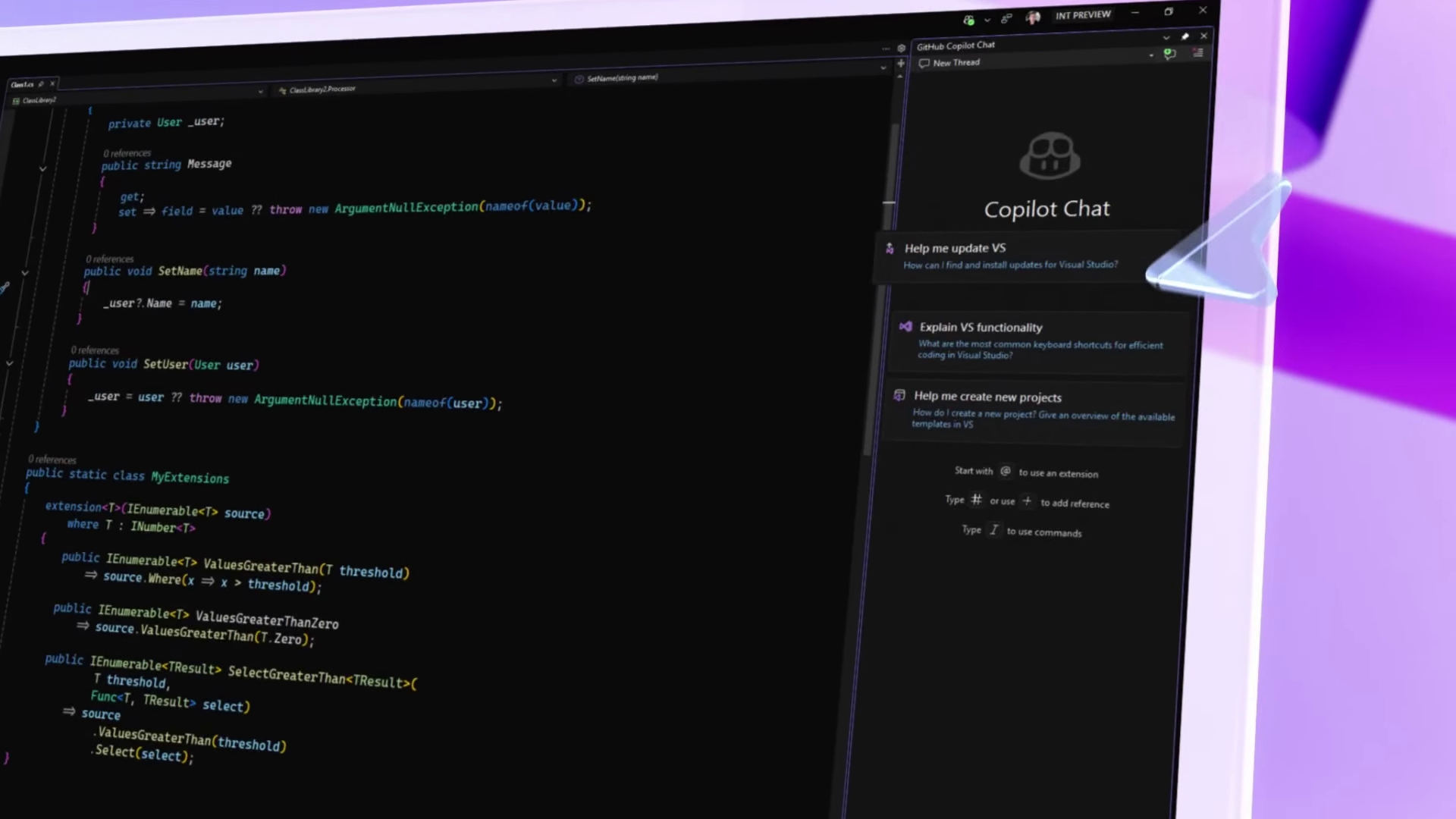
However, AI-generated code does not mean that software engineers will no longer need to participate in development. Code still needs to be reviewed, tested, and maintained, especially in an operating system as complex as software involving hardware drivers, permissions, security mechanisms, and a lot of historical compatibility. Seemingly simple interface modifications may accidentally affect other functions. Therefore, while AI improves development speed, it must still be coupled with a reliable quality control mechanism.
Another problem Microsoft faces is how to strike a balance between modernization and compatibility. Windows serves individual consumers, enterprises, government agencies, and developers, and different groups have different acceptance levels of interface changes. Enterprise customers, in particular, may need to retrain employees or modify existing operating procedures due to interface adjustments.
Baca said that Microsoft is advancing work around the needs of specific user groups and handling differences among different users by providing customization options and choice space. He also emphasized that having more than 1 billion users is not to show off scale, but means that Microsoft must take responsibility for every change. Even if the improvements themselves are positive, the changes can have real consequences for such a large user base.
Therefore, Microsoft does not plan to completely change the entire interface of Windows in a short period of time, but hopes to gradually solve the inconsistency problem through continuous updates. Companies need to find a balance between visual unity, running speed, system stability, enterprise compatibility and user habits.
Judging from current progress, AI has begun to change the way Windows is developed. Designers can use AI to participate in code repair, and the native interface framework is gradually replacing some old implementations. System search, run dialog boxes, photo editors, and traditional management windows are also being transformed.
But whether these changes can truly improve the overall experience of Windows 11 also depends on Microsoft's ability to continue to advance related work, rather than only showing a modern design in a few new features. For users who have been using Windows for a long time, what really matters is not how many AI functions have been added to the system, but whether daily operations can be more unified, fast, and stable.
What Baca said "we have just begun" means that Microsoft hopes to further integrate AI into the Windows development process. However, AI can help teams modify code faster, but it does not automatically guarantee that the final product will be better. Whether Windows can re-establish a consistent design language will ultimately need to be proven by the actual quality of system updates.
Comments