
Abstract:
Microsoft documentation points out that it is not recommended that users close the page file just because their computer has 32GB of memory. The Windows page file (pagefile.sys) is not only used to move less frequently accessed modified data out of memory when needed, it also expands the total amount of memory the system can commit to applications and provides storage space for system crash dumps.
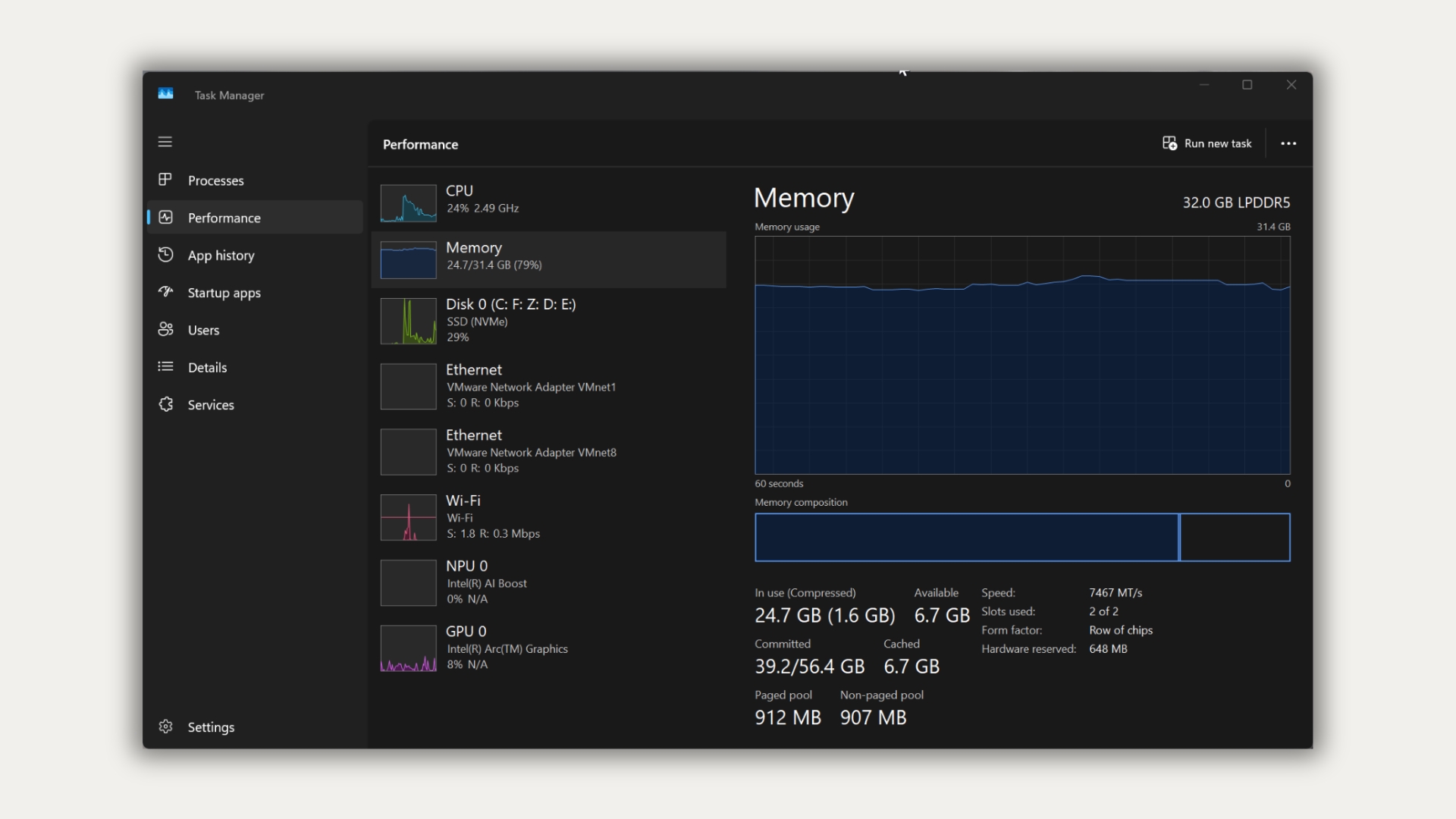
"In use" memory and "Committed" memory in Task Manager are not the same thing. "Committed" means that Windows has committed the amount of available memory to the program; the upper limit is determined by both physical memory and the page file. When the page file is turned off, the system commit limit is reduced to just below the actual RAM capacity, so the total committed memory available to applications on a 32GB computer is also limited to just below 32GB. Even if there is still free RAM, if the program has requested a large amount of memory, it may freeze, crash, or otherwise malfunction due to reaching the submission limit.
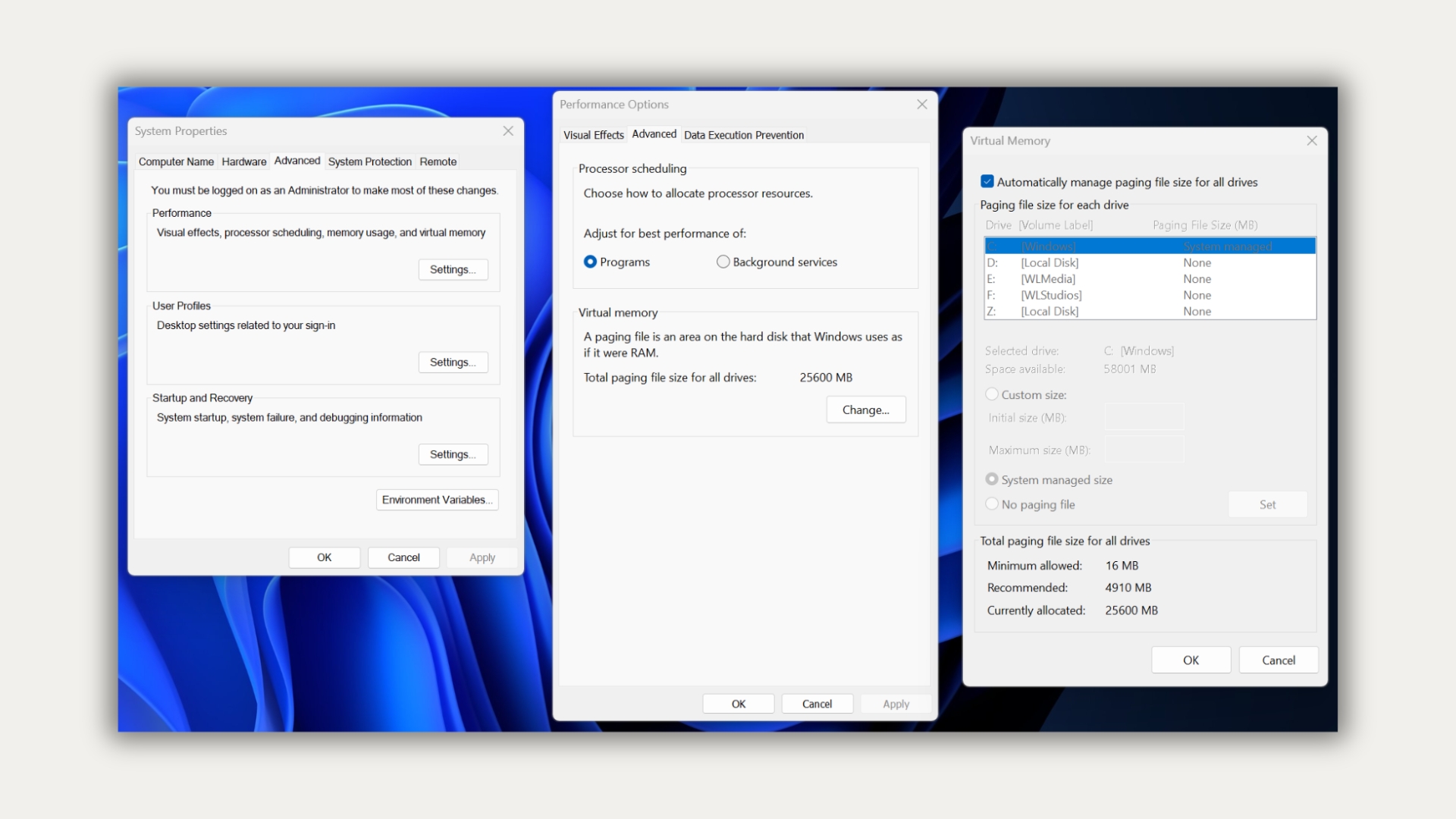
Microsoft said that the page file should be determined based on each computer's peak memory submission and crash dump settings. It is impossible to use a fixed size that applies to all devices, so it is automatically managed by Windows by default. The system-managed page file is adjusted based on memory needs and crash dump requirements; if the system commit volume reaches 90% of the upper limit, the page file may automatically expand. If the page file is closed, Windows usually cannot save a system crash dump unless a dedicated dump file is configured.
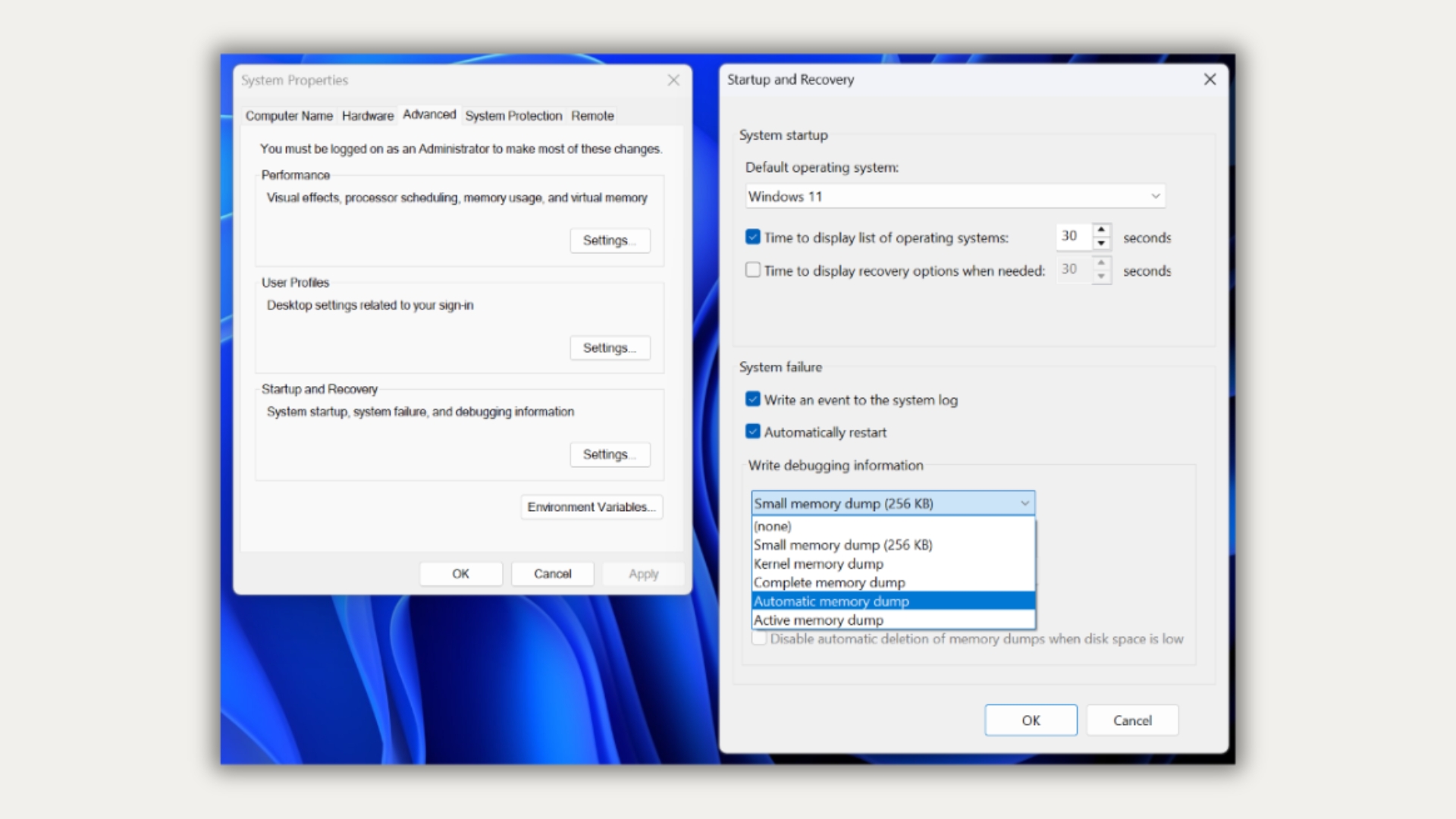
The page file occupancy rate reaching 100% does not mean that the computer is slowing down. The key is whether the system submission volume is close to the submission limit; a hard page fault does not necessarily mean that Windows is reading the page file, because reading data from a program or dynamic link library will also be counted as a hard page fault. For most 32GB computers, if the peak submission volume of commonly used games and programs is far below the upper limit, turning off the page file will usually not bring significant speed improvements, but will lose additional memory margin. On the report author's test machine, the page file managed by the system occupies 25.6GB, but this is only the actual situation of his equipment and does not mean that all computers will occupy the same space.
Microsoft mentioned a special situation: if some programs frequently apply for memory during the automatic expansion of the page file, they may encounter temporary out-of-memory errors; in this case, you can consider manually setting the initial size of the page file according to the workload. One suggestion listed in Microsoft's support document is to set the initial value to 1.5 times the RAM. This is a problem-specific approach and not all computers should be set up this way
Comments