
Abstract:
Microsoft engineers rarely admitted that developing native applications for Windows 11 was once so difficult that many developers turned to cross-platform frameworks or even gave up developing applications for Windows altogether. At the Ignite 2026 conference, Microsoft showed off the new WinApp CLI and AI agent tools, while admitting that WinUI still has a lot of flaws and performance issues.
In a roughly 45-minute WinUI demonstration, Microsoft called WinUI the "future platform path" for Windows applications. But engineers Jaylyn Barbee and Beth Pan from the Windows Developer Platform team also admitted that in the past, launching a Windows application project itself was a major pain point for developers. Barbee said this situation has prompted developers to choose other cross-platform frameworks or stop developing Windows apps altogether.
Microsoft did not announce the specific number of developers who left as a result, but this statement shows that the company has realized that developers' trust in the Windows native development ecosystem is losing. Windows application development technology has experienced many changes from Win32, WPF, Silverlight, UWP to WinUI. After many developers invested a lot of effort, they saw Microsoft shift to a new technology route. This repeated change makes web encapsulation solutions such as Electron and WebView2 a safer choice, and explains why there are still a large number of web applications on Windows 11.
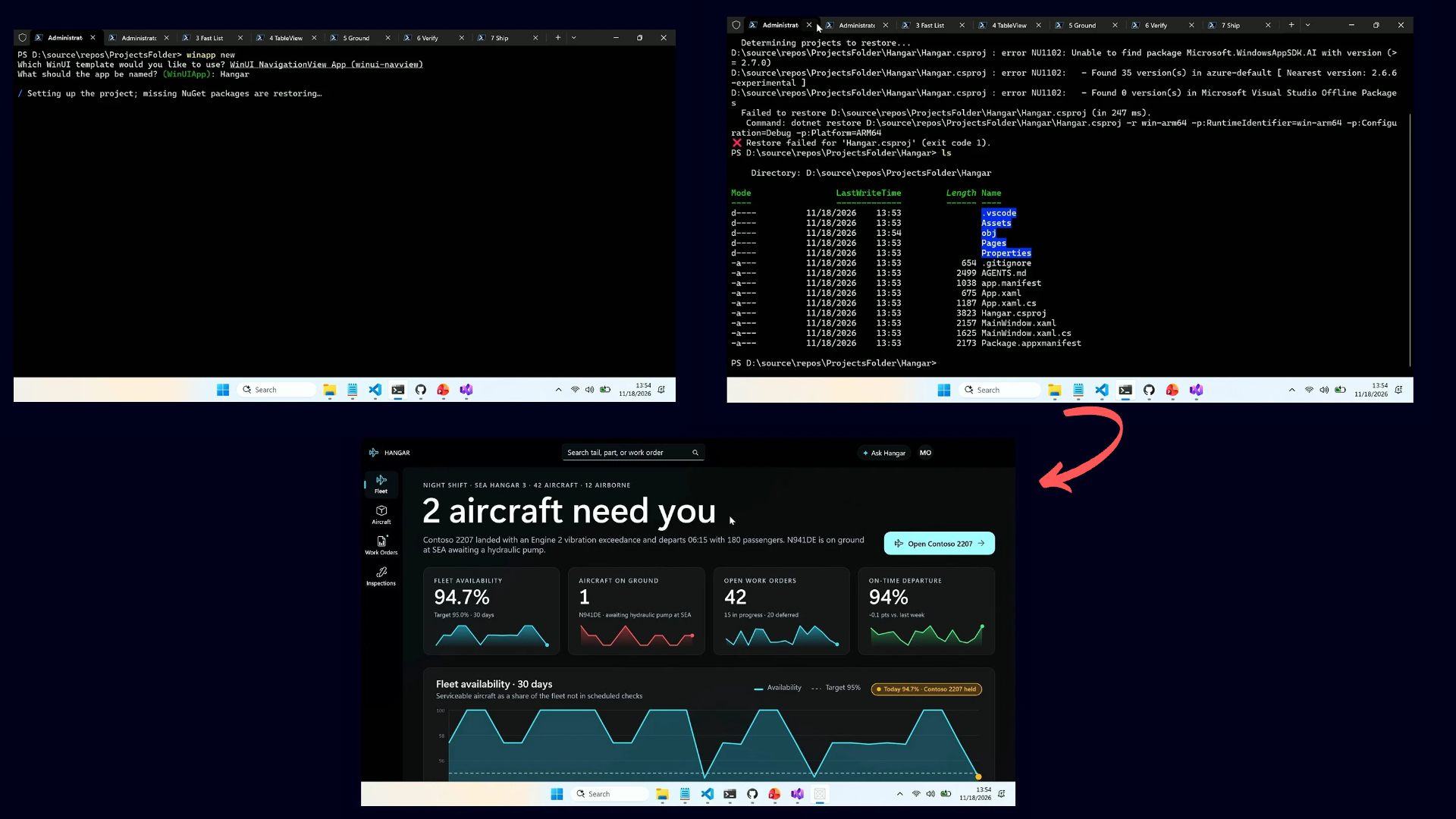
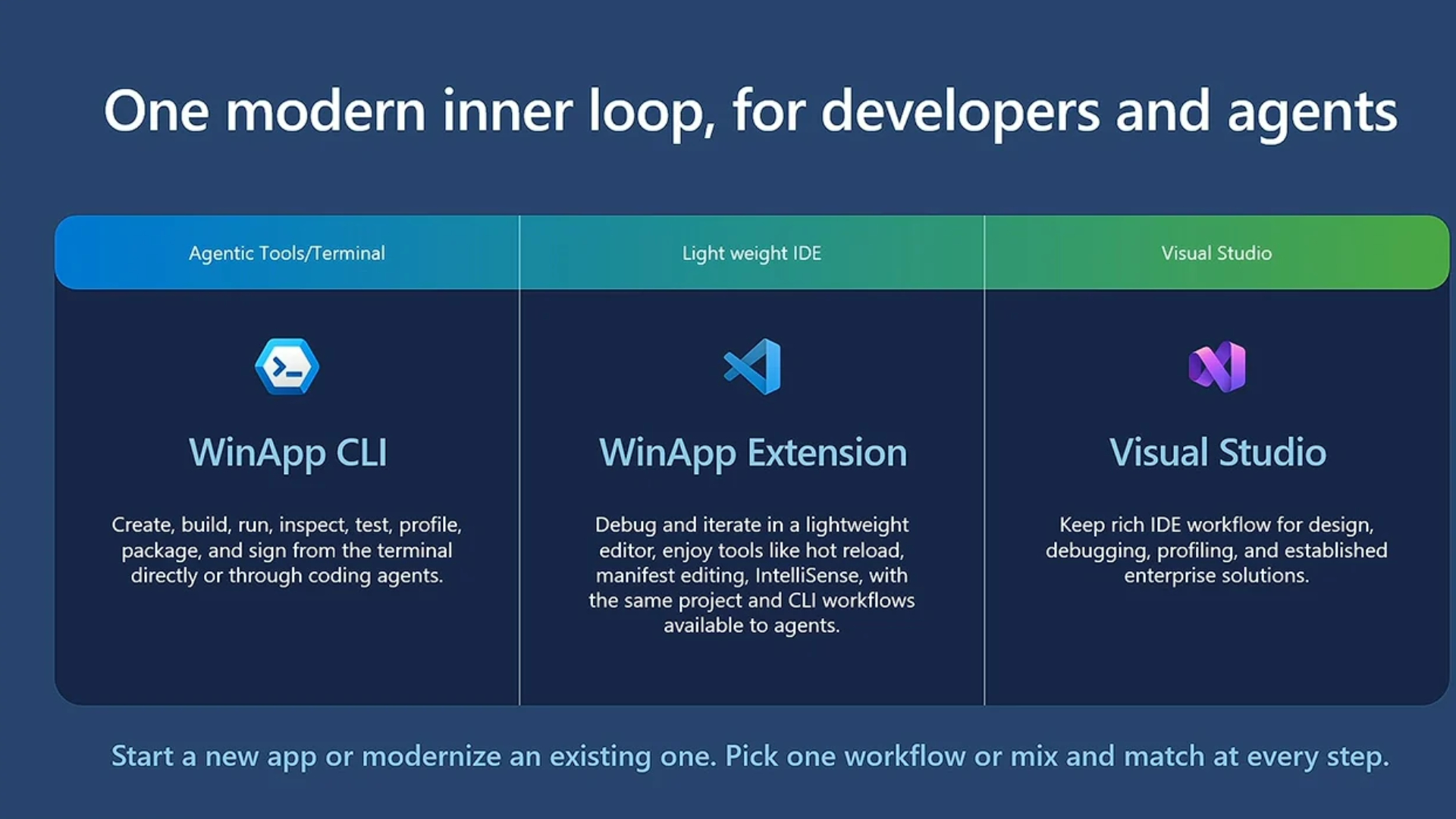
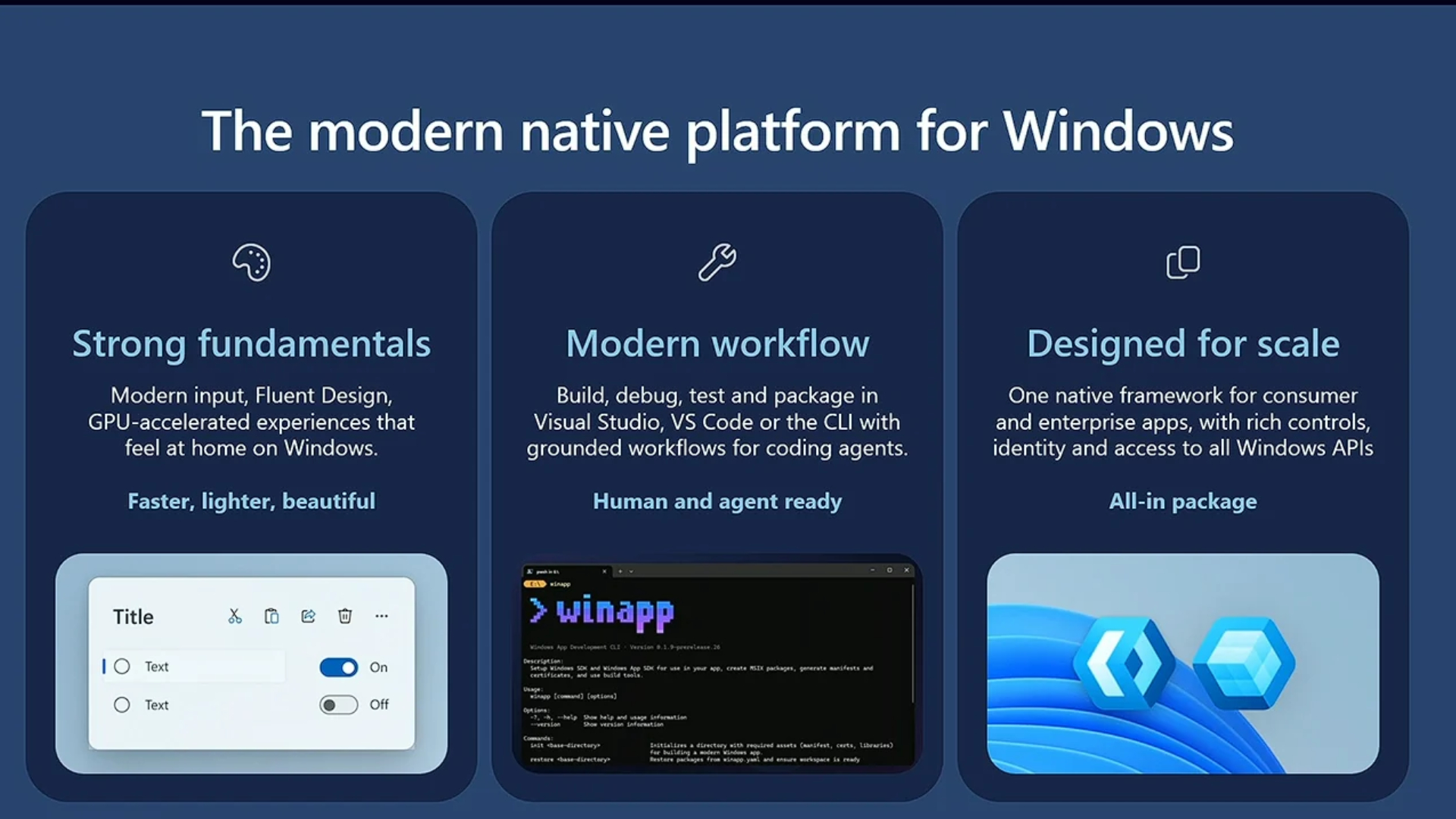
In a demo at Ignite 2026, Microsoft engineers created a sample app called Hangar using a "winapp new" command. WinApp CLI, short for Windows App Development CLI, has been in public preview since January and enables creating, running, inspecting, testing, analyzing, and packaging Windows apps in the terminal. Since it is essentially a command line tool, the AI programming agent can also call it directly to complete the development process.
"winapp new" uses the official .NET template and gives the app a package identity from the start, so features like notifications are available out of the box. Without the WinApp CLI, packaging a Windows app typically requires preparing a manifest file, resource files, and a signing certificate with a theme that matches the publisher and is trusted natively; Microsoft engineers admit that every step beyond the Visual Studio wizard can be quite tedious. Developers can now generate certificates, install certificates, and build MSIX installation packages with just three commands.
Microsoft says that Visual Studio will not be replaced, and features tested in the CLI and its VS Code extension, including XAML IntelliSense, will eventually make their way to Visual Studio. WinApp CLI is not limited to WinUI either. Microsoft documentation shows that it supports .NET, C++, Electron, Rust, Tauri and Flutter, so Electron apps can also get package identification and MSIX packaging capabilities. Version 0.8, released on November 9, also adds experimental WinUI DevTools, profiling, and C++ support.
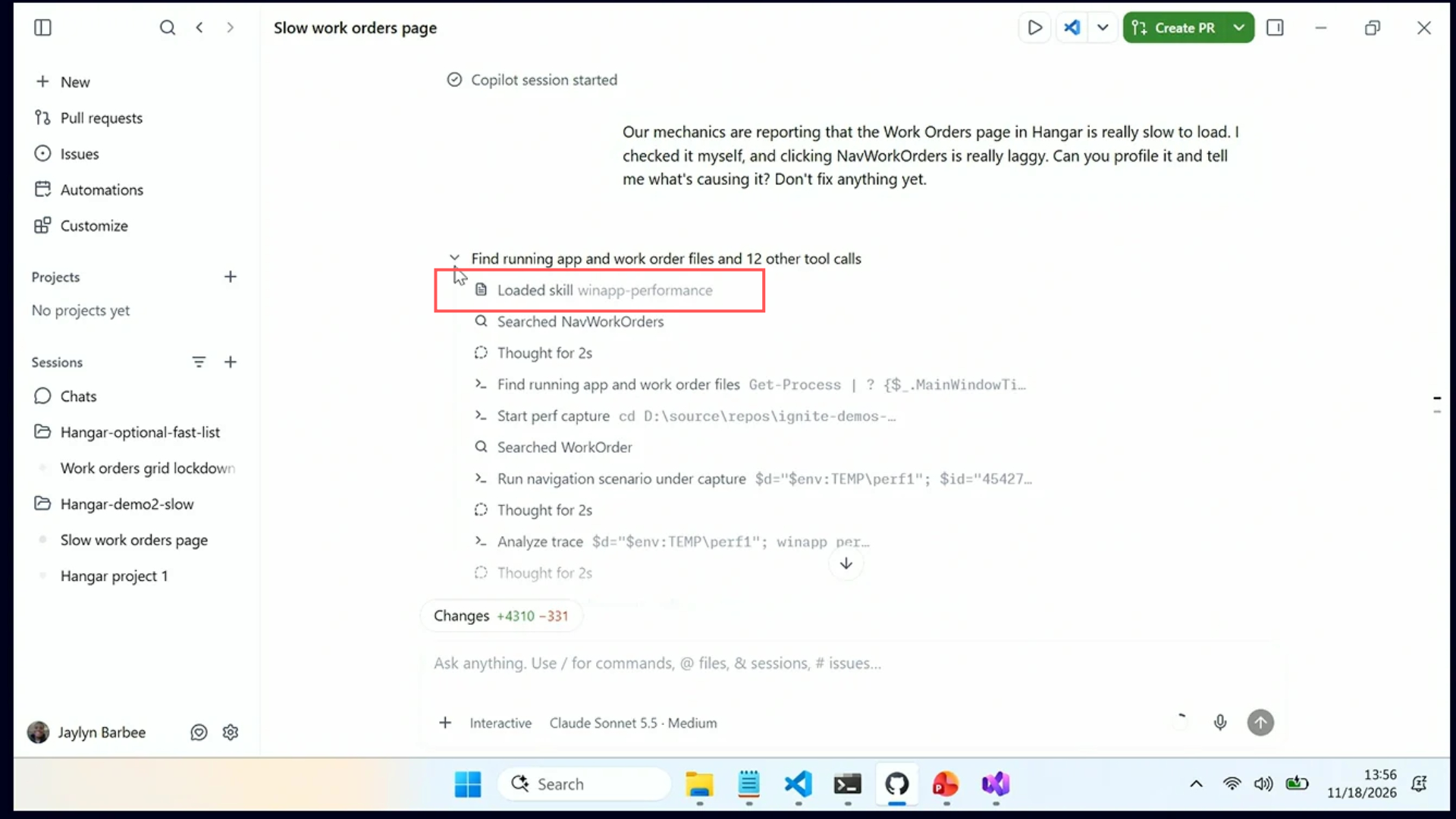
The live demo also shows how AI agents can fix application performance issues. In the Hangar app, mechanics are reporting that the ticket page is running slowly. The AI agent loaded the WinApp performance skill, and after running "winapp perf", it was discovered that the list view was loading far more rows than the screen could display at one time. The engineer then left a comment on the DevTools list asking not to load 1,200 rows of data at once, and the AI agent read the comment and modified the code.
Microsoft engineer Barbee said that AI can usually do about 80% of the work, but she personally still prefers a lot of manual verification. In another demo, a machinist wanted a table that could be sorted and column widths adjusted. The AI agent searched for the WinUI Gallery sample via "find UI" and found the TableView. Subsequently, engineers tried to manually freeze the column using properties from WPF memory, but the operation failed; the "find API" tool scanned the Windows API and found the correct property FrozenEdge. Microsoft says AI agents make similar mistakes when migrating old apps.
An internal benchmark test published by Microsoft shows that after using WinApp tools, the rate of correct answers to WinApp commands increased from 37% to 90%, and the rate of passing application quality checks also increased from 68% to 87%. In addition, a PowerShell script executes the "winapp ui" command, clicks through the interface changes, and saves screenshots and videos to the evidence folder; this process can be run in a sandbox to allow developers to continue working. Replit's Product Owner also leveraged WinUI skills to convert approximately 600 local CSV files into a sales application with an interactive map in approximately 15 minutes.
However, Microsoft also admits that WinUI is still far from mature. Beth Pan said: "There are a lot of bugs, there are a lot of issues that we need to fix, and we have been doing this since probably 20 years ago." WinUI 3 reached version 1.0 in 2021, and the "20 years" here may also cover the XAML technology stack it inherits.
Microsoft's migration guide points out that as of Windows App SDK 2.0, WinUI apps start slower, use more memory, and take up more storage than UWP apps. Visual Studio's XAML designer currently does not support WinUI 3 projects. In May of this year, Microsoft also admitted that the window zoom experience of WinUI 3 apps was not as good as the UWP apps it replaced, and promised to fix it in the summer.
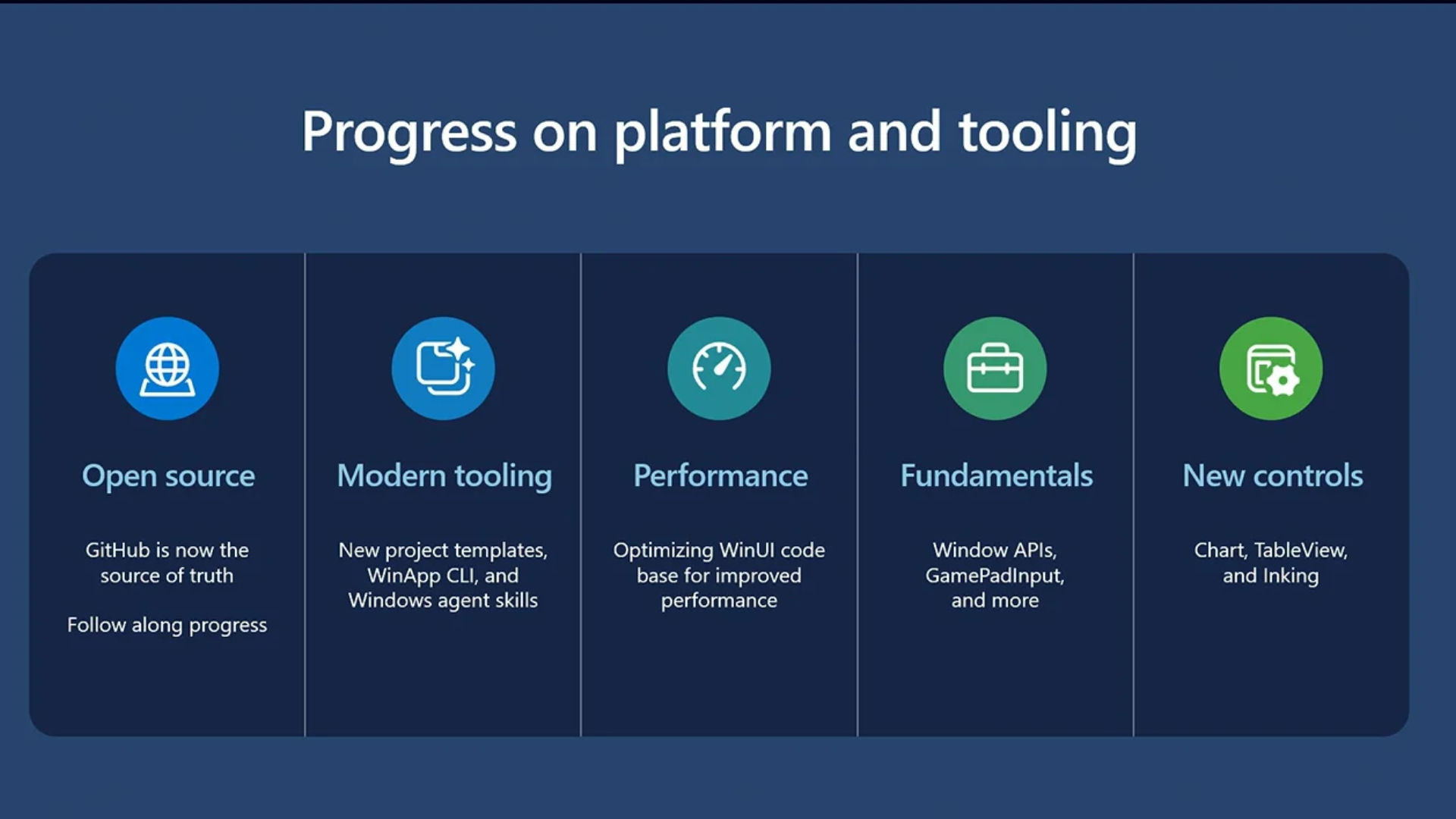
The good news is that some performance issues are improving. According to Beth Pan, the time spent in WinUI code during File Explorer startup has been reduced by 25%, and memory allocation has been reduced by 41%. Microsoft also noted at Ignite that the window management API is still missing, while the TableView, Chart, and InkCanvas controls are still experimental.
Microsoft is testing hot reloading, a XAML previewer, and Reactor, which allows developers to write WinUI applications directly in pure C# without using XAML. According to engineers, Rust support is the number one request the WinUI team receives. WinUI and its XAML compiler are also currently open for development.
Microsoft deserves recognition for acknowledging the complaints of developers over the years, but the AI agent only makes building WinUI applications faster and does not automatically solve the problems of performance, stability and ecological trust. If the new WinUI application is still slower to launch than the old UWP application, it is still unknown whether companies like Meta, which insist on using web encapsulation solutions, will remake WhatsApp into a native Windows application.
Comments