
Abstract:
Microsoft recently announced that it will gradually expand the scope of automatic delivery of Windows 11 26H2 version. The first batch will cover non-domain control devices running Windows 11 25H2/24H2. These devices will automatically download and upgrade to the new version if they meet the conditions. Users may see a restart update prompt pop-up from the system.
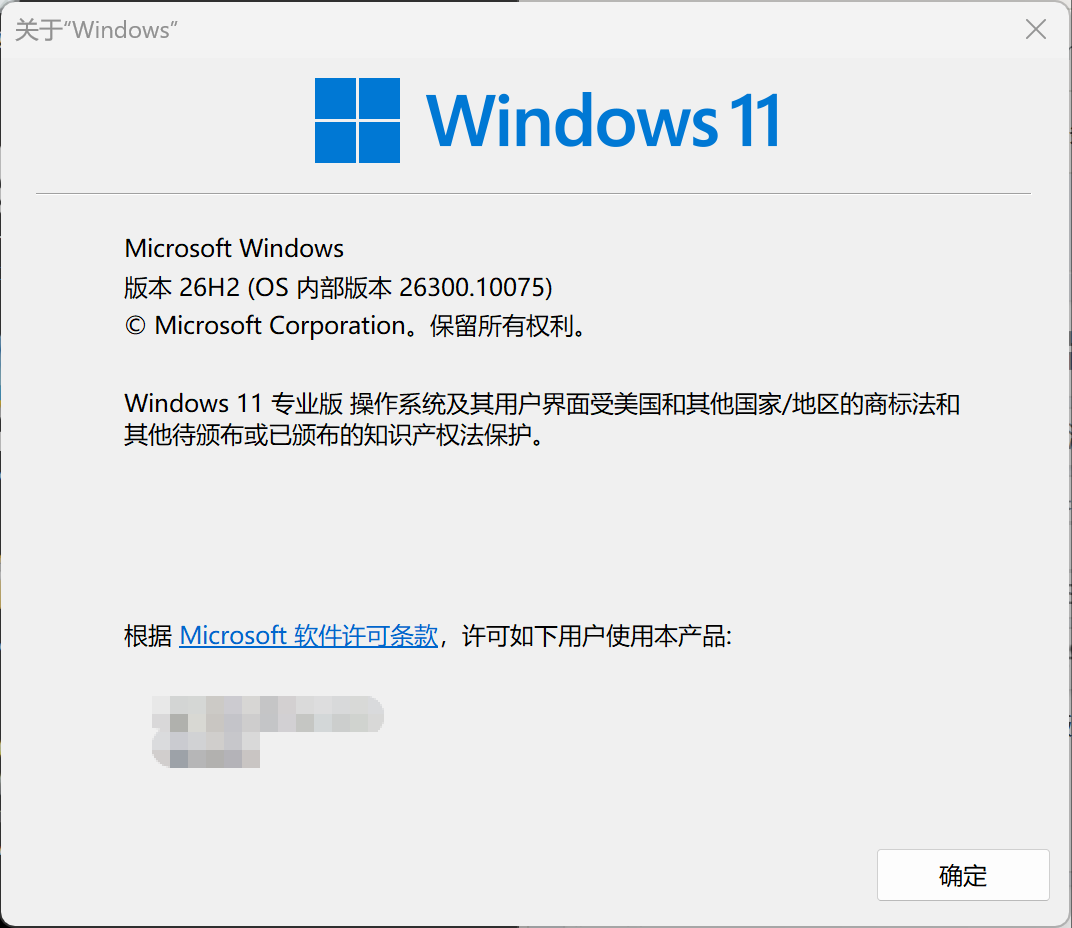
No need for users to manually check for downloaded updates:
Windows 11 version 26H2 has been officially released at the end of September. Starting in late October, eligible devices can get this version by manually checking for updates. This change is that Microsoft has expanded the scope of automatic delivery, that is, hardware combinations that Microsoft has tested and have no problems with will be automatically downloaded and upgraded.
When the computer is idle, the system may automatically download the upgrade package and complete the installation. Then the system may pop up a prompt to restart the update. If the user does not intervene for a long time, the system will automatically restart to complete the final stage of the upgrade. Microsoft says users can also continue to manually check for updates to speed up the upgrade process.
Enabling package upgrades via eKB is very fast:
Windows 11 26H2 is a small update, and its basis is shared with Windows 11 24H2/25H2 versions. If users install monthly updates normally, they only need to download a small eKB activation package, and restarting the update process is also very fast.
If the user is using Windows 11 23H2 and earlier versions and does not install the necessary cumulative updates on a monthly basis, the upgrade process may download the complete image file, which may take longer, and the corresponding restart update will be slower.
It should also be noted that if the user does not push manually and manually checks for updates and there is no upgrade prompt, it means that there is a compatibility issue with the hardware. In this case, Microsoft will block the update from the server to avoid problems after the upgrade.
Comments