
Abstract:
Microsoft is continuing to promote the largest interface modernization project in the history of Windows 11, and the latest signs show that this plan has extended to one of the oldest components of the system-the disk defragmentation tool. System components that have long been regarded as "ancient heritage" have now begun to receive new design language and technical architecture support. This is regarded by the outside world as an important signal for Microsoft to re-embrace the WinUI native framework.
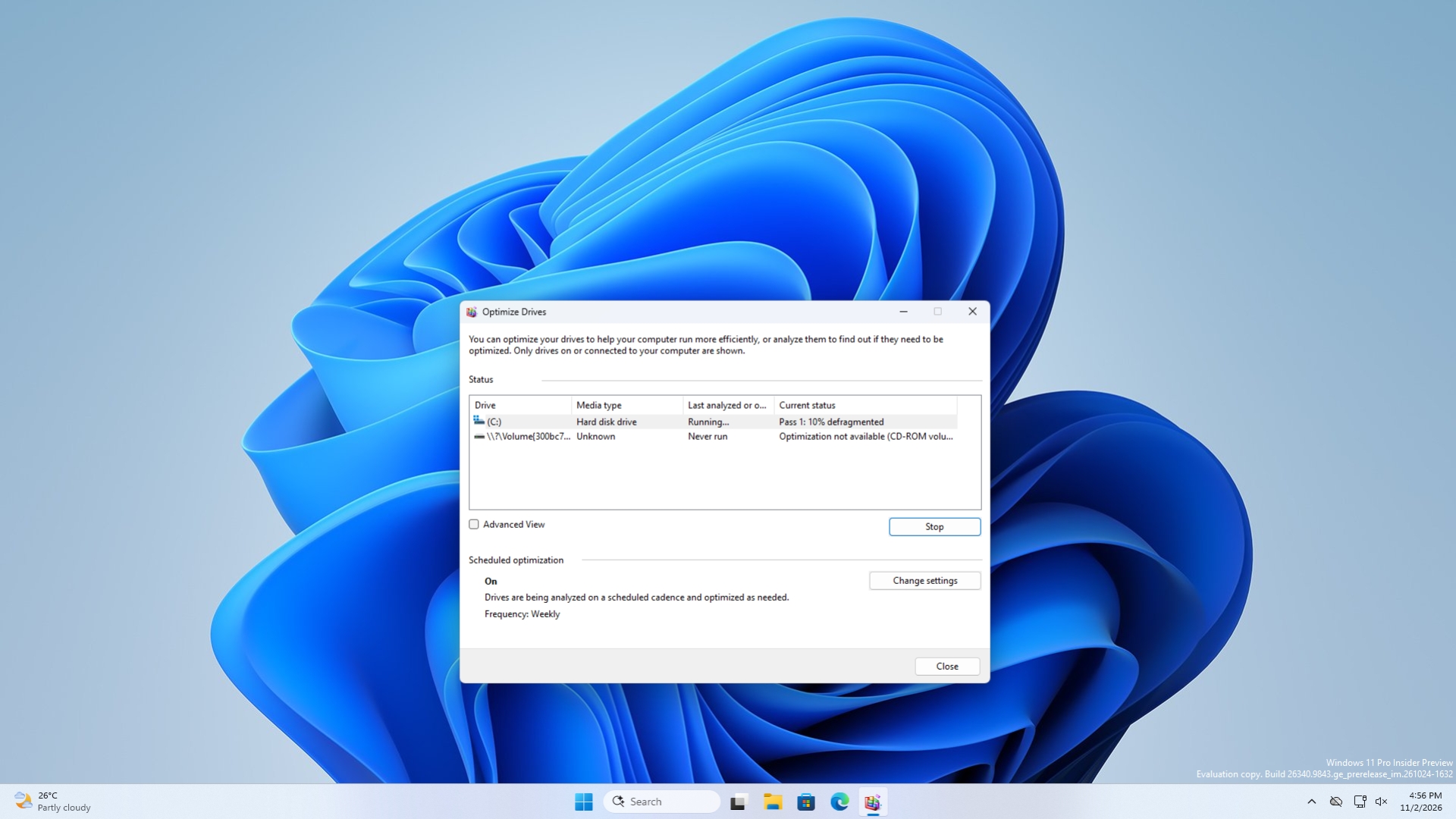
In the past few years, Windows 11 has been facing the problem of inconsistent interface styles. Users often switch back and forth between modern settings interfaces and Win32 windows left over from decades ago. From the File Explorer properties window to the run dialog box, to various control panel modules, old and new designs have coexisted for a long time, becoming one of the most criticized problems on the Windows platform.
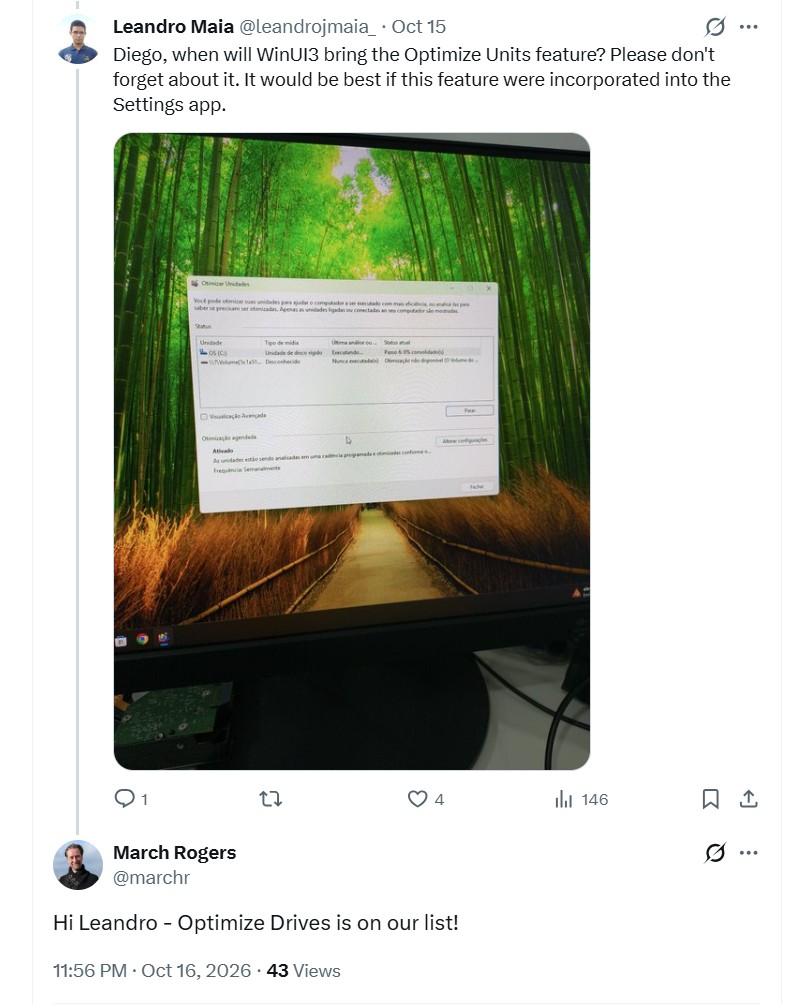
Microsoft has previously made it clear that it plans to migrate more Windows interfaces to the WinUI 3 framework in the future. March Rogers, head of the company's design team, has confirmed that the new File Explorer properties window is not simply a visual theme, but is rebuilt from the ground up using WinUI 3. This means that Microsoft is no longer satisfied with adding superficial improvements such as dark mode to the traditional interface, but hopes to gradually remove legacy code and establish a unified modern interface system.
The latest findings show that this transformation effort is expanding even further. Some system tools that have remained virtually unchanged for a long time, including the Windows Disk Defragmenter, have also begun to adopt new interface elements that comply with Windows 11 design specifications. For many users, the visual style of these tools harkens back to Windows Vista and earlier, so the updates are considered symbolic.
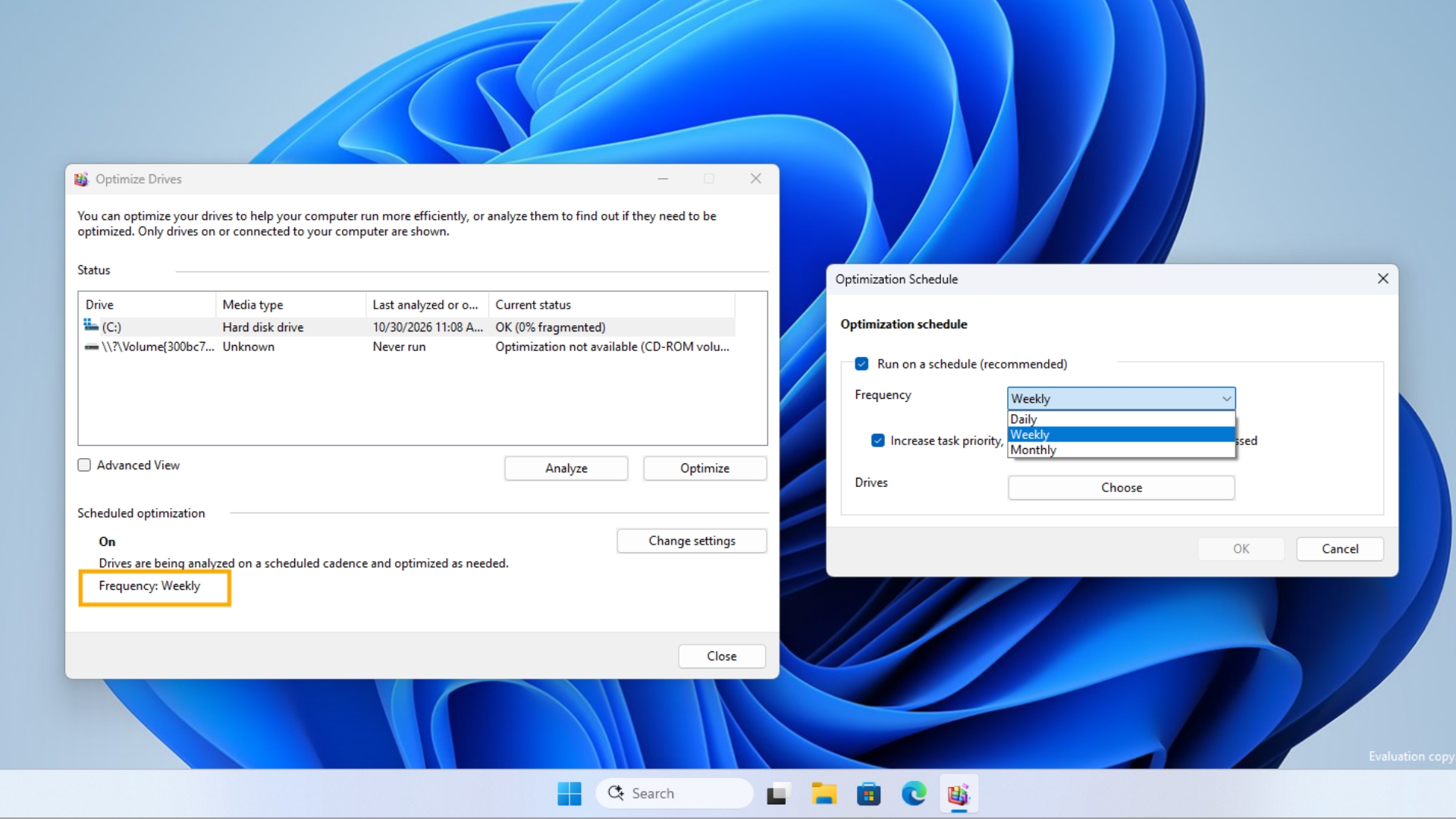
WinUI is defined by Microsoft as the future native user interface framework for Windows. Its goal is to provide a unified Fluent Design design experience while retaining the performance advantages of desktop applications, including rounded windows, animation effects, Acrylic and Mica materials, dark mode, and modern controls. Compared with the Win32 interface that still exists in a large number of systems, WinUI has better hardware acceleration capabilities and consistency.
Microsoft's renewed large-scale bet on WinUI also means that its development direction is changing. In the past few years, Microsoft has continued to try different development frameworks, from Win32 to WPF, to UWP and Web technology solutions. The route has been adjusted many times to confuse developers. Many Microsoft's own applications even use WebView2 to implement interface functions, which is essentially equivalent to embedding browser technology into the operating system.
Although this approach improves development efficiency, it also brings performance overhead and consistency issues. Users often complain that some Windows components start slowly, take up too much memory, and the operating experience lacks the smoothness of native desktop applications. Therefore, Microsoft has begun to re-emphasize the "native first" strategy in recent years and established WinUI as the core technology direction for the future development of Windows.
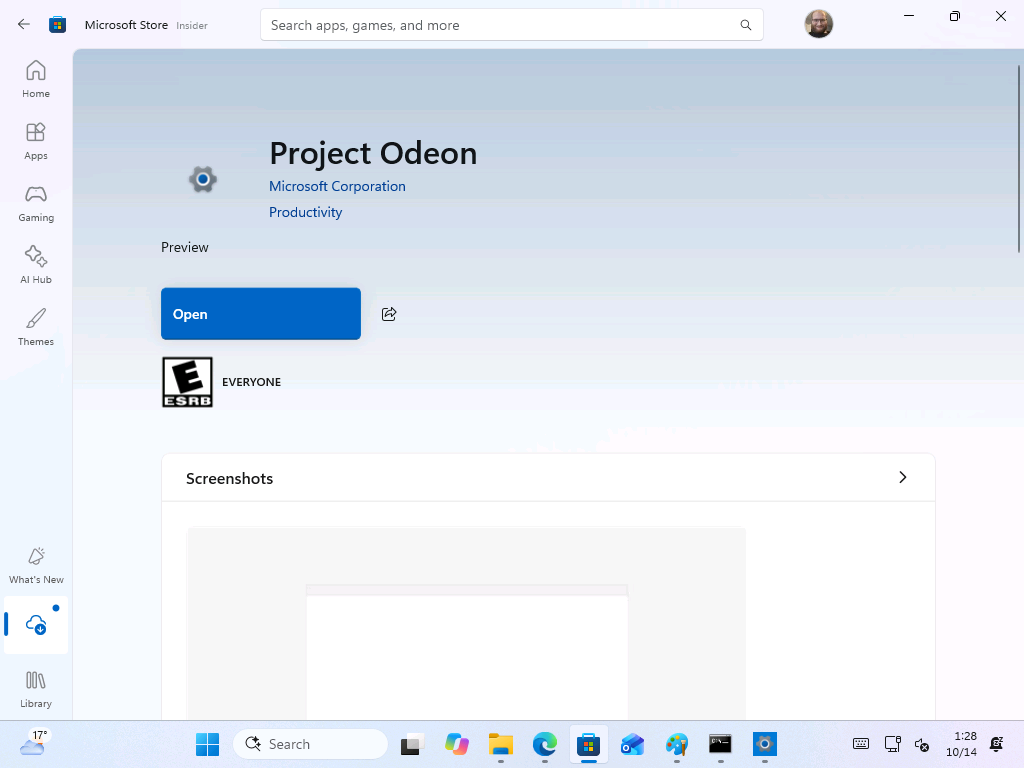
During this year’s Build 2026 Developers Conference, Microsoft once again assured developers that WinUI will become the preferred framework for modern Windows application development. At the same time, the company also announced that it will transfer all the main development work of WinUI to GitHub for public conduct, allowing developers to understand the progress of feature development in real time and participate in feedback and improvement suggestions.
At the actual product level, Microsoft has begun to gradually verify this strategy. In addition to the File Explorer properties window, the new run dialog box, start menu, and multiple system interfaces are migrating to the WinUI architecture. Microsoft also plans to continue to revamp more traditional components, gradually replacing legacy designs with new native interfaces, rather than simply adding visual wrapper to old code.
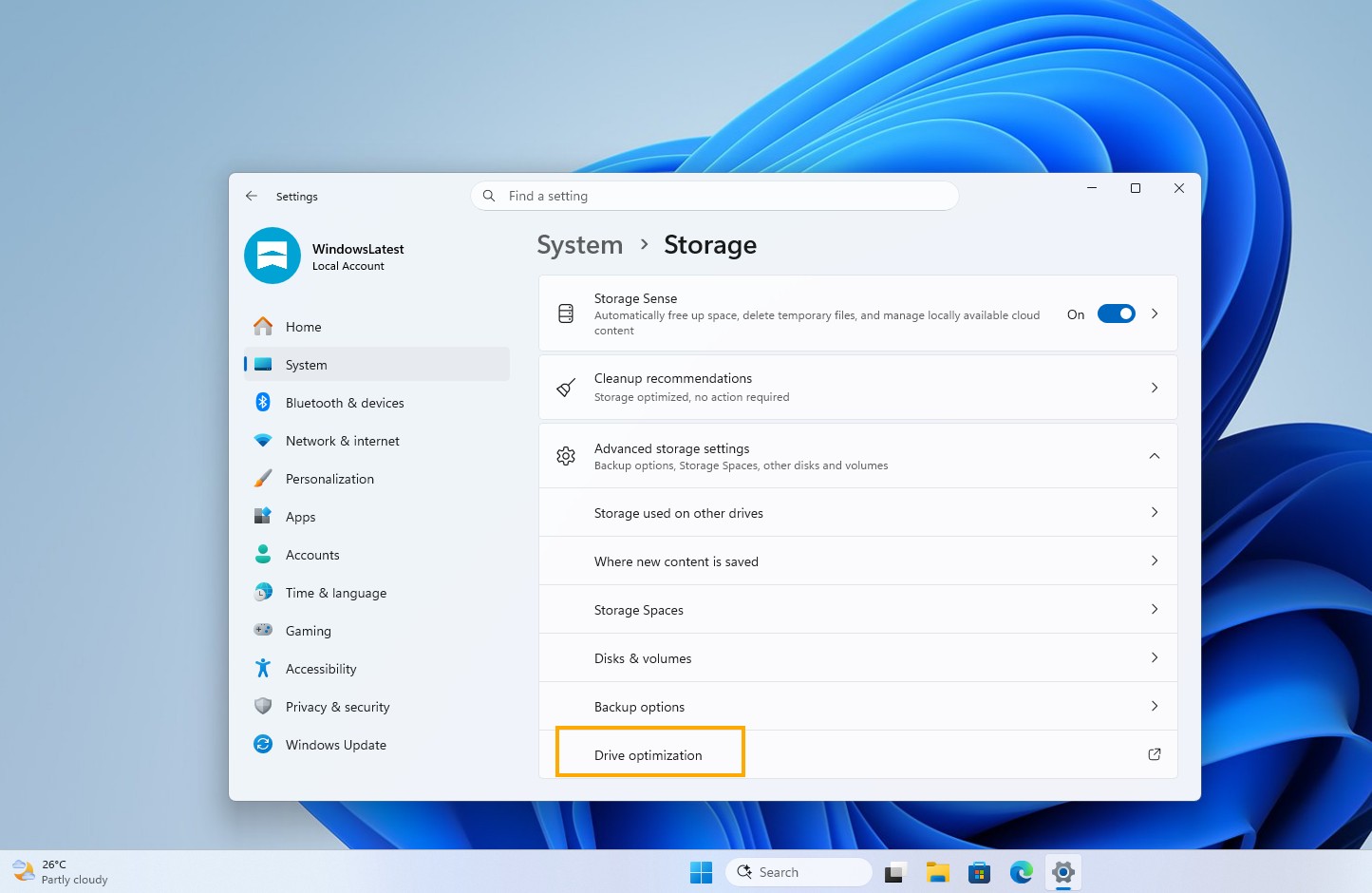
Analysts believe that the inclusion of ancient components such as disk defragmentation tools into the scope of modernization shows that Microsoft's goal in this reform is not only to update individual interfaces, but also to ultimately build a complete system experience that is more unified, more efficient, and more in line with the design concept of Windows 11. If this plan can continue to advance, the mixture of new and old interfaces that Windows users will see in the future is expected to gradually reduce, and WinUI may also become the next-generation desktop framework that has the most profound impact on Windows after Win32.
Comments