
Abstract:
The September 2026 routine security cumulative update (Patch Tuesday) pushed by Microsoft for the Windows 11 operating system has recently encountered concentrated complaints from users. According to feedback from Microsoft's official support community, social media, and multiple mainstream hardware technology forums,
a large number of PC users encountered a serious failure in which audio output was completely interrupted after successfully installing the update and restarting the system. The speakers and headphones of the affected devices completely lost sound, triggering extensive discussions on software and hardware compatibility.
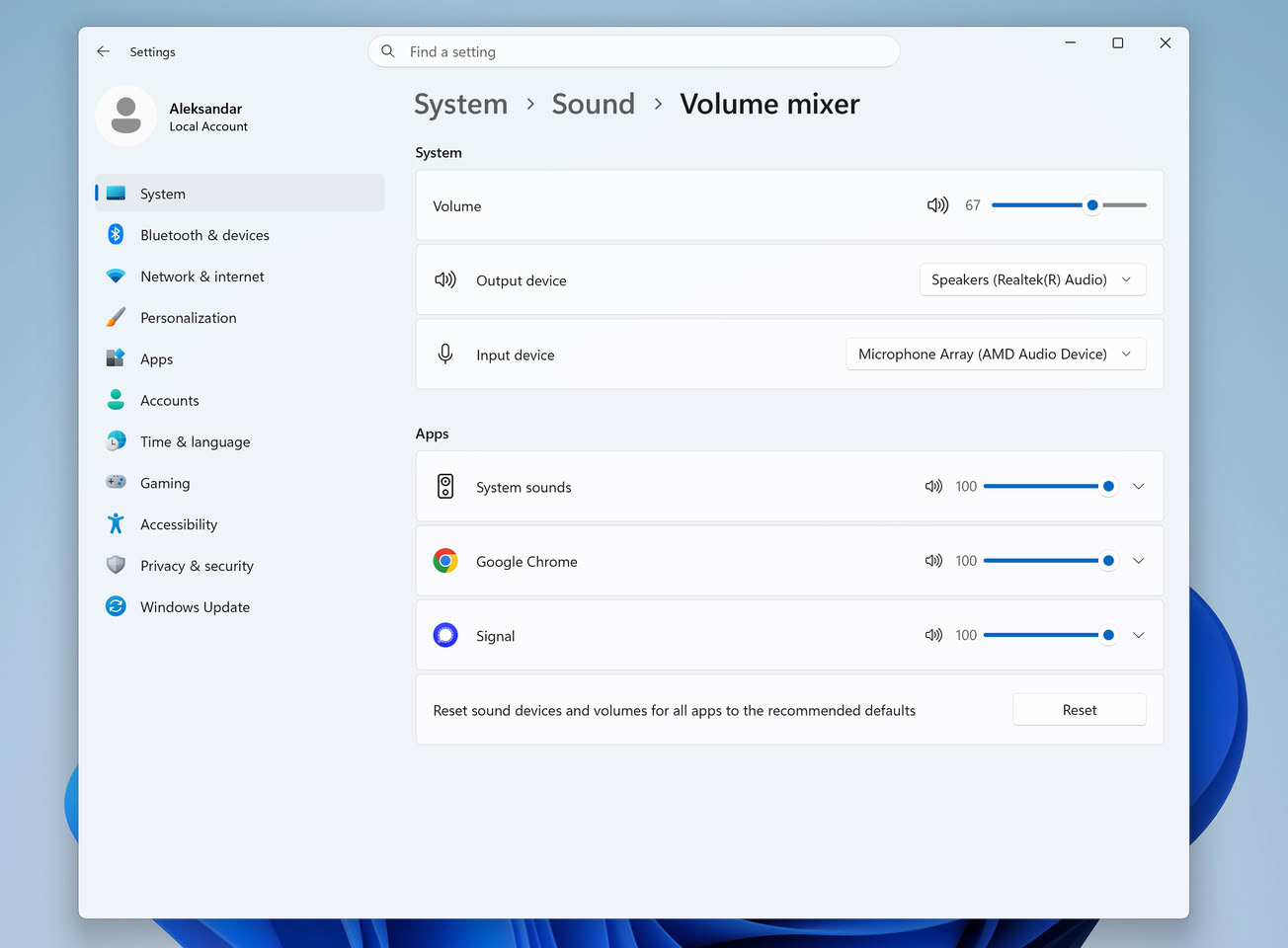
According to affected users, this problem is usually triggered when the system is restarted for the first time after installing the September cumulative patch. Many users have found that a red warning cross appears on the volume tray icon in the lower right corner of the taskbar, accompanied by the error message "Audio output device is not installed" or "Audio service is not running". In the device manager, the onboard sound card or external audio adapter that was originally working normally displays a yellow exclamation mark and cannot be recognized by the system multimedia control center. Although some users try to restart the Windows Audio background core service or replug the peripheral interface, most operations fail to restore sound output.
In-depth technical investigation shows that the audio failure problem is mainly concentrated on motherboards and notebook computers using Realtek high-definition audio decoding chips. Some modern thin and light notebook platforms equipped with Intel Smart Sound Technology are also not immune. Technical analysts pointed out that the reconstruction of the system's underlying driver signature verification mechanism and the kernel-level multimedia security patch introduced by Microsoft in the September update had underlying signaling conflicts with old audio drivers of specific versions (especially those customized by OEM manufacturers and not maintained for a long time), causing the Windows audio endpoint generator to directly crash during boot and fall into a deadlock loop.
Faced with the sudden mute trouble, the affected technical community and professional hardware media provided several temporary self-rescue solutions. For users who urgently need to restore normal audio calls and audio-visual entertainment, the most thorough solution is to manually uninstall the cumulative patch installed in September through the Windows update history interface, and temporarily pause the system update push in the advanced settings; for users who do not want to roll back the security patch, you can try to completely uninstall the current error-reporting sound card driver in the Device Manager and force the switch to use Microsoft's built-in native universal audio driver (High Definition Audio). Device), or go directly to the official website of the motherboard and notebook brand to download and install the latest WHQL certified driver adapted by the manufacturer.
Operating system stability observers point out that although it is not the first time that Windows updates have caused key peripherals such as sound cards or network cards to stop working due to driver conflicts, such a large-scale compatibility overturn for core basic functions on the Windows 11 platform, which focuses on security and modernization, still exposes Microsoft's quality control loopholes in the compatibility testing process of the huge and heterogeneous PC hardware ecosystem. As of now, the Microsoft technical support team has marked the audio failure anomaly as a known issue to be investigated in an internal support ticket, and is expected to push the fix to affected users around the world through service stack updates (SSU) or emergency out-of-band (OOB) patches after locating the root cause of the fault.
Comments