
Abstract:
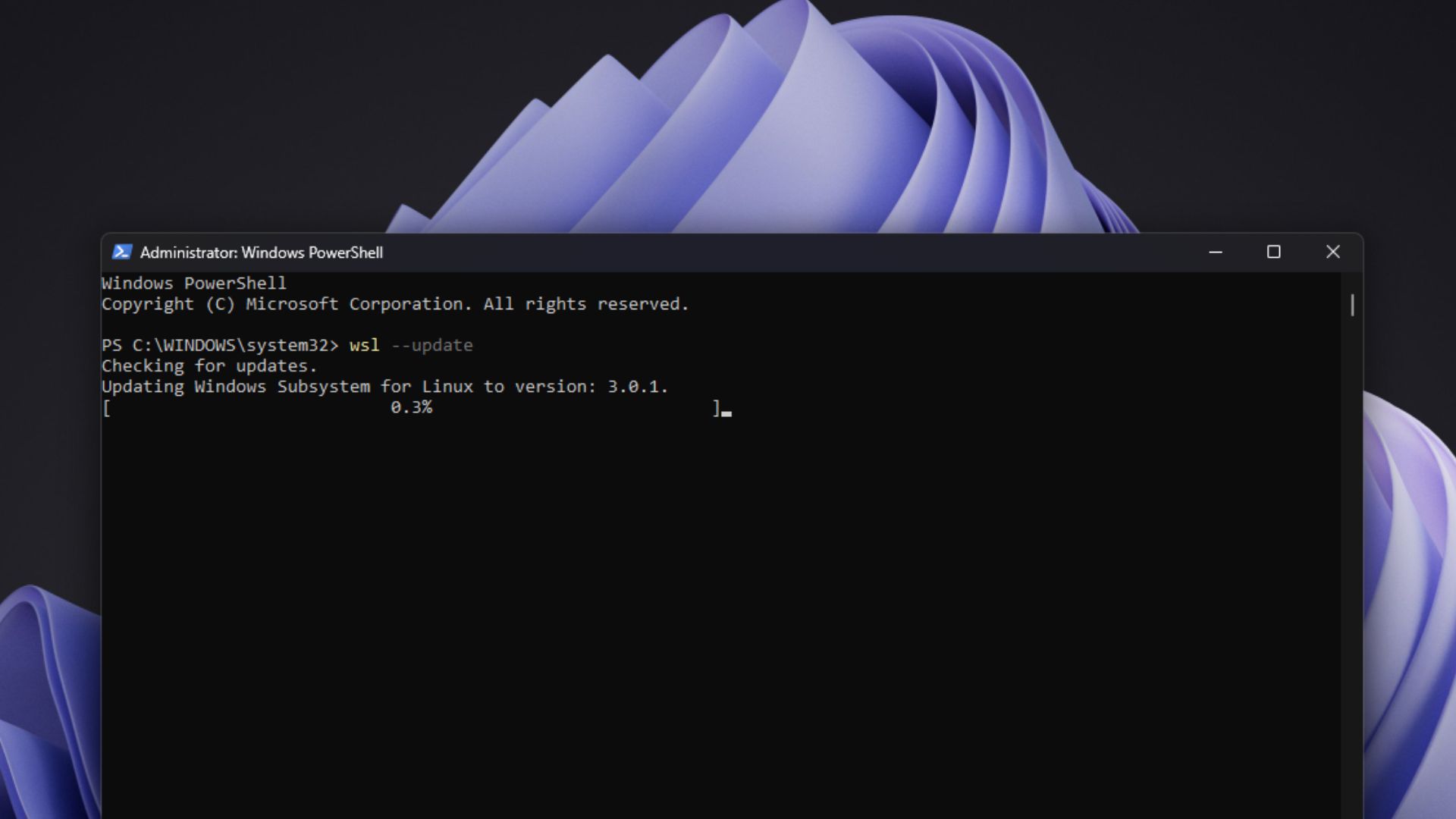
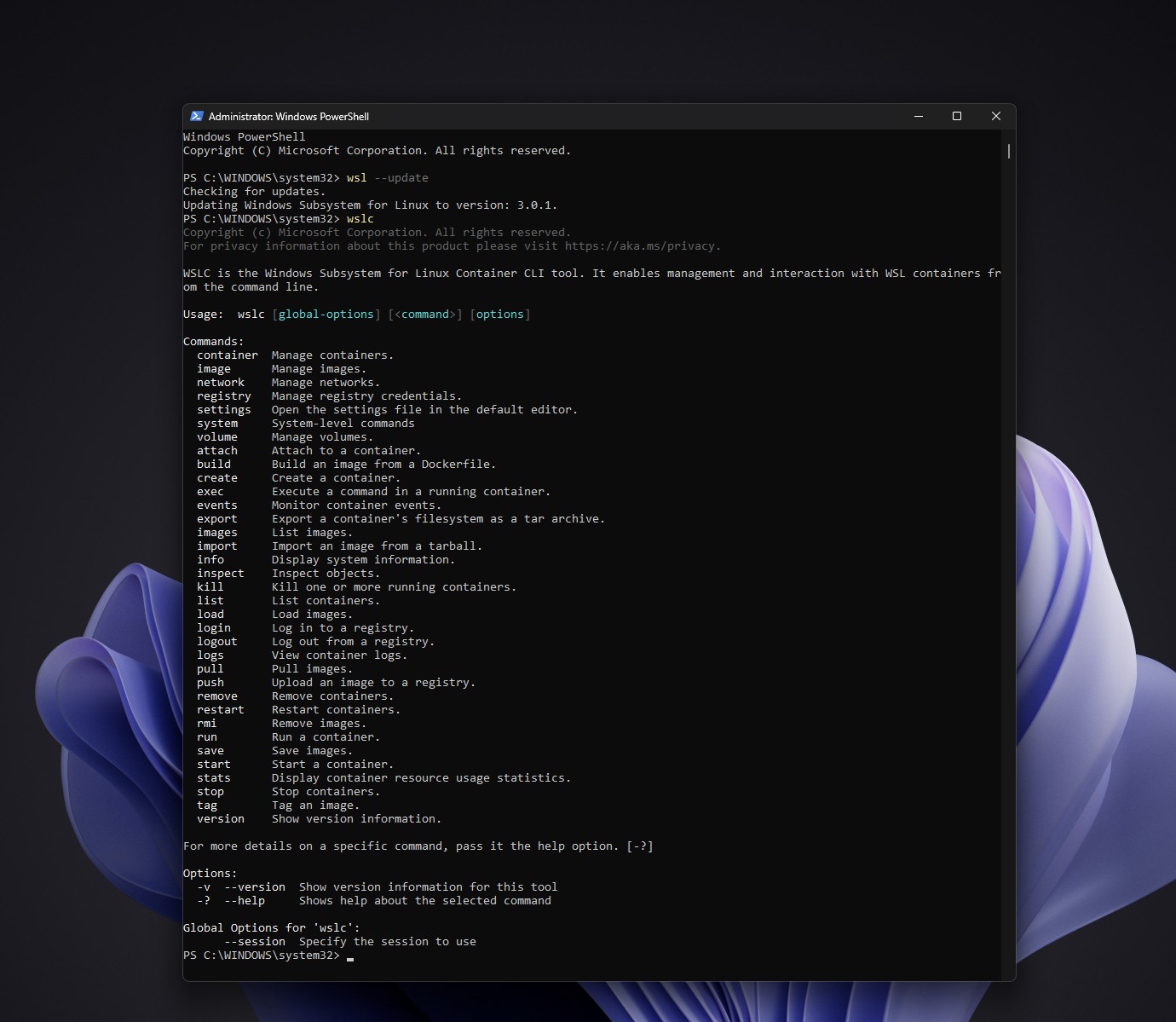
Microsoft has moved WSL Containers from a public preview to a generally available version. Users can run "wsl --update" to obtain related functions, including the command line tool wslc.exe and WSL Containers API. Although the version number of the official version on GitHub is WSL 3.0.1, this does not mean that Microsoft has launched WSL 3; Microsoft has previously denied the existence of this new version.
Previously, if Windows developers wanted to run Linux containers, they usually needed to install Docker Desktop or manually configure Docker Engine in the WSL Linux distribution. WSL Containers integrates container workflows directly into WSL. wslc.exe can be used to build, run, manage and deploy Linux containers from Windows. It also provides container.exe as an alias. Developers familiar with Docker can also use similar commands. The supporting API allows native Windows applications to create and control Linux containers through code, and supports C# and C++/WinRT calls, standard input and output, file mounting, network and GPU access.
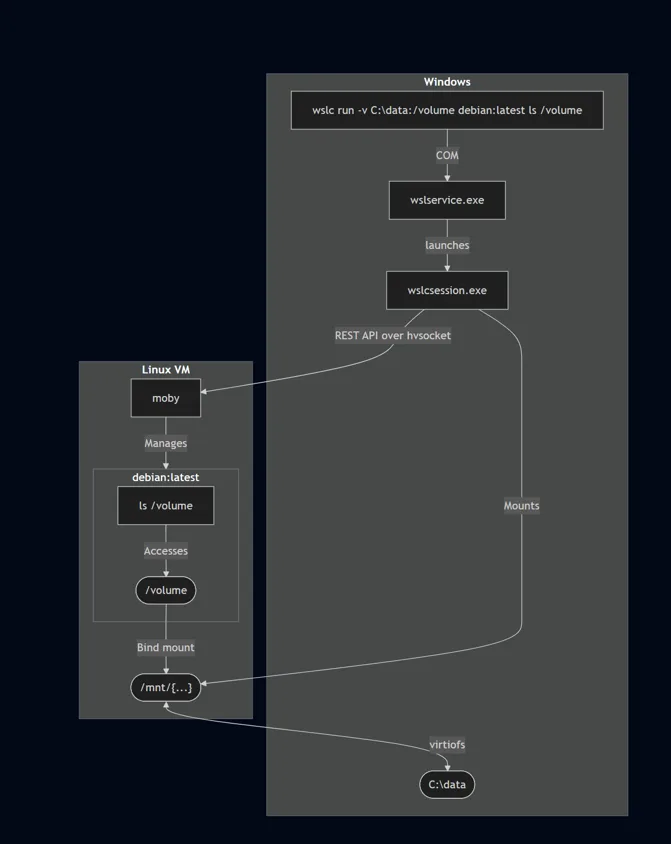
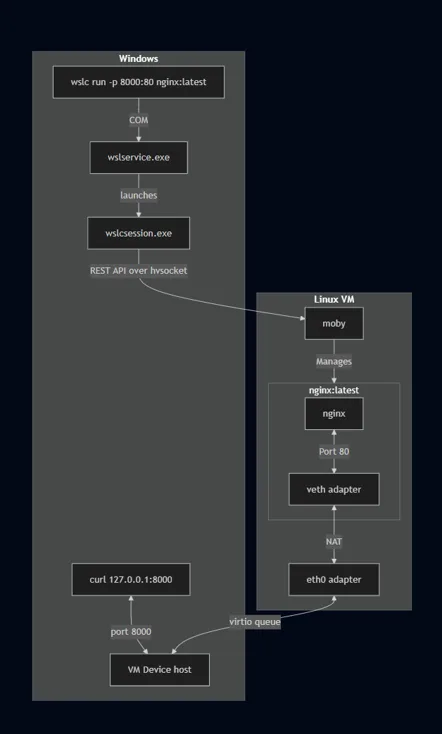
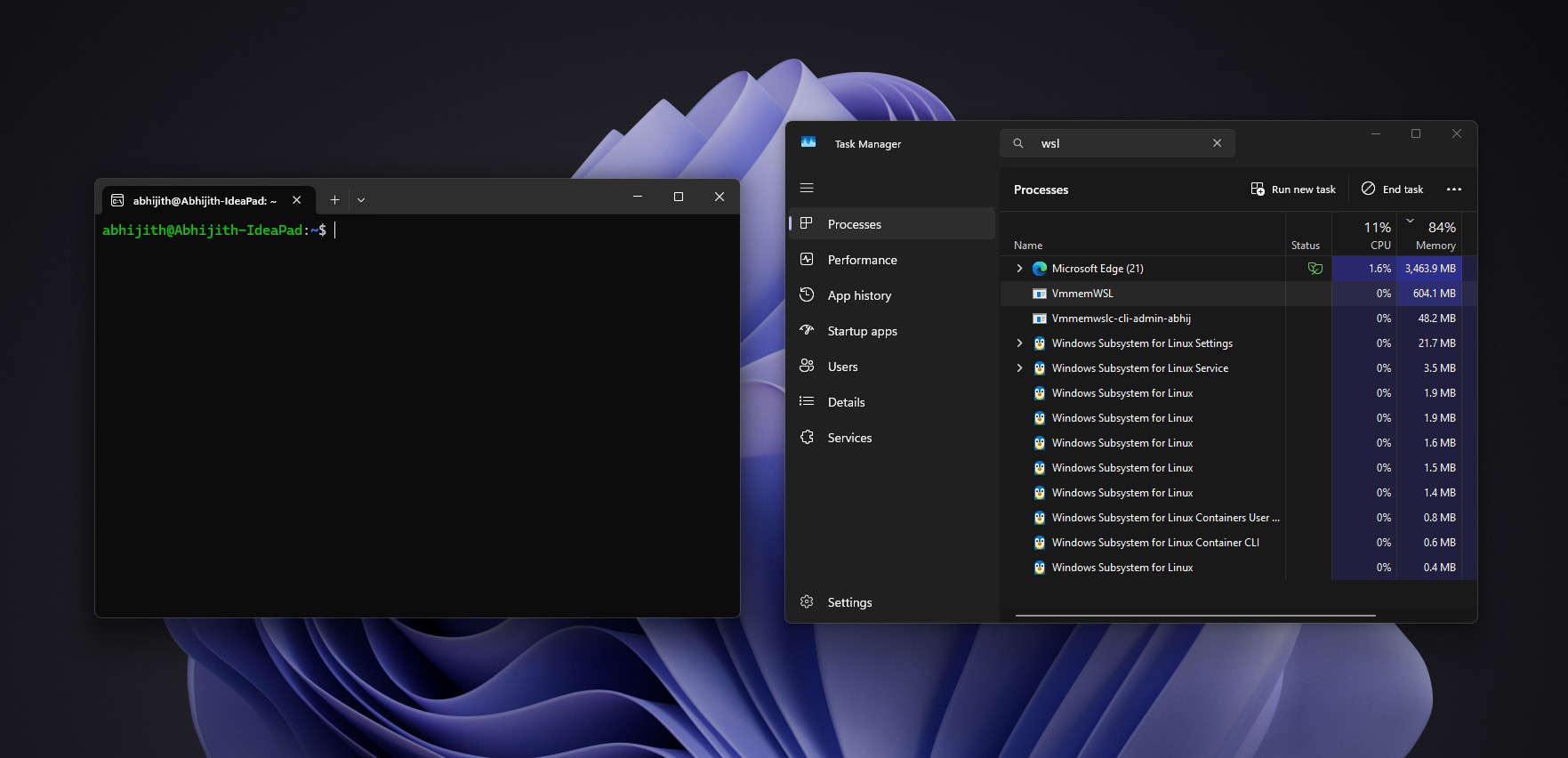
"Native" here does not mean that the container runs on the Windows kernel. The container actually runs on the Linux kernel in the WSL virtual machine. Microsoft has redesigned how container sessions are managed. Regular WSL applications create virtual machines through the Windows service wslservice.exe with higher permissions; WSL Containers uses the service to create a sub-process named wslcsession.exe, which creates containers, mounts directories and binds network ports on behalf of the user. Microsoft said that each session is hosted by an independent process, which can strengthen isolation; the permissions required for session operations are also lower than wslservice.exe, which helps to improve security.
Each session has an independent virtual hard disk, which is saved in the user application data directory. Containers can use Windows folders through volume mounts. Microsoft uses virtiofs to share directories to virtual machines, saying it is about twice as fast as the Plan 9 solution used by traditional WSL distributions to access the C drive. For containers that require native Linux file systems or limited storage capacity, virtual hard disk volumes can be used.
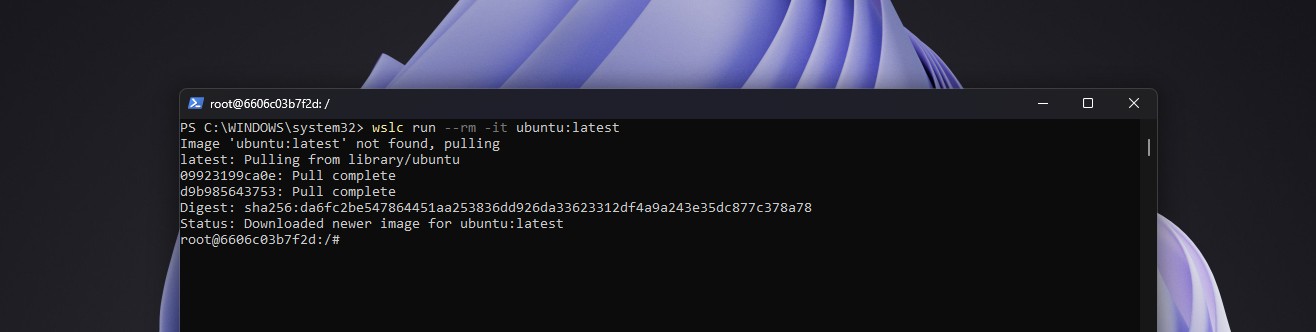
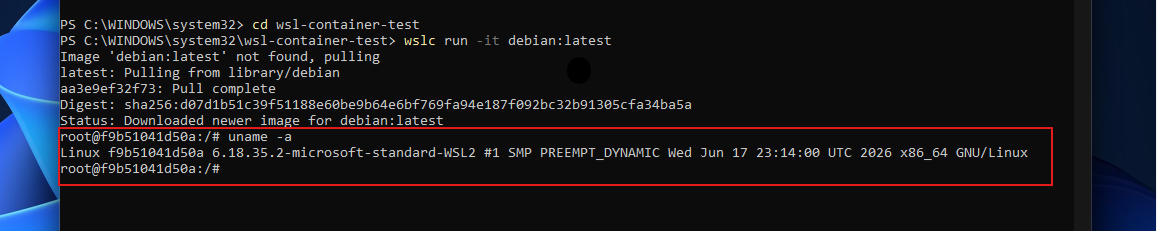
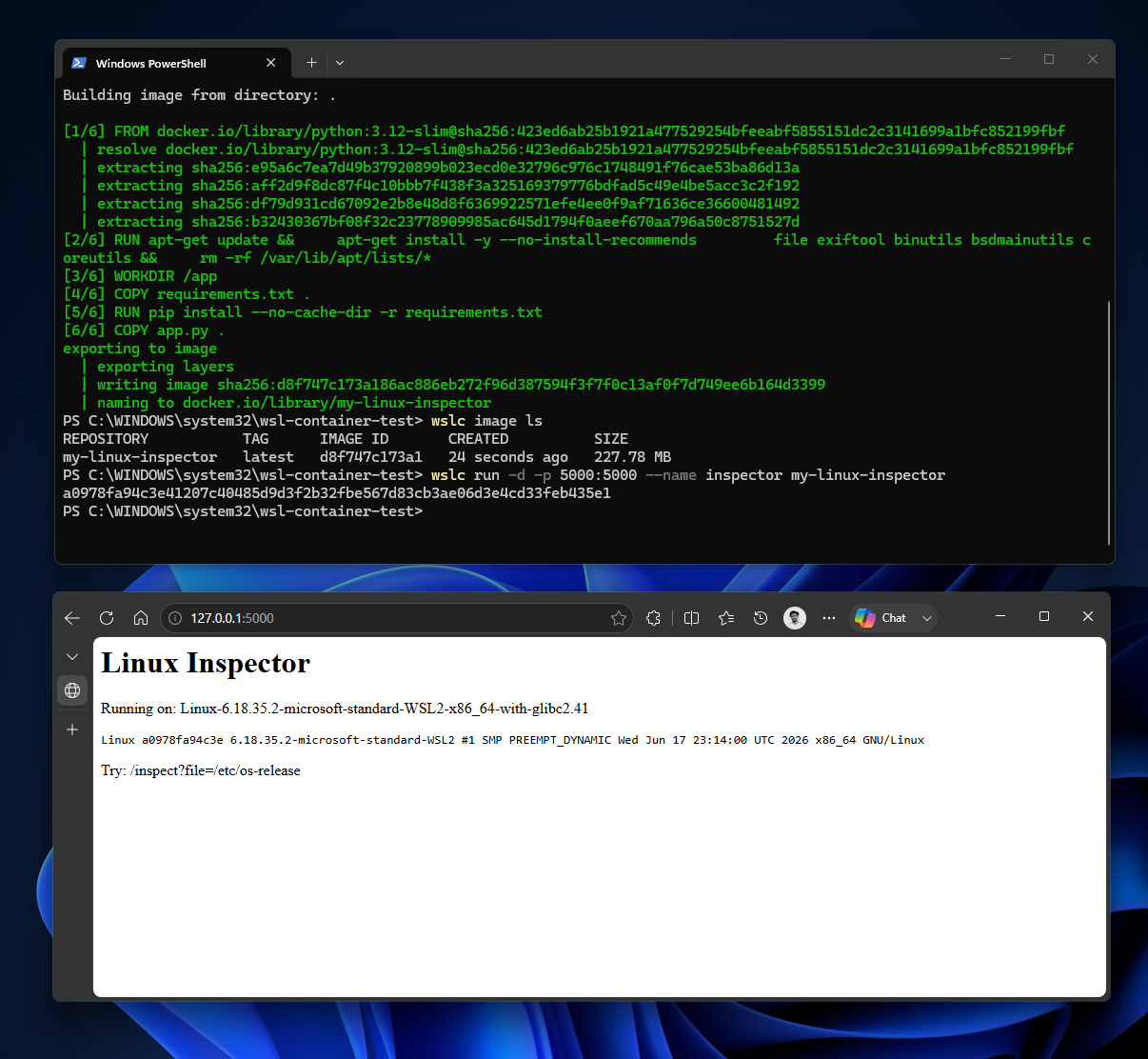
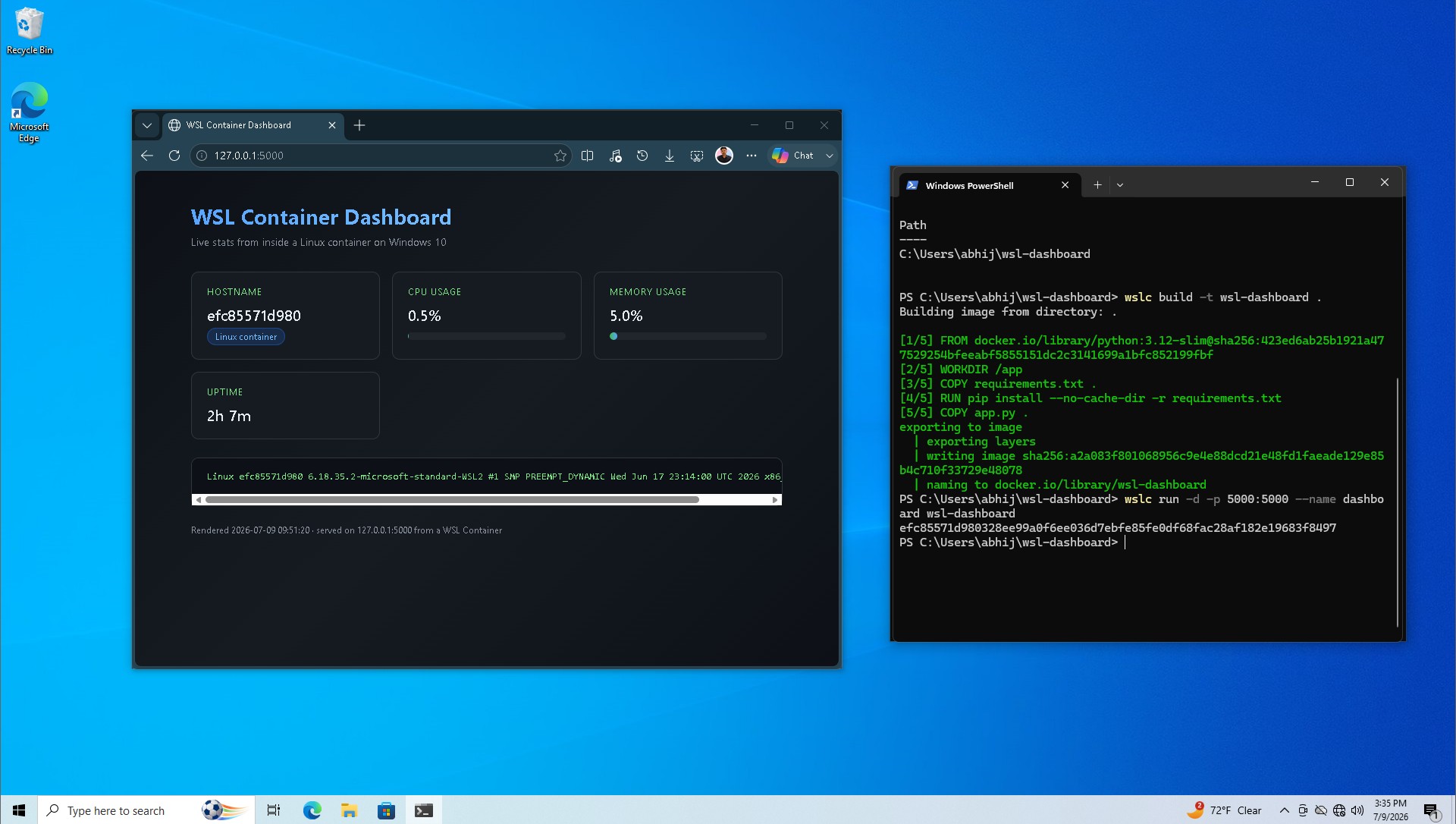
The official version adds commands such as container restart, file copying, network connection and disconnection, more network driver options, container health check, and directory mounting when creating and running containers. The network also introduces an architecture called Consommé. The network traffic of the Linux virtual machine will enter the virtio queue in the form of Ethernet frames, and then the Windows process running as the user handles DNS queries, TCP and UDP traffic, and port mapping. Microsoft said that this method is more compatible with VPNs and firewalls and will improve network problems that WSL users have long encountered. In previous tests, Windows could access the Flask service running in the container through localhost without additional network configuration.
Microsoft is also adding management and security capabilities for enterprise use. IT administrators can enable or disable WSL Containers through Microsoft Intune and restrict container images to only be pulled from approved registries. Microsoft Defender for Endpoint's existing WSL integration is also extended to containers, showing process, file and network activity inside the container and correlating it to the Windows host. Microsoft said that these capabilities, combined with Intune and Defender, can provide the security controls needed for enterprise environments.
In terms of development tools, Microsoft announced that the VS Code Dev Containers extension can use wslc as a container driver. The VS Code Containers extension and Aspire also support this feature. Microsoft WSL product manager Craig Loewen said that users only need to select wslc as an executable program in the settings. However, some developers have reported that even if the extension is replaced with the official version, Dev Containers will still prompt that the docker command cannot be found, indicating that the current editor integration may still need to be checked and adjusted.
Compose support, which developers are most looking forward to, is still under development. Compose can write multiple containers such as front-end, back-end API, database and cache into the same compose.yaml configuration file, and then start the entire set of services with one command. Microsoft said that Compose is the most requested feature of wslc at present, and hopes that in the future, "wsl compose up" can directly run existing configuration files without modification. During previous tests, due to the lack of Compose, developers could only start services in multi-container projects one by one.
There are still gaps in some advanced scenes. Microsoft engineers mentioned that developers can try to use the community project wslc-remote they maintain to build and push images within the WSL distribution; Microsoft hopes to support native support in the future, but it still needs to deal with many special situations. Other users said that the lack of "--privileged" parameter support forced them to change back to Docker to run kind and k3d Kubernetes clusters. Microsoft said that related features will be launched soon, the code has entered the main branch, and is expected to enter the preview stage soon. Therefore, official availability does not mean that wslc has all the functions of a mature container platform.
WSL Containers also supports Windows 10 and Windows Server. Microsoft's WSL product manager said that as long as the current system supports WSL, containers can be run; Windows Latest has also tested wslc on Windows 10 before and successfully built and ran the Flask dashboard. Microsoft confirmed that Windows Server also supports the use of this feature in production environments.
The report contrasted this change with Microsoft's past attitude towards Linux. Former Microsoft CEO Steve Ballmer once called Linux a "cancer". Today, Microsoft continues to improve WSL, open source it, and improve file access and network capabilities between Windows and Linux. Microsoft said that Linux is now no longer just a development environment, but can also host AI and cloud-native workloads; the article also mentioned that Google is providing native Windows 11 and WSL support for its new AI tools, and Canonical said that Ubuntu's growth rate on Windows 11 has exceeded that of native Linux computers. Despite this, the author believes that most developers will not give up Docker Desktop immediately before Compose and some advanced features are completed; if the unmodified Compose configuration can be directly run in the future, more people may consider uninstalling Docker Desktop.
Comments