
Abstract:
Google is launching a new feature for Google Vids, the AI video production application under Google Workspace. Users can now convert Google Docs documents, PDF files or Word files into video excerpts with scripts, scenes and dubbing.
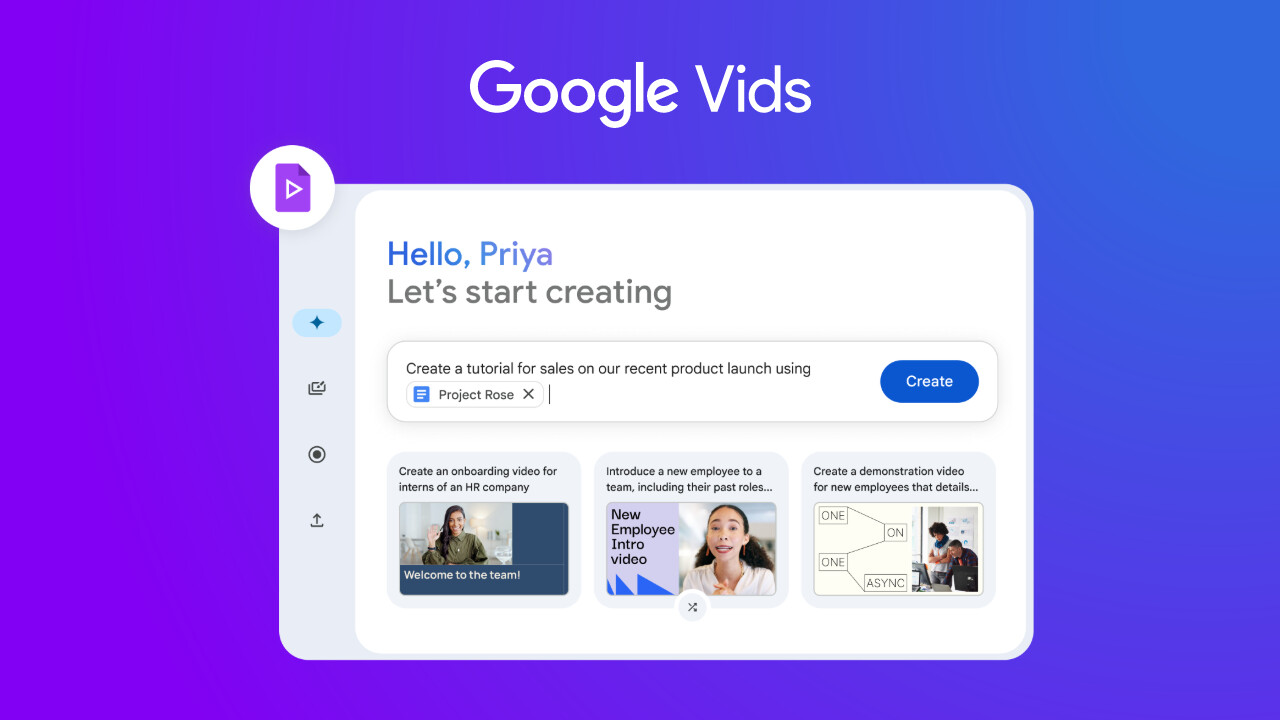
After users visit vids.new, they can open the "File" menu at the top and select "Document to Video". Users can then select files from their computer or Google Drive. Supported formats include .doc, .docx and .pdf. After selecting the file, click "Next" to start processing.
Google Vids will automatically generate an editable script based on the document content and convert the main parts of the document into independent video scenes. Users can delete unnecessary content through the trash can icon, or directly modify the script content in the text box. In addition, users can also select AI dubbing sounds, confirm the content and click "Generate" to finally produce a video project in MP4 format.
The main feature of Google Pics is that it relies entirely on text prompts to operate. Users simply describe what they want in natural language, and artificial intelligence generates the image from scratch. Once the image is complete, users can hover over specific elements to move, resize, or delete them while leaving other parts unchanged. The tool also supports rewriting or translating text in images and will try to match the font used in the original image.
Comments