
Abstract:
Since August, HP laptop users have reported that Windows 11 has system abnormalities after installing updates such as KB5121003. This is an update released by Microsoft in August, and this update is naturally included in the September update.
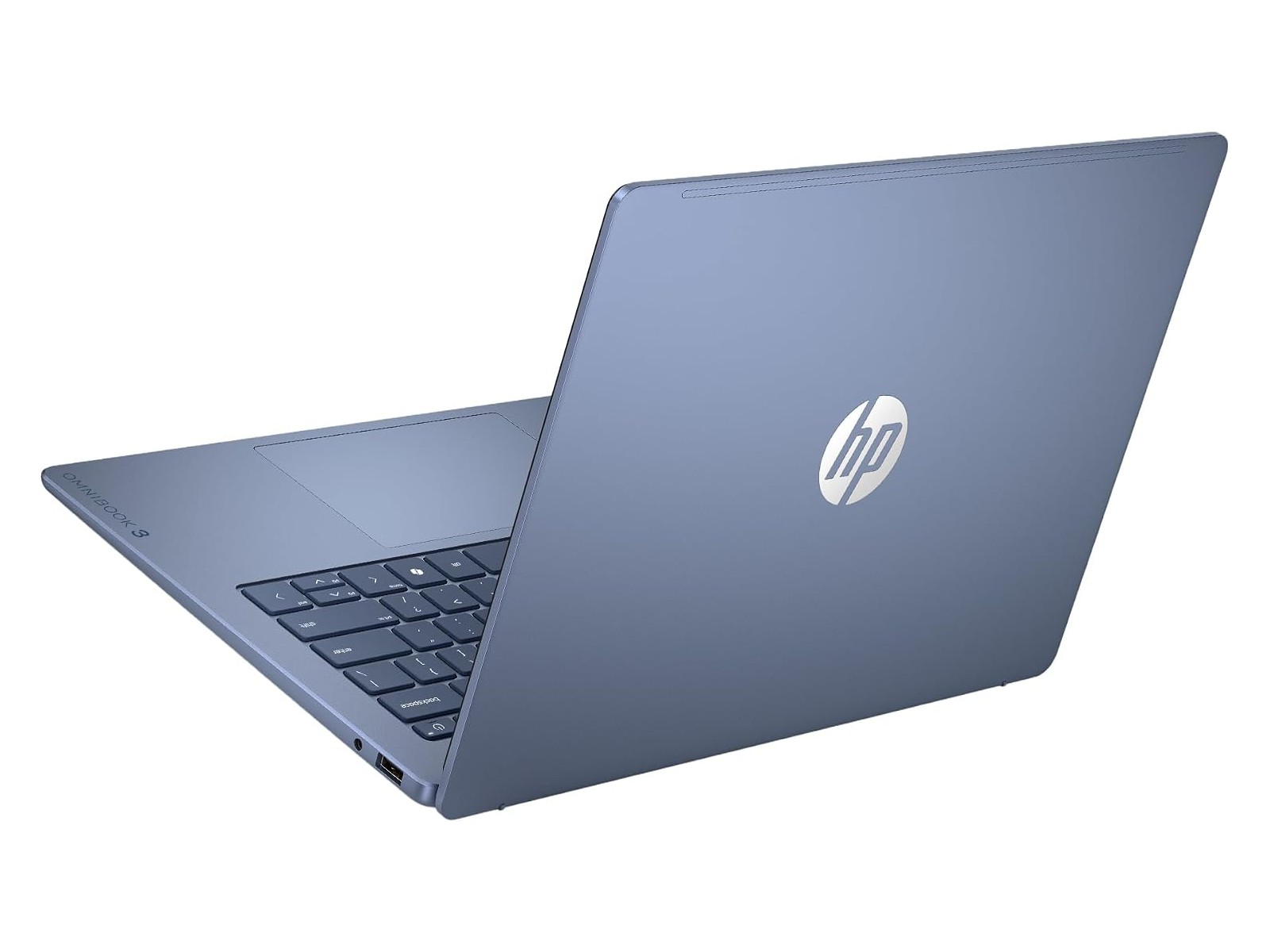
Repeatedly install updates and the installation fails and the update is revoked:
Judging from user feedback, it seems that the modifications provided by the update released by Microsoft have some kind of compatibility issue with the HP BIOS firmware. Users who encounter this problem will notice that the update is installed and stuck on the startup interface during the restart phase. After forced shutdown, the system prompts for repair, and then the system automatically cancels the update.
Some unbelieving users manually downloaded the update and installed it again, but the result was exactly the same. Windows 11 will also automatically download and install updates, so sometimes if the user does not shut down the computer, the system may be stuck on the HP LOGO interface when he comes back, and he can only force shut down again and perform the update uninstall process.
A temporary solution is to reset the BIOS settings:
According to the solution provided by HP customer service, users who encounter stuck on the startup interface should perform temporary processing as follows: long press the power button to force shutdown, press the power button and immediately press F10 until the BIOS setup interface appears, then press F9 again to load the BIOS settings (this step resets the BIOS settings to default values), and then press F10 to select save and exit. The system should start normally after restarting.
It should be noted that some user-defined settings will be lost after resetting the BIOS settings, such as enabling hardware virtualization, fTPM, PXE, modifying different startup settings, etc. Please re-enter the BIOS interface after resetting to set these options.
HP has released a BIOS firmware fix for the issue:
At present, HP has confirmed that this problem is indeed related to Windows 11 updates. To this end, HP has released BIOS firmware update F.07.Rev.A (sp174502.exe) to fix the problem. HP mentioned in the update log: This firmware update improves system stability when running Windows 11 updates. The firmware release date is September 4, so users of HP laptops are advised to update the BIOS firmware before trying to install the update.
For the firmware download address, please visit the HP support website:
https://support.hp.com/cn-zh/drivers/laptops
Comments