
Abstract:
The Windows 11 September update caused an abnormality in the RDS remote desktop service. This service abnormality may cause users to be unable to connect to the machine normally using the Remote Desktop Protocol. This problem also affects Windows Server server systems, but for servers, the inability to connect to the remote desktop may cause many problems, such as direct loss of connection to the machine.
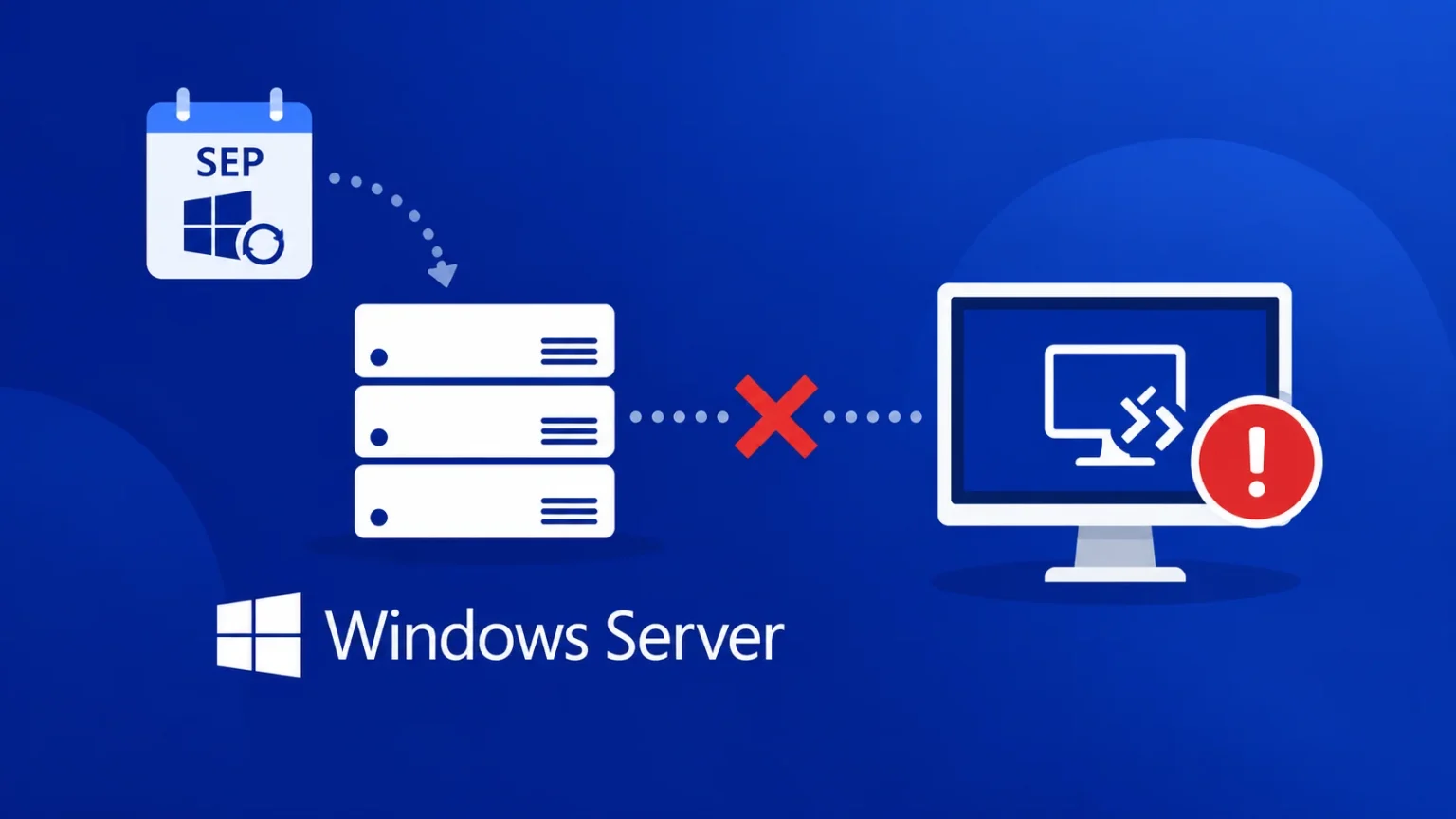
RDP connection stuck or frequently disconnected:
Currently, some IT administrators have reported that after installing updates to Windows Server, the remote desktop connection may begin to disconnect after running for several hours. Existing sessions cannot be logged out, new users cannot log in normally, and some devices must be forced to restart to return to normal.
The prompts users see may include protecting remote connections, please wait for remote desktop configuration, etc. In some environments, the RDS license diagnostic tool and file explorer will also become unresponsive. Some IT administrators have no choice but to force restart the server to restore access, and then uninstall the September update.
For public network dedicated servers, it is easy for the machine to lose connection:
Unlike Windows 11 PCs in the LAN, many Windows Server servers are deployed on the public network and may not be virtualized. If the machine is not virtualized, the machine cannot connect to the remote desktop and can only connect through IPMI (iDAAC, iLO, XCC, independent management interface names of different server brands are different), that is, directly operate the bottom layer of the dedicated server, such as force restarting the system.
These non-virtualized machines running on the public network cannot be restarted through the console provided by the cloud server manufacturer after losing connection, so IPMI is considered a last resort. Considering the current situation, it is recommended that IT administrators carefully install the September update or install other remote tools in advance to avoid being unable to operate the server after RDP loses connection.
At present, Microsoft has confirmed this problem, but there is no permanent solution for the time being. For machines running virtual machines, you can temporarily restore the machine connection by shutting down the server, deallocating and restarting. Microsoft will develop a solution to fix this problem in the future.
Comments