
Abstract:
Cloud reconstruction is a new feature recently added by Microsoft to Windows 11. This feature uses the WinRE recovery environment to download the latest installation image from Microsoft and then reinstall the system directly. The entire process does not require using other PCs to download the image, burn it to a USB flash drive, modify the startup items through the BIOS, etc. The cloud reconstruction function is very useful for PCs that have suffered serious failures.
Protect PC but not data:
It should be noted that the focus of the cloud reconstruction function is to restore the normal use of the PC. Data backup is not supported during the reinstallation process. Therefore, if the user has important data, he or she must prepare a USB flash drive and PE system in advance to back up the data (if the system disk encryption is turned on, a BitLocker unlock password or recovery key may be required).
So it is recommended that you prepare a USB flash drive, 4GB is enough, and then install the WePE system as a backup. If something goes wrong, you can still perform operations through the PE system. It would be best if you have a larger USB flash drive, such as a 16GB USB flash drive. After installing WePE, you can also download the Windows 11 image and put it in the USB flash drive. It is also very convenient to reinstall later.
What's new in the cloud rebuild feature:
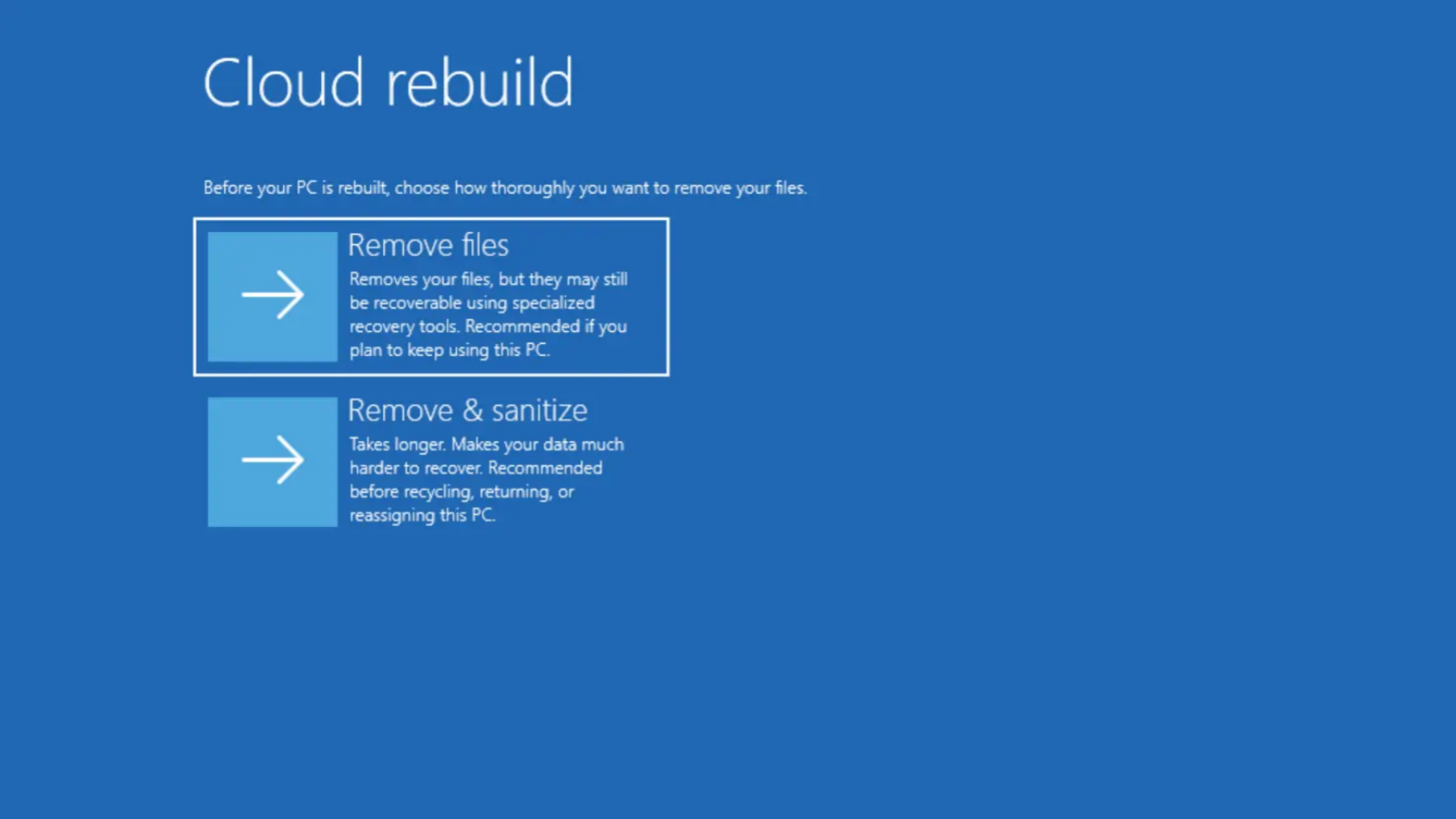
In the latest beta version of Windows 11, Microsoft brings two data clearing options to the cloud rebuild function. If the user is ready to reinstall the system and continue to use this PC, he or she can delete files. Deleting files here refers to cleaning up all data on the system disk and performing a quick format.
If the user plans to sell or assign this PC to other users, they can use the Delete and Clear Files option, which will use the erasure function of the storage hardware to completely clear the data on the hard drive before reinstalling the system, making it difficult to recover the data even with professional recovery software.
Comments