
Abstract:
Microsoft is introducing a new security feature for Windows 11 devices for enterprise and institutional users, allowing IT administrators to remotely lock computers when the device is lost, stolen, or poses a security risk, thereby further strengthening corporate data protection capabilities.
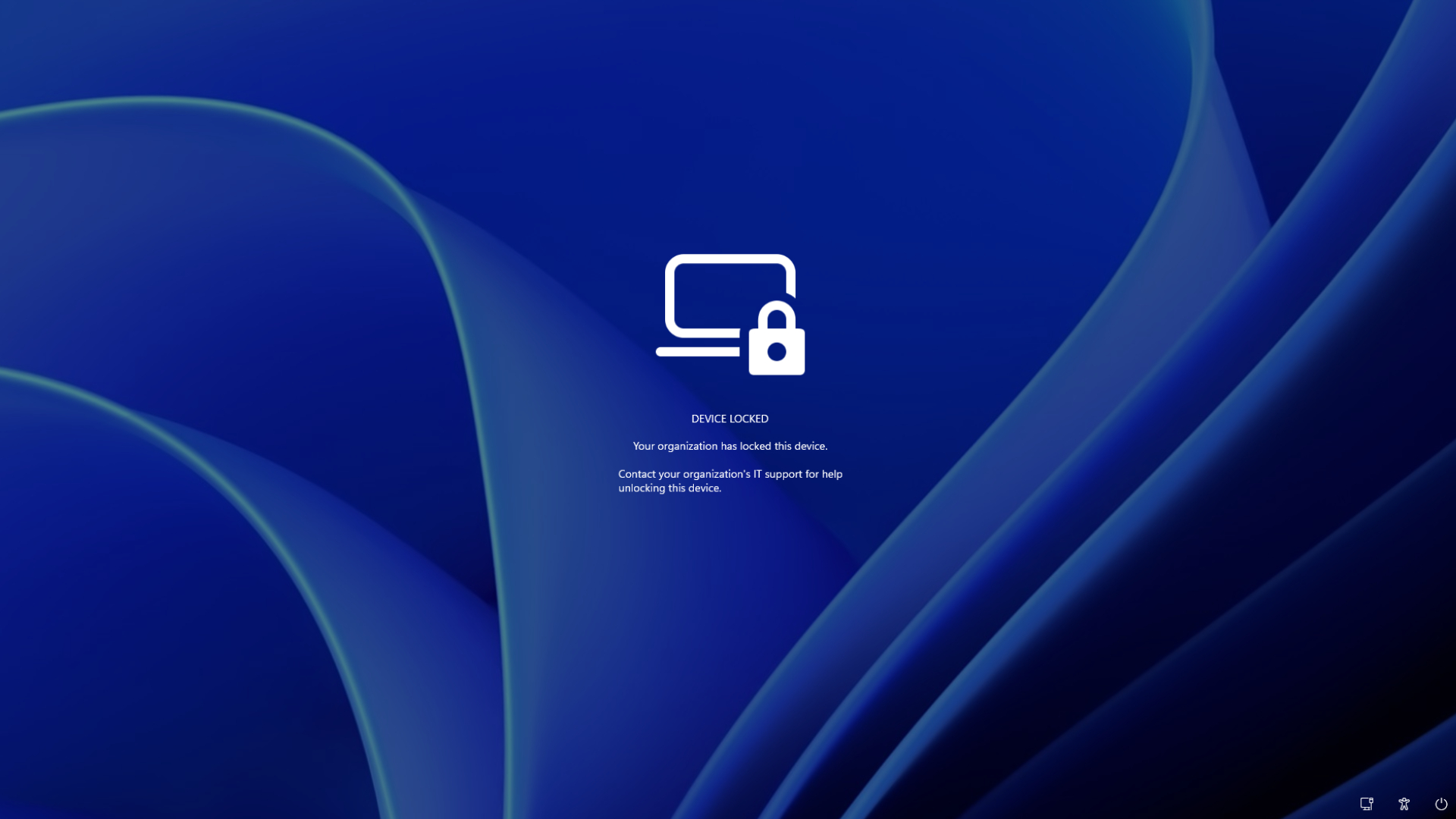
According to information released by Microsoft, this feature is integrated into the enterprise device management system. When the administrator issues a lock command through the Microsoft management platform, the target Windows 11 device will enter the locked state immediately after receiving the command. Unlike ordinary lock screens, this locking mechanism is specifically designed for managed devices. Even if you know the user password, PIN code, or even have local administrator account permissions, you cannot re-enter the system through conventional methods.
Microsoft said that once the device is locked remotely, local users will lose access to the device. The computer will display a lock interface and clearly inform you that the device has been managed and locked by the organization. Only after an IT administrator with appropriate authority issues an unlock command through the remote management service can the device be restored to normal use.
This mechanism is mainly intended for organizations that adopt a centralized management model, such as enterprises, schools, and government agencies. In the past, when employee laptops were lost, administrators often had to remotely wipe data, disable accounts, or wait for the device to come back online to enforce security policies. The new remote lock feature can quickly freeze the entire computer while the device is still online, preventing any unauthorized access.
Microsoft emphasized that this feature is built on device management platforms such as Microsoft Intune and is combined with Windows 11’s existing authentication and security architecture. Even if an attacker obtains the device login credentials, they cannot bypass the remote lockout status issued by the organization.
From a practical application scenario, if an employee loses a company computer in public places such as airports, hotels, cafes, etc., the IT department can immediately send a lock command to the device to minimize the risk of leakage of corporate documents, customer information, internal system access rights, and other sensitive information.
Industry insiders believe that as hybrid office and remote office models become increasingly popular, enterprise equipment is increasingly disconnected from the traditional office network environment. The new feature is equivalent to adding a "remote emergency braking" mechanism to Windows 11 enterprise terminals, allowing administrators to take quick measures when the device goes out of control without having to directly perform more radical operations such as data erasure.
Microsoft stated that the remote locking function will be provided for Windows 11 devices managed by organizations, mainly serving enterprise-level deployment scenarios, and ordinary personal version Windows 11 users will not have this capability for the time being. In the future, enterprise administrators can view the device lock status through the management console and decide whether to restore access rights or perform subsequent security measures based on the actual situation.
Comments