
Abstract:
Windows 11 introduces the "Memory Integrity" feature, which is part of Microsoft's plan to strengthen system security. This feature can help prevent dangerous programs such as malware from running. In order to maintain this security protection, Microsoft will reportedly automatically enable this feature in future updates, but users may also face a series of impacts as a result.
The patch Microsoft plans to release on October 13 will not only improve memory efficiency for 8GB memory systems, but will also automatically enable virtualization-based security (VBS) and memory integrity. By limiting kernel mode execution to only trusted code and drivers, Microsoft hopes to block key attack vectors on Windows 11 systems. In recent years, Windows 11 has gradually become an important target for attackers.
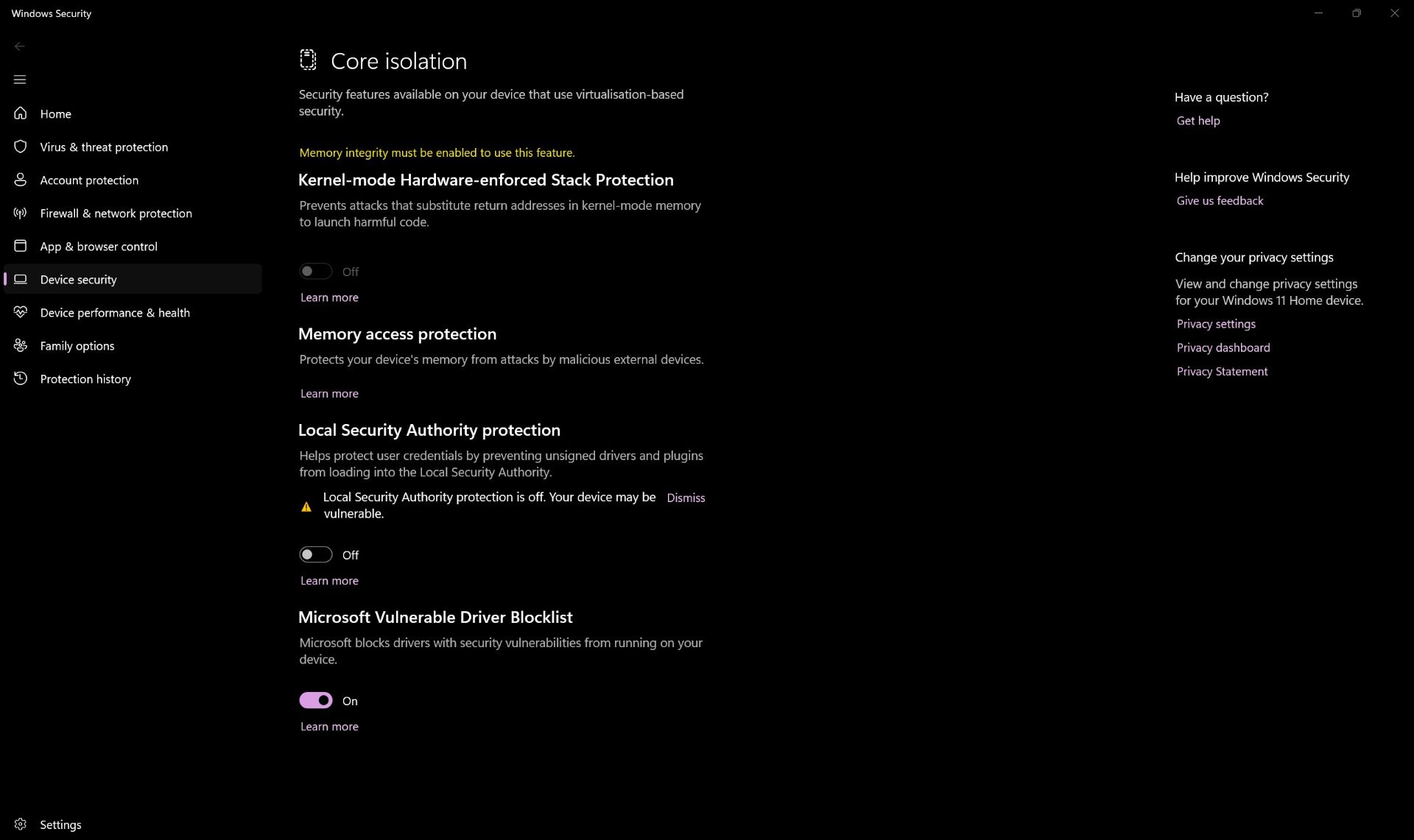
Memory integrity is also known as "core isolation." Although Microsoft does not recommend that users turn off this feature, some usage scenarios may force users to disable it. There are reports that game performance may decrease after core isolation is turned on. However, no significant performance loss has yet been observed on some gaming desktops.
For gaming notebook users who lower their voltages to lower temperatures, this adjustment may cause more troublesome problems. Software such as ThrottleStop and Intel XTU (Extreme Tuning Utility, Intel Extreme Tuning Utility) usually require users to turn off the Windows virtualization function through advanced BIOS settings to perform normal voltage reduction. Therefore, after enabling memory integrity, the system may require a reset of related settings, thereby changing the BIOS configuration and invalidating the previously set voltage reduction parameters.
In addition, some users have turned off Windows virtualization in the BIOS of gaming laptops in order to use ThrottleStop for voltage reduction, while also keeping core isolation turned off.
Because getting ThrottleStop to operate as expected and maintain the target pressure reduction value itself requires processing a large number of settings and the reconfiguration process is quite tedious, so for these users, continuing to turn off Memory Integrity may be a more practical option. However, users should also avoid downloading and installing suspicious software or programs from websites of unknown origin, otherwise they may actively introduce malware and other security risks into the system.
Comments