
Abstract:
The September routine update released by Microsoft earlier caused abnormalities in Microsoft Excel cell copy and paste and formula calculation. Later, Microsoft released KB5002665 out-of-band update to fix the problem. Now Microsoft is pushing an optional preview update again, but this new update is even more outrageous: after some users install the update, their Office licenses will be deleted, and even the entire Office will be automatically uninstalled.
Originally used to repair outdated Microsoft 365:
KB5002907 is an optional non-security update launched by Microsoft for Office. This update is mainly targeted at Office versions that have not been updated for more than 90 days and are using the current channel/monthly channel. Microsoft originally hoped to use this update to help Microsoft 365 components that cannot be updated normally resume updates. Under normal circumstances, as long as system updates are not disabled, they will receive the push, because this update is also pushed through Windows Update.
Some old version licenses were accidentally deleted:
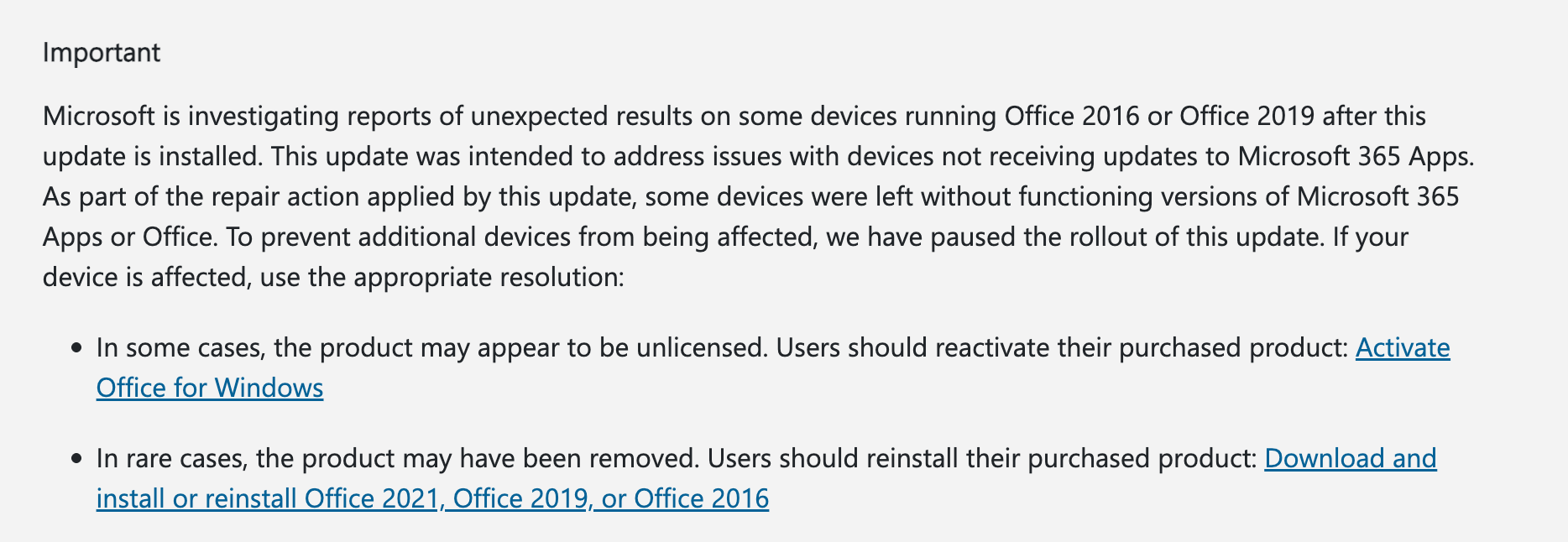
Microsoft has confirmed that Microsoft Office 2016/2019 and other versions have experienced abnormalities after installing the update. Specifically, after installing the update and restarting, Office prompts that the product is not authorized and cannot edit documents normally. In a few cases, the installed Office may even be automatically deleted. For this reason, Microsoft has quickly stopped pushing this update to avoid continuing to push it and affect more users.
The temporary solution currently provided by Microsoft is that if the license is accidentally deleted, the user needs to use the original license to reactivate the product; if Office is deleted, the corresponding version of Office needs to be reinstalled and activated using the original license.
Comments