
Abstract:
OpenAI recently launched an important update for the ChatGPT browser extension, further deepening its integration with the Google Chrome browser. After the upgrade, ChatGPT can not only read the content of the currently opened web page, but also analyze the information, perform tasks, and complete multiple operations directly in the browser environment. Additionally, the update brings new voice features and more language support.
According to reports, the ChatGPT browser extension has the ability to access the content of open tabs as early as July last year. In the latest version, OpenAI has introduced two new working modes, namely "Chat" mode and "Work" mode, allowing AI to interact with the browser more deeply and perform more complex tasks.
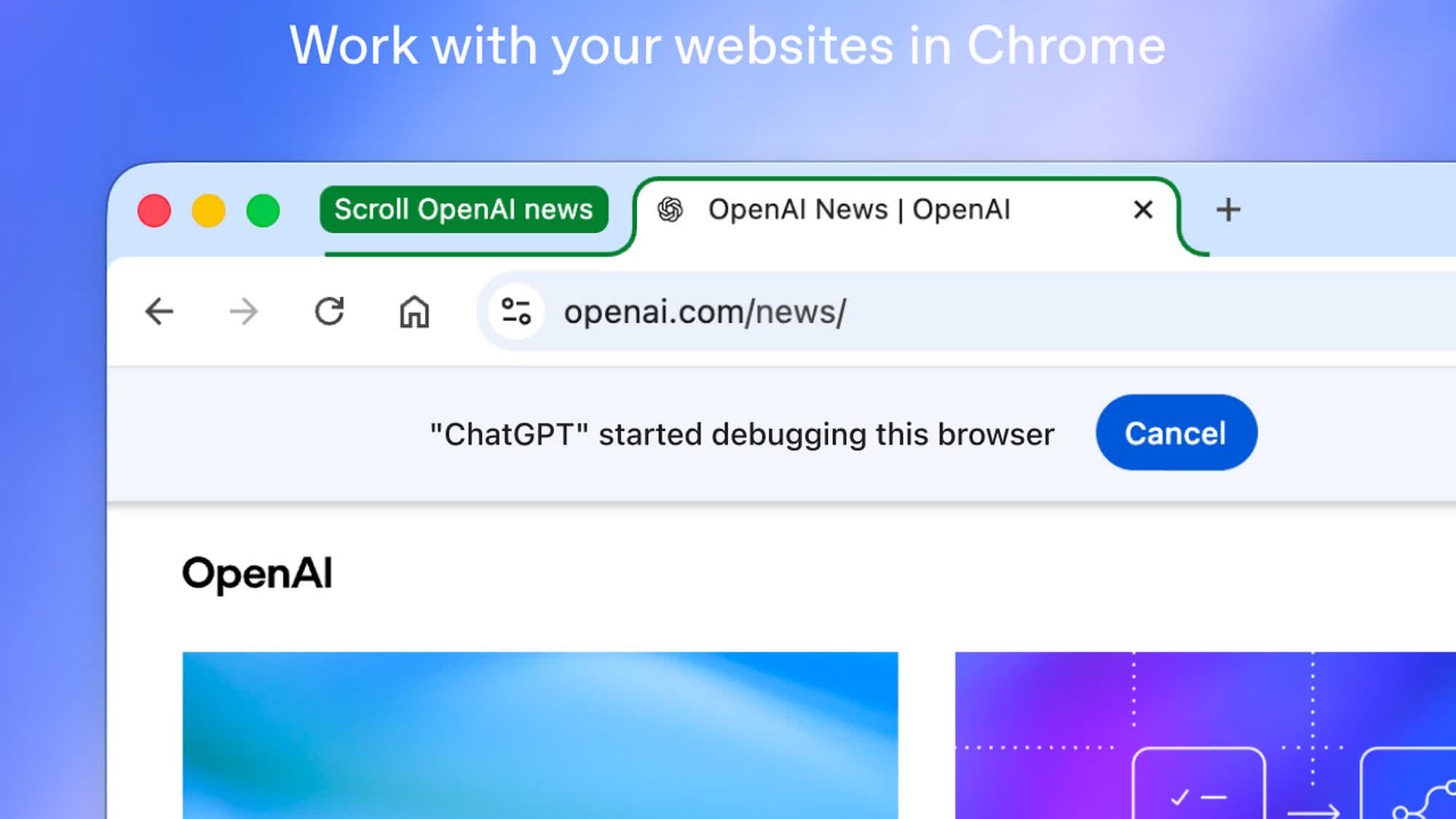
In "Chat" mode, ChatGPT can read the content of the currently opened tab, analyze the information and answer questions based on the context of the web page. For example, when users browse products on multiple shopping websites, ChatGPT can help compare prices, delivery times, return policies and other purchasing factors to assist users in making decisions.
In "Work" mode, ChatGPT's capabilities are further expanded. It can not only control the browser to send messages and download files, but also classify and organize currently opened tabs according to themes. It can also automatically fill in online forms using information obtained from the web or data from documents stored on the user's device. Before formal submission, the system will allow users to manually check the filled-in content to ensure that the information is accurate.
OpenAI also adds a more convenient operation method. Users do not need to open the extension sidebar, and can directly call browser-related functions through the "@Chrome" command in the ChatGPT application or web version. In addition, users can also limit access to ChatGPT to specific tabs, thereby preventing AI from reading the content of other open pages.
This update also adds a dedicated ChatGPT browser tab, which saves the user's ChatGPT chat history. Users can either ask questions through the "Chat" mode on this page, or perform various operations through the "Work" mode. When the AI needs to access the chat history or browse a new website, the system will actively request authorization, and the user can choose permission options such as "Allow only once", "Allow current website", "Allow all websites" or "Deny access".
Currently, these new features are free and open to multiple browsers based on the Chromium core, including Chrome, Microsoft Edge, Brave, Opera and Vivaldi. However, Firefox and Safari are not yet supported. Users can download and install the latest version of the extension through the Chrome Web Store.
Looking back on the development history, OpenAI integrated ChatGPT into the Chrome browser extension for the first time in July last year, providing multiple AI auxiliary functions through the sidebar "Side Chat". Users can use the extension to summarize articles, transform complex content into understandable expressions, answer questions about YouTube videos, and translate text in multiple languages.
It is worth noting that although OpenAI continues to improve ChatGPT’s support for third-party browsers, the company’s own browser Atlas has not achieved the expected success. Atlas was released last year with built-in ChatGPT functionality, but it officially ceased operations in August this year due to its failure to capture enough market share from mainstream browsers such as Chrome, Safari, Edge and Firefox.
Comments