
Abstract:
Microsoft has now officially opened the ISO image download of Windows 11 26H2. Users can obtain the complete installation image directly through Microsoft’s official channels for new installation, system reinstallation, virtual machine deployment, and in-place upgrade of existing Windows 11 devices. Windows 11 26H2 is an annual version update launched by Microsoft for the second half of 2026, where "26H2" represents the version released in the second half of 2026.
Download address:
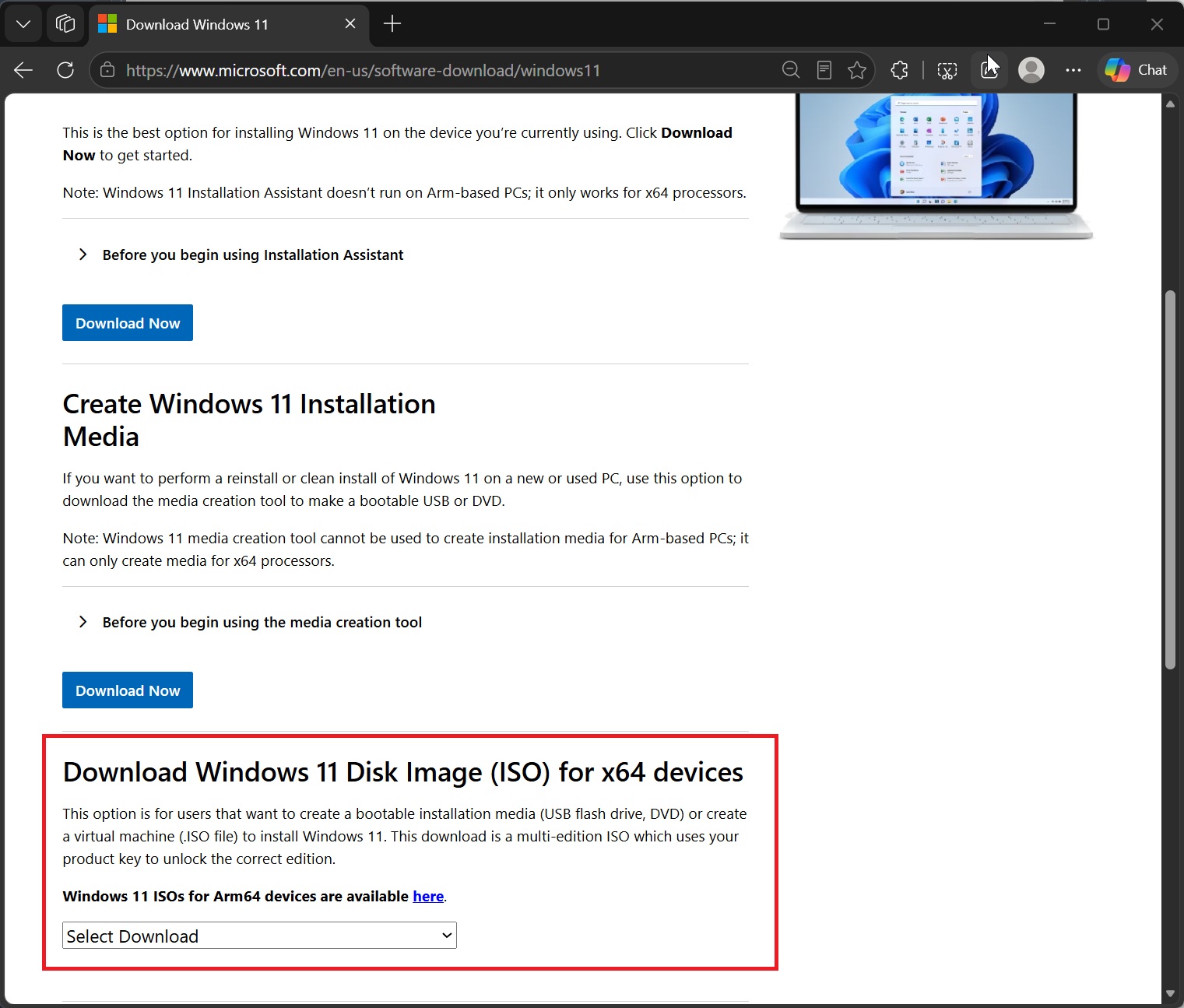
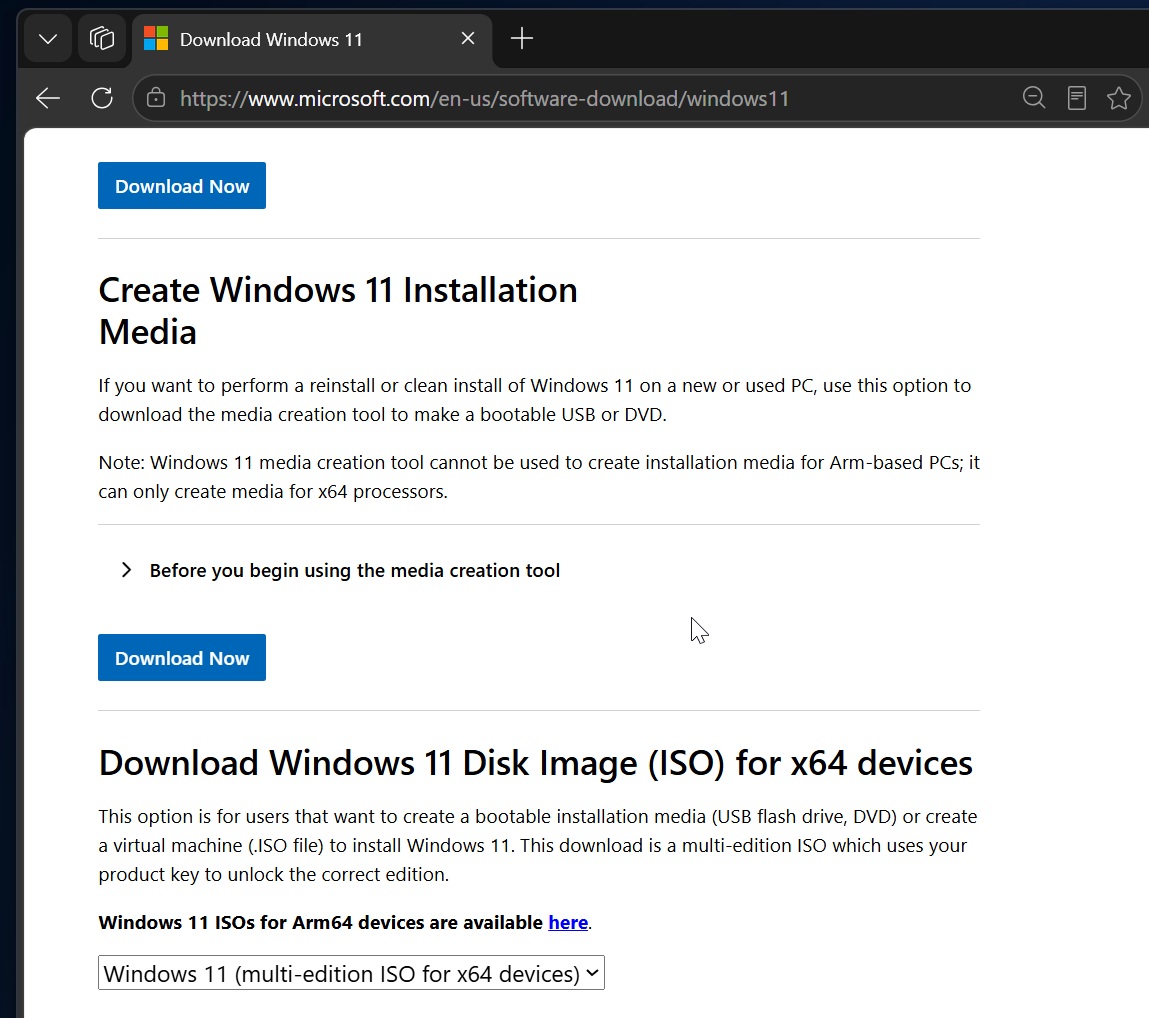
https://www.microsoft.com/en-us/software-download/windows11
The capacity of the Windows 11 26H2 ISO image provided this time is about 7.9GB, which is basically the same as the Windows 11 version of the previous year. Microsoft currently provides two versions, x64 and Arm64. The x64 image is a multi-version image that can cover Home, Pro and other consumer versions, while the Arm64 image is for devices using ARM processors. Microsoft does not provide a 32-bit version.
It is worth noting that although the ISO of Windows 11 26H2 is close to 8GB, for computers already running Windows 11 24H2 or 25H2, there is no need to download such a huge installation image. Since 24H2, 25H2 and 26H2 use shared service branches, Microsoft can complete version switching through a very small enablement package. The x64 version of this enablement package is only about 174KB and only requires a single reboot after installation to upgrade eligible 24H2 or 25H2 devices to 26H2.
The ISO image still contains the complete Windows system installation files, so it is mainly aimed at users who need a new installation, offline installation, or want to save a complete system installation media. Microsoft has integrated the latest cumulative updates into the current ISO. The currently provided image already contains the September 2026 Patch Tuesday update. Therefore, compared with using earlier versions of the installation media, it can reduce the time to re-download a large number of updates after the installation is completed.
Users can obtain the 26H2 image through the official Microsoft Windows 11 download page. The x64 version is suitable for traditional PCs with Intel and AMD processors, while devices with ARM processors such as Qualcomm's Snapdragon X series should choose the standalone Arm64 image. Microsoft's current media creation tools cannot directly create installation media for ARM computers, so ARM users need to use the Arm64 ISO provided by Microsoft.
The ISO download link generated by Microsoft is time-sensitive. The official page shows that the generated download link is valid for 24 hours. If the previously generated link expires, it does not mean that the Windows 11 26H2 image has been removed by Microsoft. Users only need to regenerate a new download link.
Before using the ISO, users can also verify the SHA-256 hash value of the file through PowerShell to confirm that the downloaded image has not been damaged or tampered with. Microsoft will publish the hash values corresponding to the language and architecture ISO, and users can compare the local calculation results with the official values. If the two are inconsistent, you should not continue to use the image for system installation.
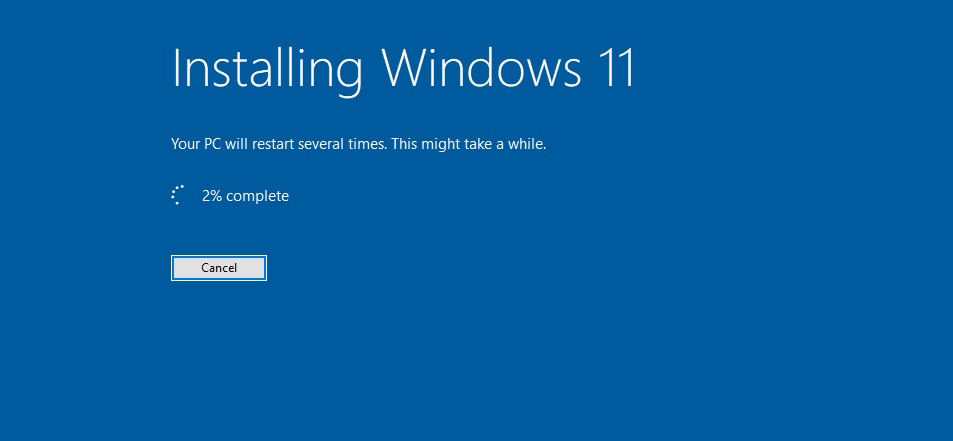
For users who are already running Windows 11 24H2 or 25H2 and just want to upgrade to 26H2, there is usually no need to specifically download the ISO. Windows Update will complete the upgrade through an activation package of approximately 174KB. However, if the current system has problems such as file corruption, Windows Update not working properly, or system operation abnormality, then using 26H2 ISO to perform an in-place upgrade can rewrite Windows system files while retaining original applications and personal data, so it has certain repair value.
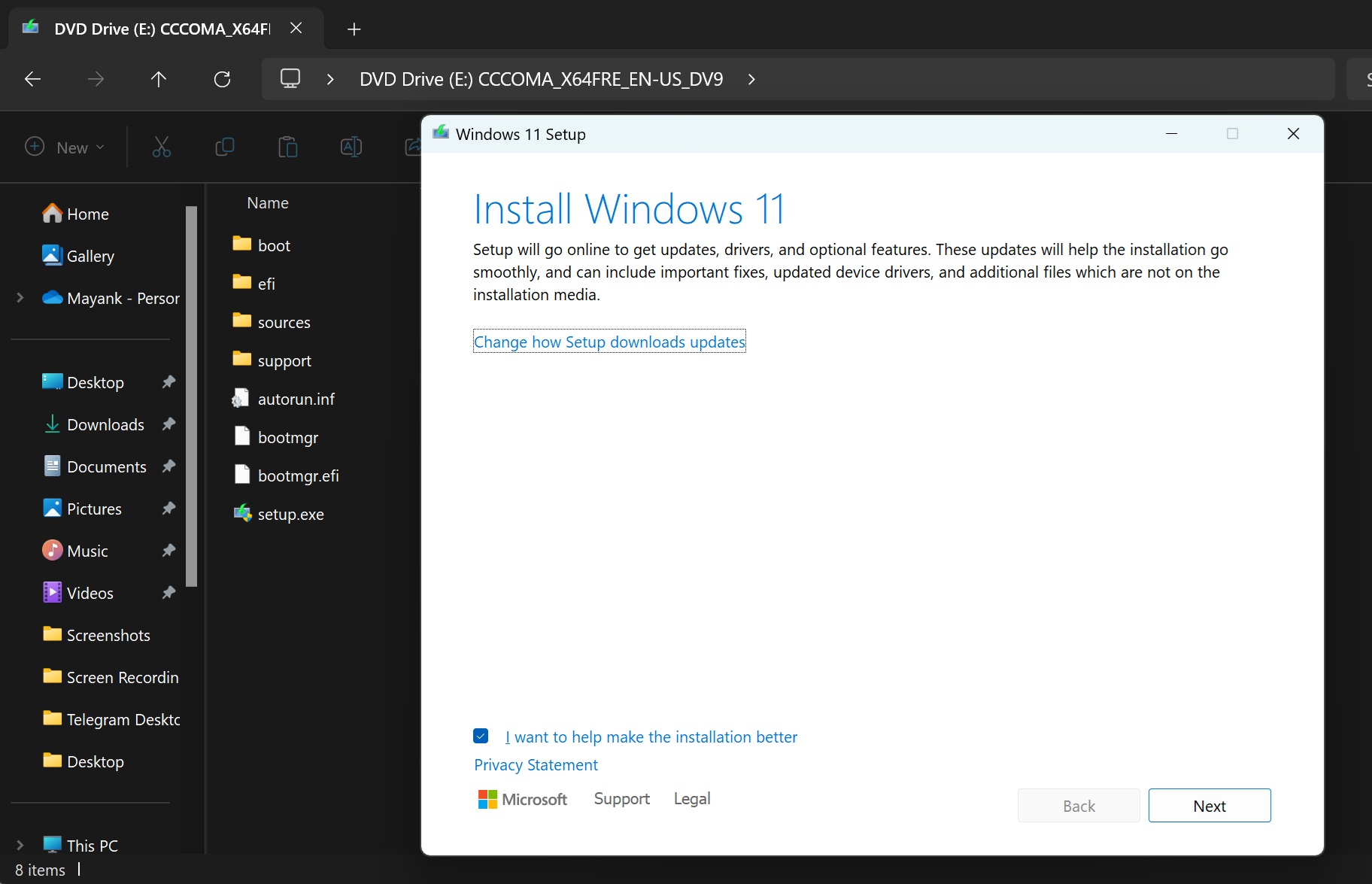
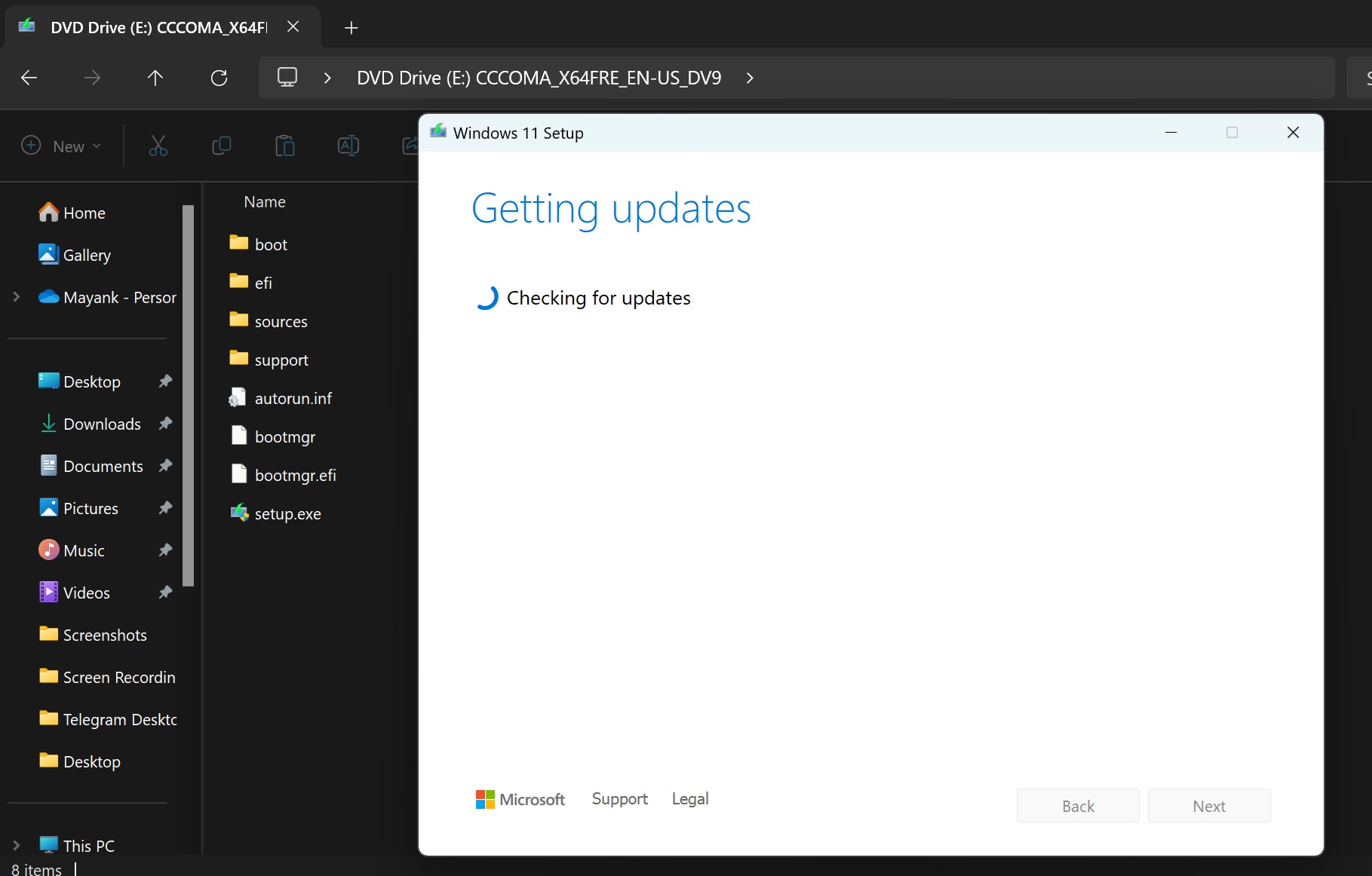
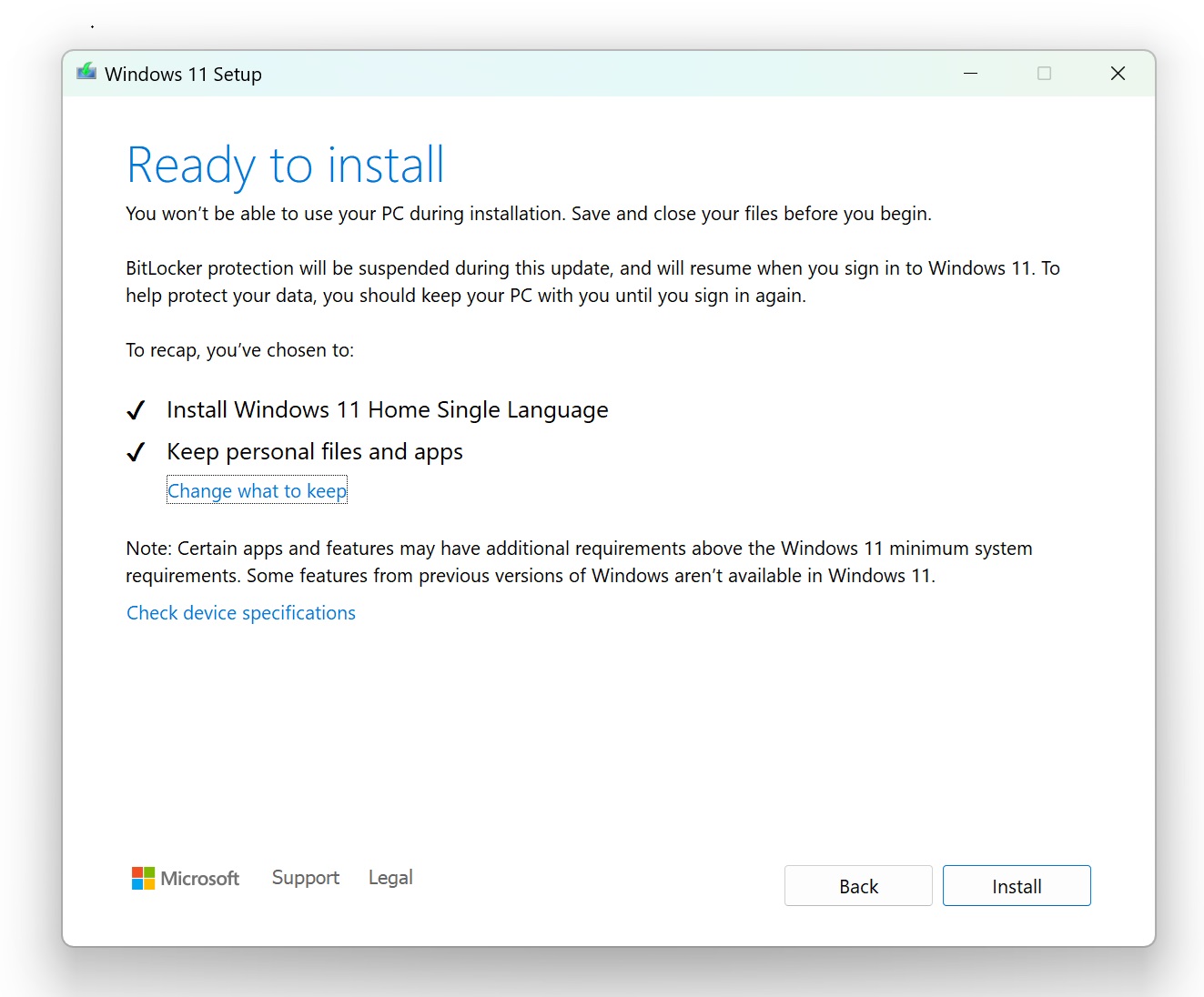
In-place upgrades using ISO are also relatively simple. After users download the image, they can right-click the ISO directly in the file explorer and select "Mount", and the system will then create a virtual DVD drive. After entering the drive, run setup.exe, follow the installer prompts, and confirm the selection of "Keep personal files and applications" on the "Select what to keep" page to complete the upgrade without deleting existing programs and data.
If the user wants to perform a complete new installation, they can use the ISO to create a bootable USB disk. It is recommended to prepare a USB flash drive with at least 16GB capacity. You can also use Microsoft Media Creation Tool or Rufus and other tools to create boot media. Then boot the computer from the USB flash drive, choose to install Windows 11 in the Windows Setup program, and select the target disk and partition. It is important to note that deleting or formatting a partition will erase its data, so important file backups must be completed before performing a fresh installation.
The activation method of Windows 11 26H2 has not changed fundamentally. For computers that have previously activated Windows 11 and bound a digital license, there is usually no need to purchase a new license during a new installation. As long as the Windows version corresponding to the original license is installed, the device can generally be automatically reactivated after it is connected to the Internet. If a matching version of the product key is already saved in the computer firmware, the installer can automatically use that key to complete activation.
From the perspective of system functions, Windows 11 26H2 is not a large Windows version that contains a large number of new features in the traditional sense. Microsoft has previously gradually pushed a large number of new features to 24H2 and 25H2 through monthly updates, so many so-called "26H2 new features" actually exist in previous versions. 26H2 is more responsible for version switching and new service life cycle functions.
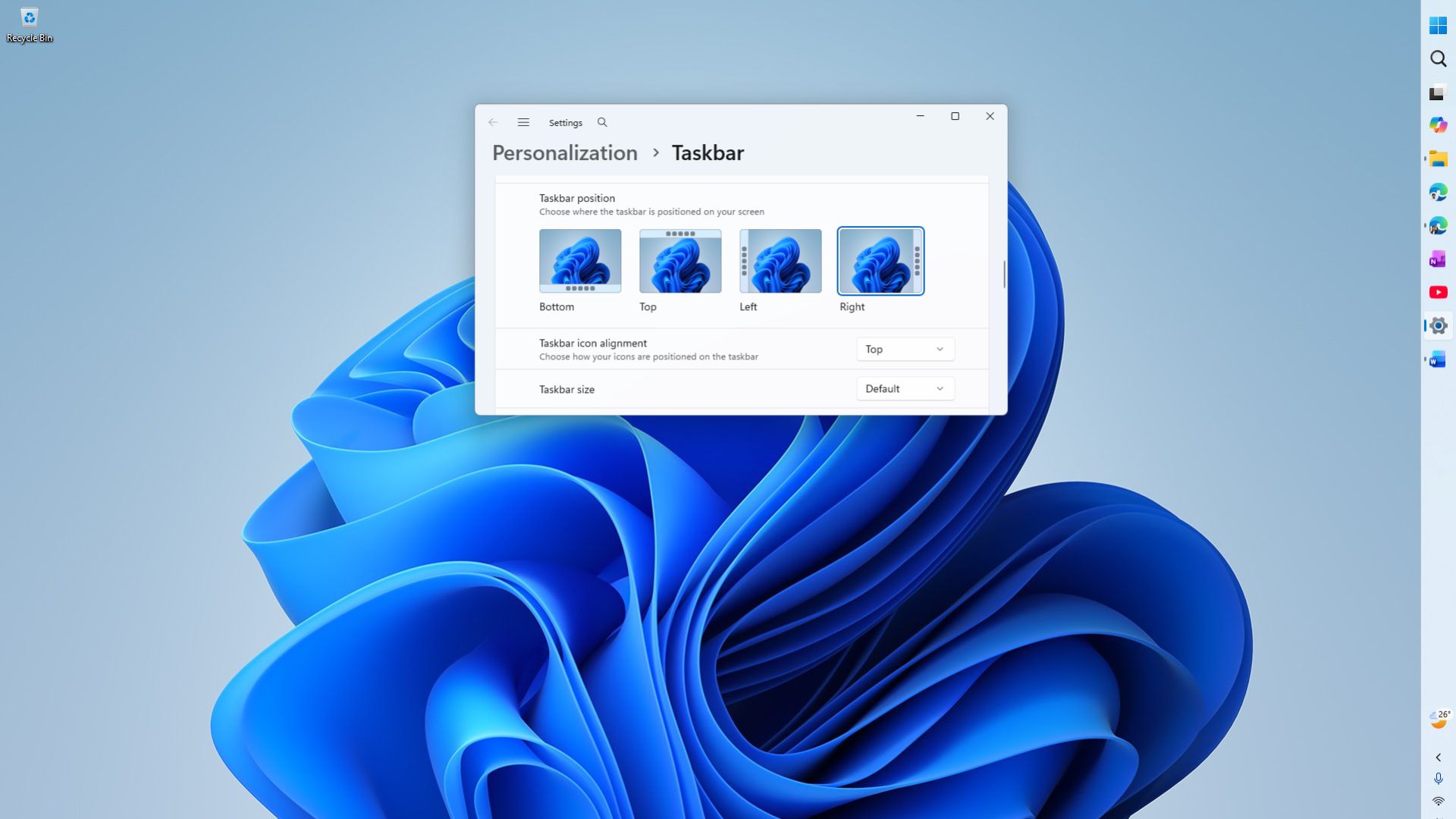
For example, Windows 11 finally provides the taskbar position adjustment function again. Users can place the taskbar at the top, left, right, or bottom of the screen in settings. This feature was canceled when Windows 11 was originally released and has now been rejoined. At the same time, users can also choose a smaller taskbar size, but the small taskbar and search box-related functions have certain limitations in the vertical taskbar layout.
Resizing options have also been added to the Start menu. Users can choose automatic, small or large layout in the settings to avoid the new start menu taking up too much display space on small laptop screens. In addition, areas such as pinned projects, recently used content, and all applications can be more independently controlled, and users can also hide information such as account names and avatars.
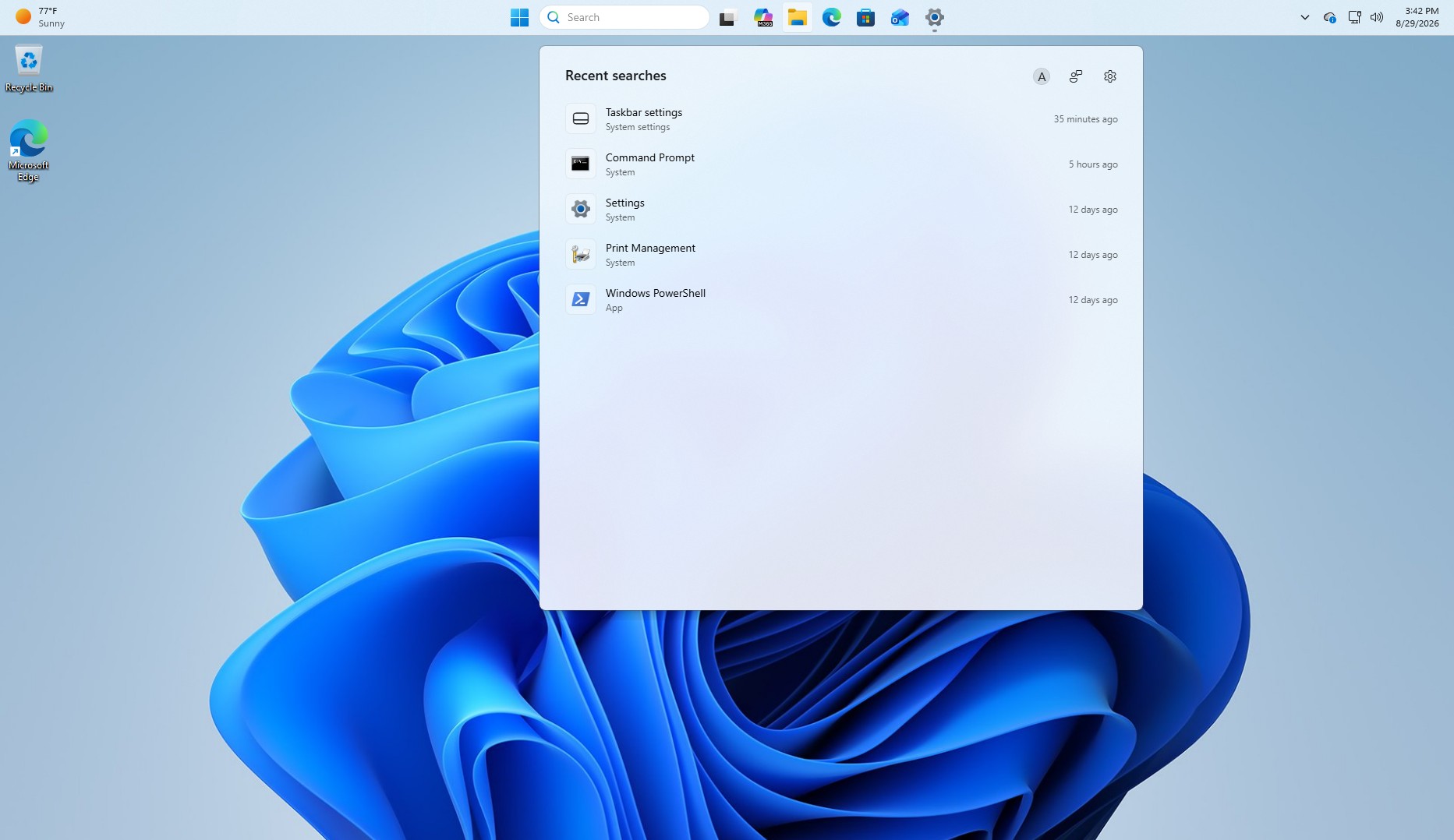
Windows Search has also been tweaked. Microsoft has previously reduced some web information and MSN content in the search interface, and added options to turn off web search and Microsoft Store recommendations. Search results also have added type tags such as apps, settings, files, web results and store suggestions, while improving the recognition of typos and incomplete keywords.
Enterprise users will also get some management features enabled by default, including backup of Windows settings and execution of specific app actions from the taskbar. For Enterprise Edition, Education Edition, and some Professional Edition devices managed by organizations, the system also enables point-in-time recovery by default, which can use local restore points to restore the computer to its previous state. However, these features are mainly for computers managed by organizations and are not new features exclusive to ordinary consumers.
Installing Windows 11 26H2 does not raise the original hardware threshold of Windows 11. Microsoft currently still requires a compatible 64-bit processor or SoC, at least 4GB of memory, 64GB of storage, system firmware that supports UEFI and Secure Boot, TPM 2.0, and a graphics card that supports DirectX 12 and WDDM 2.0. The monitor needs to be larger than 9 inches and have a resolution of at least 720p.
Windows 11 26H2 does not require the computer to be a Copilot+ PC, and does not require a 40 TOPS NPU to install the system. However, some artificial intelligence functions will still set additional requirements based on hardware capabilities. Therefore, ordinary Windows 11 computers can install 26H2, but it does not mean that all AI functions can be used.
Microsoft also considers 26H2 as part of the Windows 11 shared services architecture. After installation, the build number of the 24H2 device will be increased from 26100 to 26300, and the 25H2 device will be increased from 26200 to 26300. All three versions are based on the same Germanium service branch, so a large number of features can actually be deployed in advance through monthly updates, and then officially enabled through enabling packages or version upgrades.
The importance of 26H2 is also reflected in the support cycle. Windows 11 24H2 Home and Pro editions will end support on October 13, 2026, while 26H2 Home and Pro editions are expected to be supported until October 2028, and Enterprise and Education editions are expected to be supported until October 2029. Therefore, 26H2 will gradually become the main maintenance version of Windows 11 for users who need to obtain security updates in the long term.
For ordinary users who are already running 24H2 or 25H2 normally and have a stable network connection, they can upgrade directly through Windows Update without specifically downloading the nearly 8GB ISO. However, Windows 11 26H2 ISO has greater practical value for users who need to perform a new installation, offline deployment, repair the system, create a virtual machine, or want to keep a copy of the current official version of Windows installation media.
Comments