
Abstract:
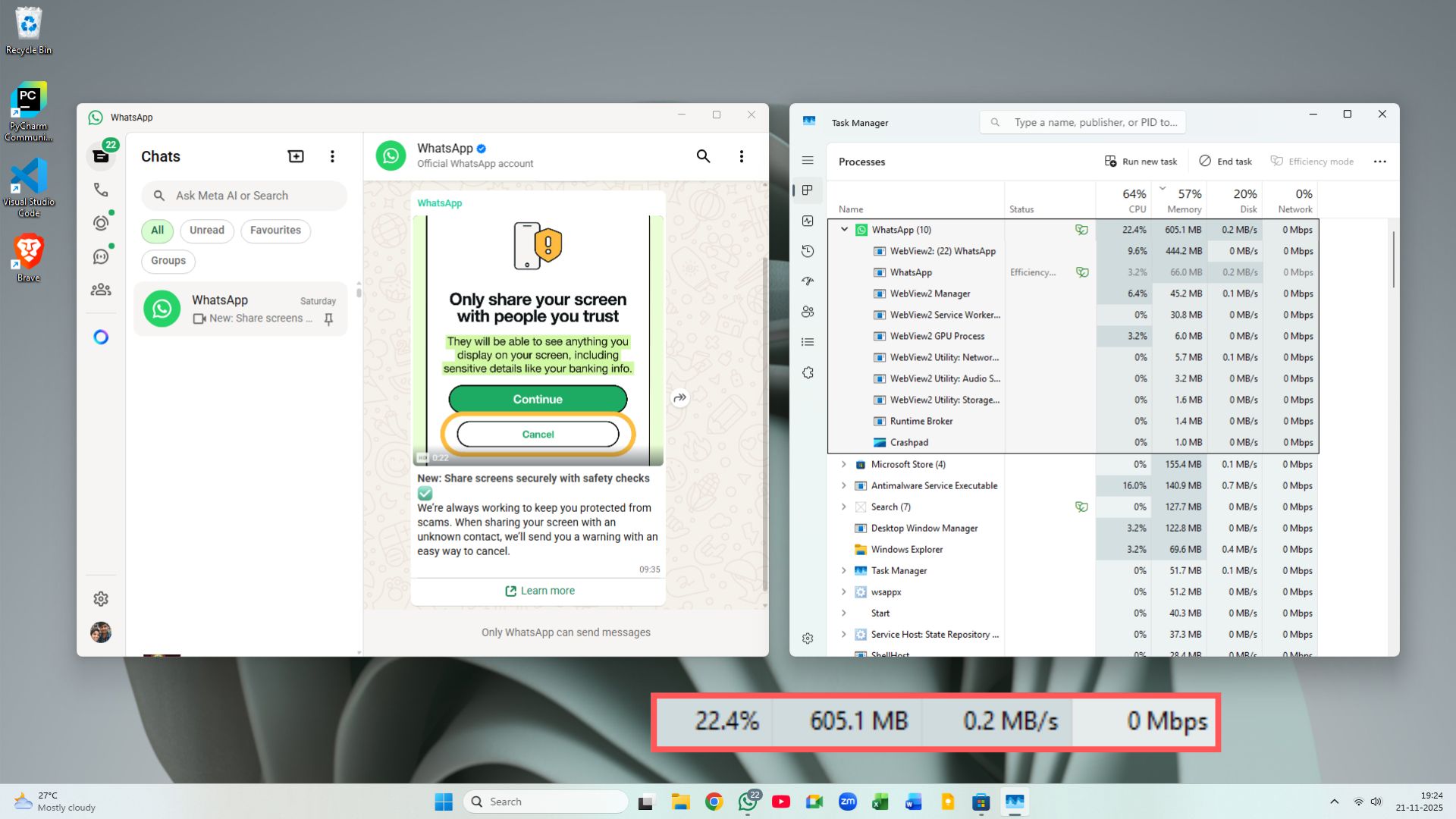
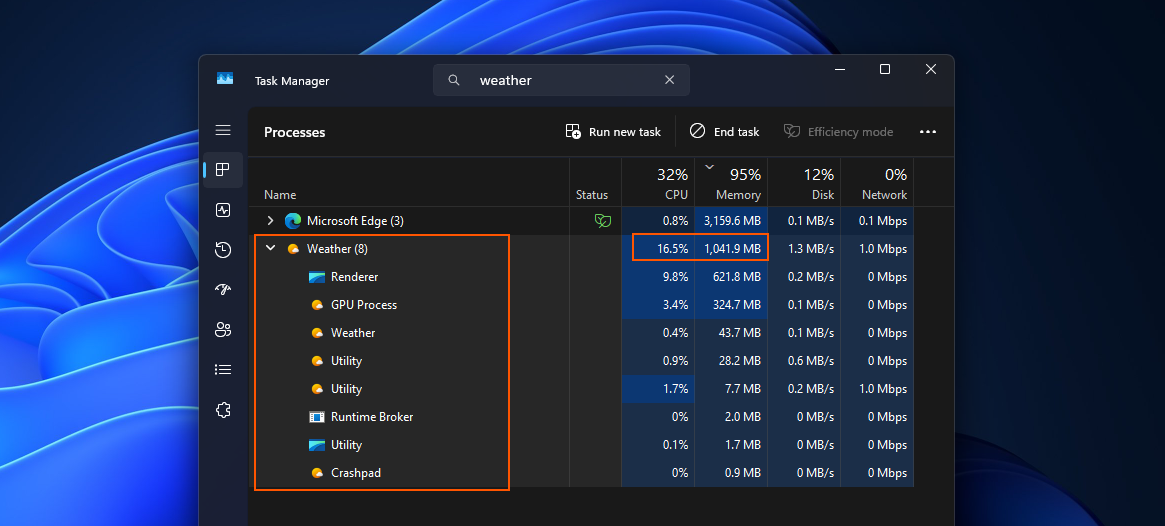
Microsoft is launching a major underlying change in the Windows 11 ecosystem, aiming to completely end the era of "Web App Slop" that has long been prevalent in the operating system. Over the years, Microsoft and many third-party developers have widely used Web technologies based on the Chromium core (such as Electron, Edge WebView2, etc.) to build desktop applications. Although this has greatly reduced the cost of cross-platform development, it has also left users trapped in a quagmire of crazy cannibalization of system resources, slow startup, and fragmented interface interactions.
Now, Microsoft has decided to fully shift its focus back to high-performance pure native desktop architecture, and with the help of AI-assisted coding tools, it has significantly cleared the efficiency threshold that hinders native development.
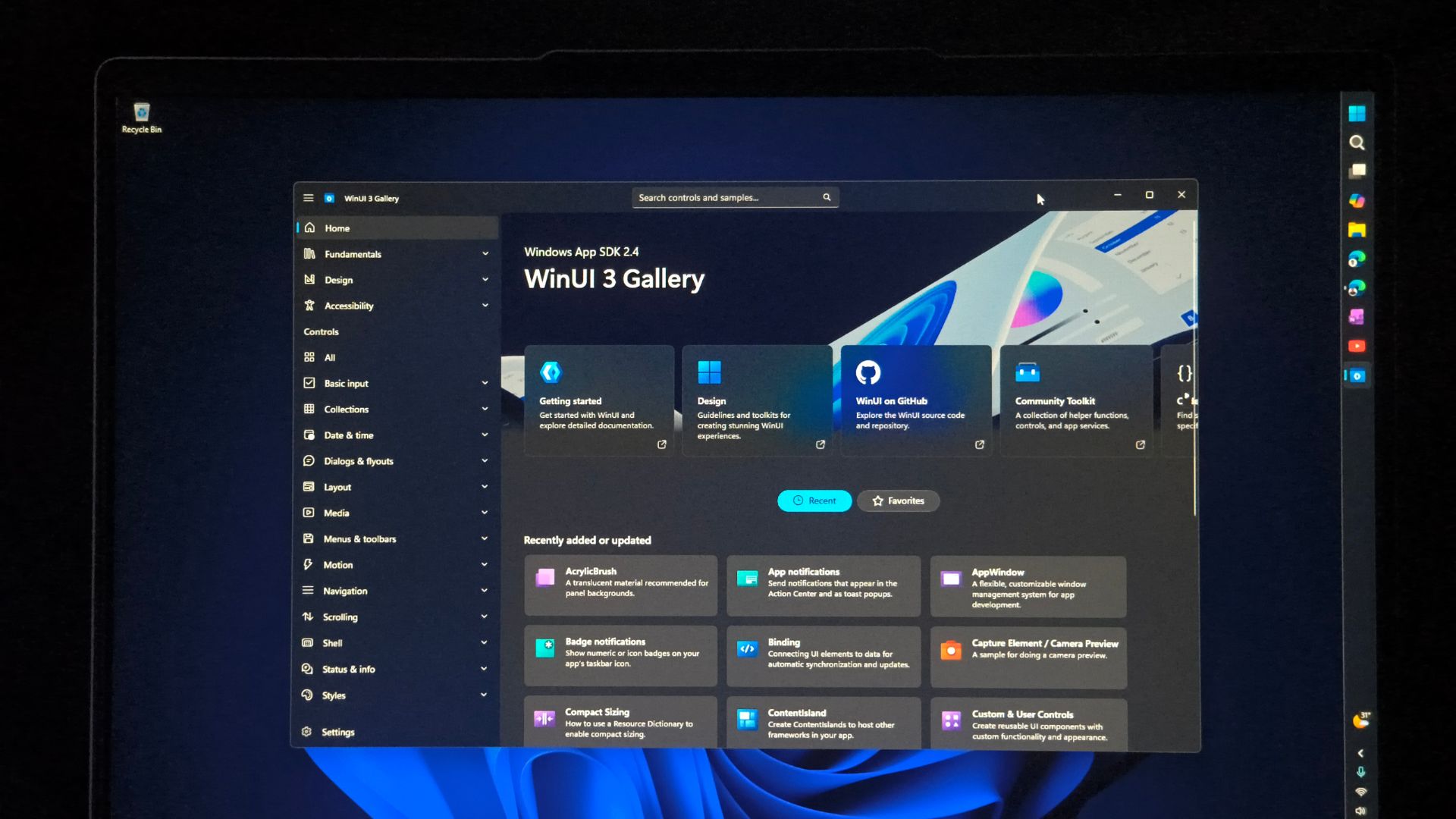
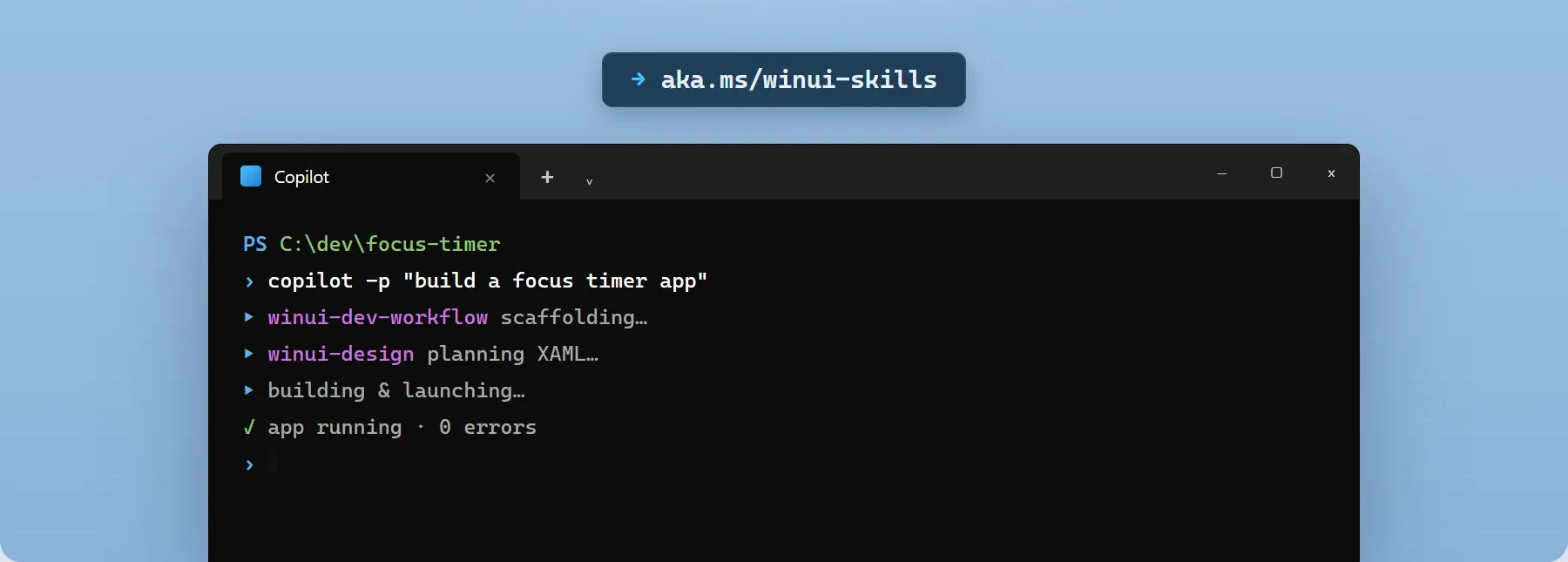
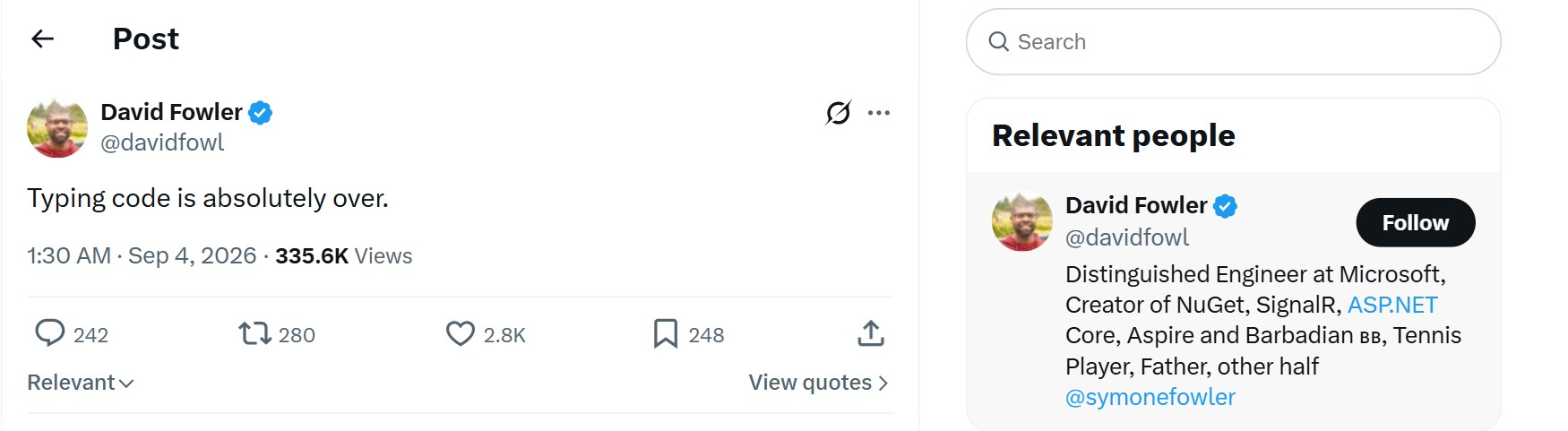
In the just-concluded annual development technology sharing, Microsoft's software architecture team demonstrated an eye-catching breakthrough: with the help of a deeply integrated dedicated AI code generation large model and the underlying workflow of Visual Studio, developers can now generate a high-performance desktop client from scratch with complete basic functions and running entirely on the Windows native framework (based on C#, C++ and WinUI 3/Windows App SDK) in about 30 minutes. In the past, even if an experienced team of engineers built a native program of the same scale, it would often take days or even weeks to complete complex and trivial tasks such as interface drawing, underlying API calls, and memory safety management.
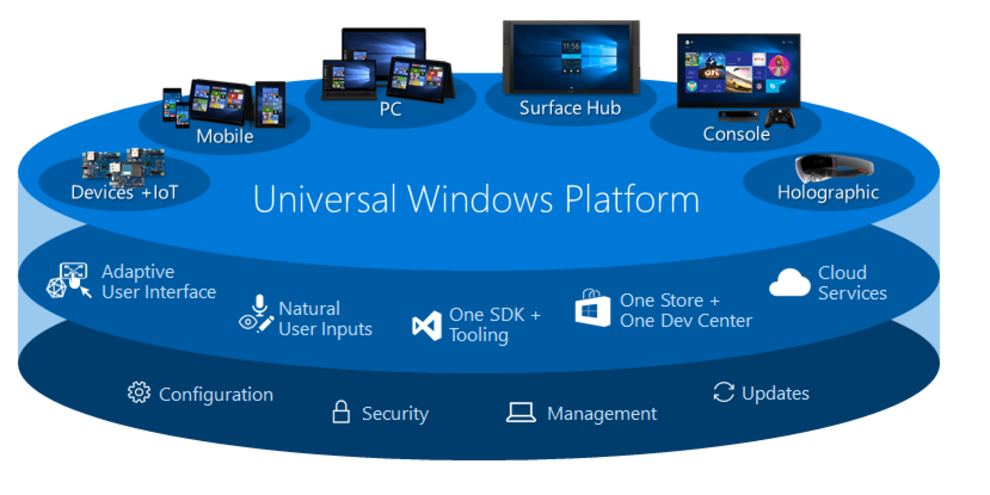
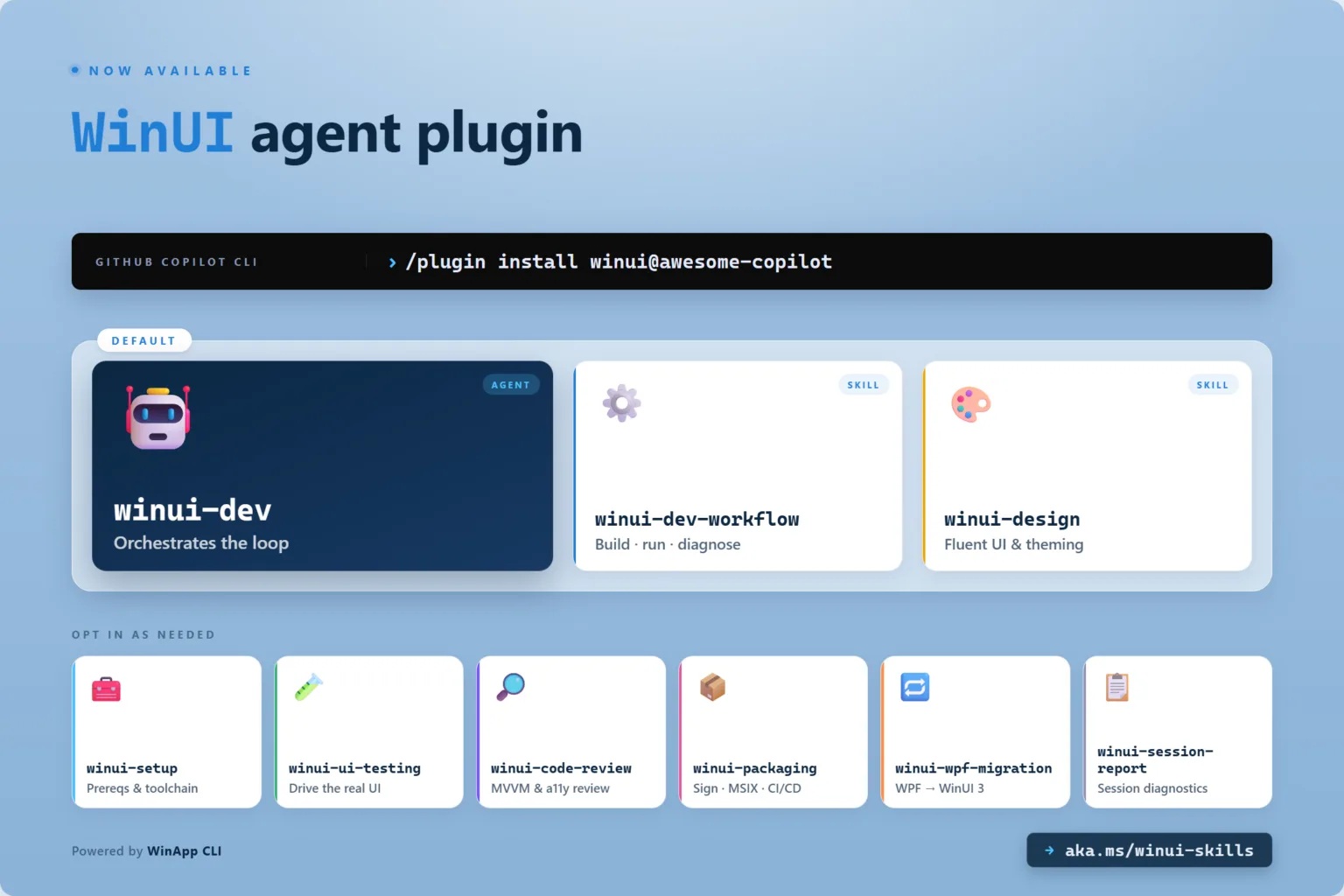
Microsoft officials pointed out that although desktop programs based on Web packaging allow developers to worry less, they bring "hidden costs" at the desktop operating system level that are difficult to ignore. Behind every simple shell tool, there is often a complete browser operating environment, which causes Windows 11 to occupy a high amount of memory when running multitasking, seriously overdrawing battery life and affecting overall response delays. To this end, Microsoft is positioning AI as the "core catalyst" to revitalize the native application ecosystem. It can not only automatically generate efficient native UI layout and business logic based on natural language and interface requirements, but also assist developers in one-click migration and reconstruction of existing heavy web page shell codes into lightweight native architecture.
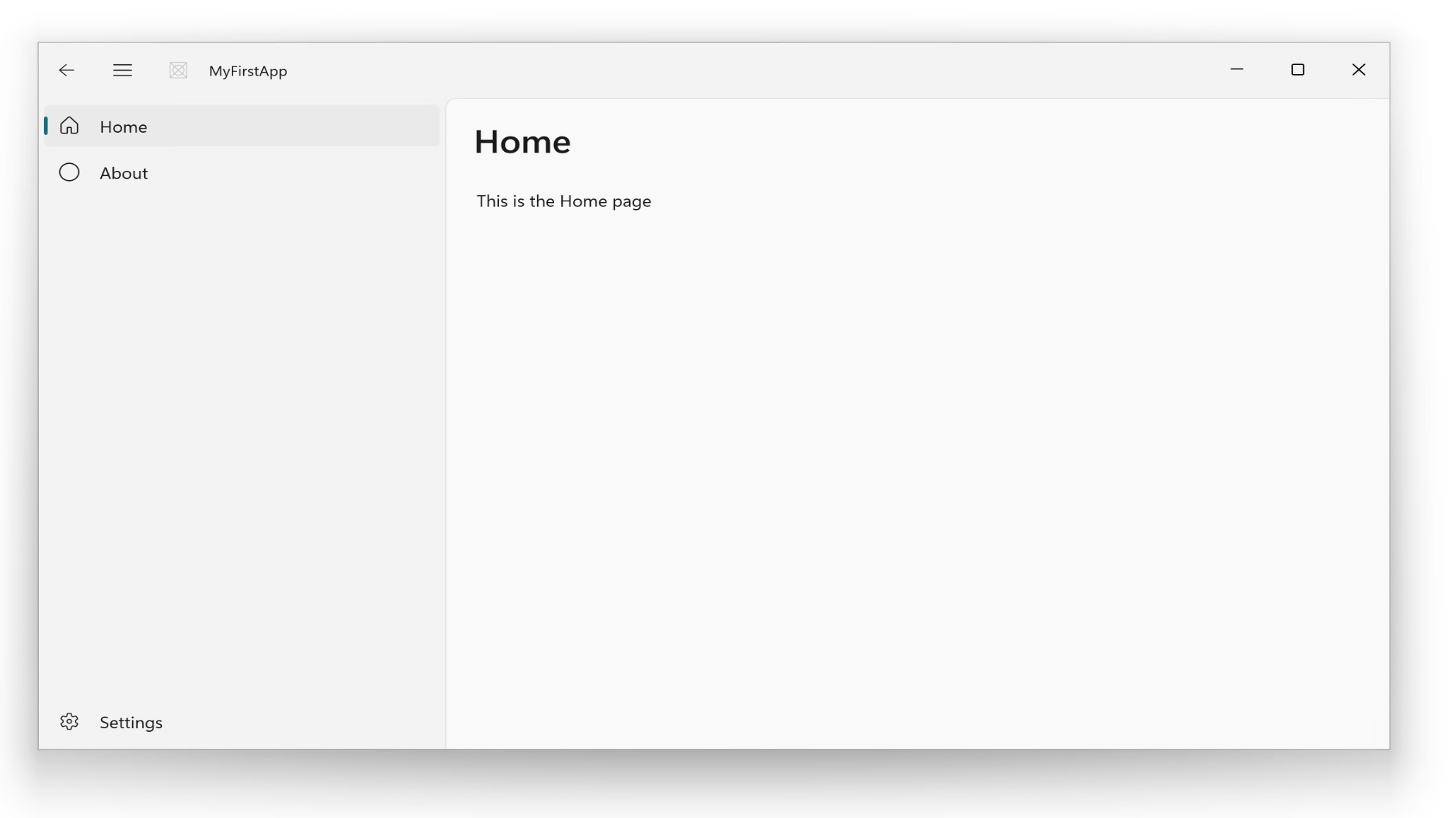
Internal performance tests show that the native application restructured with this new architecture has a cold start speed that is nearly 4 to 6 times faster than the previous Web package version, and the runtime memory overhead has been directly reduced by more than 60%. At the same time, it has reached a seamless level of compatibility with system features such as adaptive dark mode, mica (Mica) material, smooth animation, and system-level security sandbox. As an example, Microsoft has taken the lead in launching an in-depth "unpacking" of its official application matrix. Core components that have been criticized by users due to the Web architecture, including new versions of Teams, Outlook and even some system pre-installed gadgets, have been scheduled to gradually transition to modern native code.

While promoting this transformation, Microsoft has also released a clear signal to the developer community: with the maturity of hybrid AI programming tools on the device and the cloud, native development efficiency is no longer an insurmountable gap, and the Windows platform will return to the pursuit of high responsiveness, low power consumption, and ultimate operating efficiency. This series of measures is expected to allow Windows 11 to gradually remove the redundant baggage brought by history and frameworks in future updates, bringing users a lighter, smoother and consistent modern desktop experience.
Comments